
Before after image slider – Free Online Tool
Easily compare two images interactively and visualize your progress or design changes.
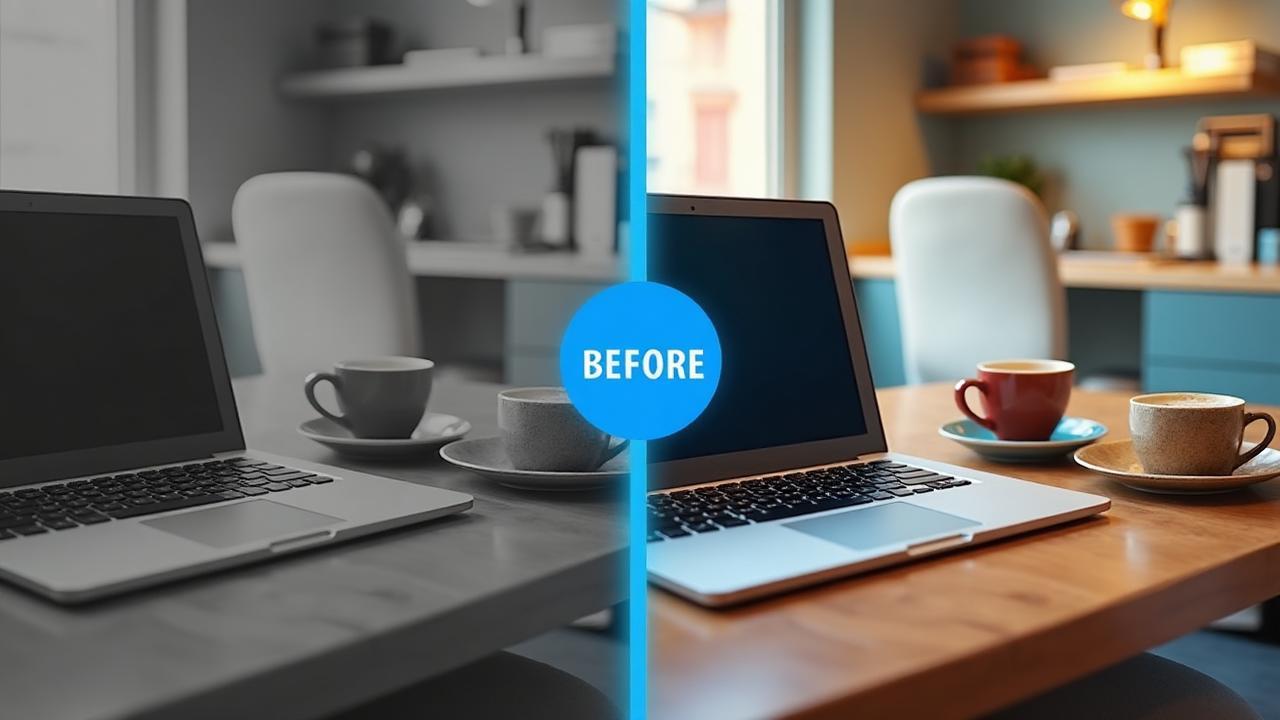
Try the Tool
Upload your images and create an interactive comparison slider
Upload & Configure
Live Preview
Upload both images to see the preview
How to use Before after image slider tool
Follow these simple steps to create your comparison
Upload Images
Upload your Before and After images using the upload fields.
Configure Slider
Choose slider orientation (Horizontal or Vertical).
Customize
Adjust label visibility and appearance if needed.
Preview & Share
Click 'Generate Slider' to preview and share your interactive result.
Why use Before after image slider tool
Powerful features for seamless image comparison
Completely Free
Completely free and easy to use—no registration required.
Smooth Transitions
Responsive and smooth transitions powered by Tailwind CSS.
Customizable
Customizable slider orientation and labels.
SEO Optimized
SEO-optimized and shareable link preview.
Privacy Focused
Privacy-focused: images are processed locally in the browser.
Frequently Asked Questions
Everything you need to know about the tool
More Tools Like This
Explore other powerful tools from ParetoDeals