

App Overview
CS - Export Product Images streamlines bulk image exporting from Shopify with options for custom naming (SKU, Barcode) and folder structures. It allows filtering products by status, collection, date, or vendor, and includes real-time progress tracking to enhance efficiency.
Screenshots
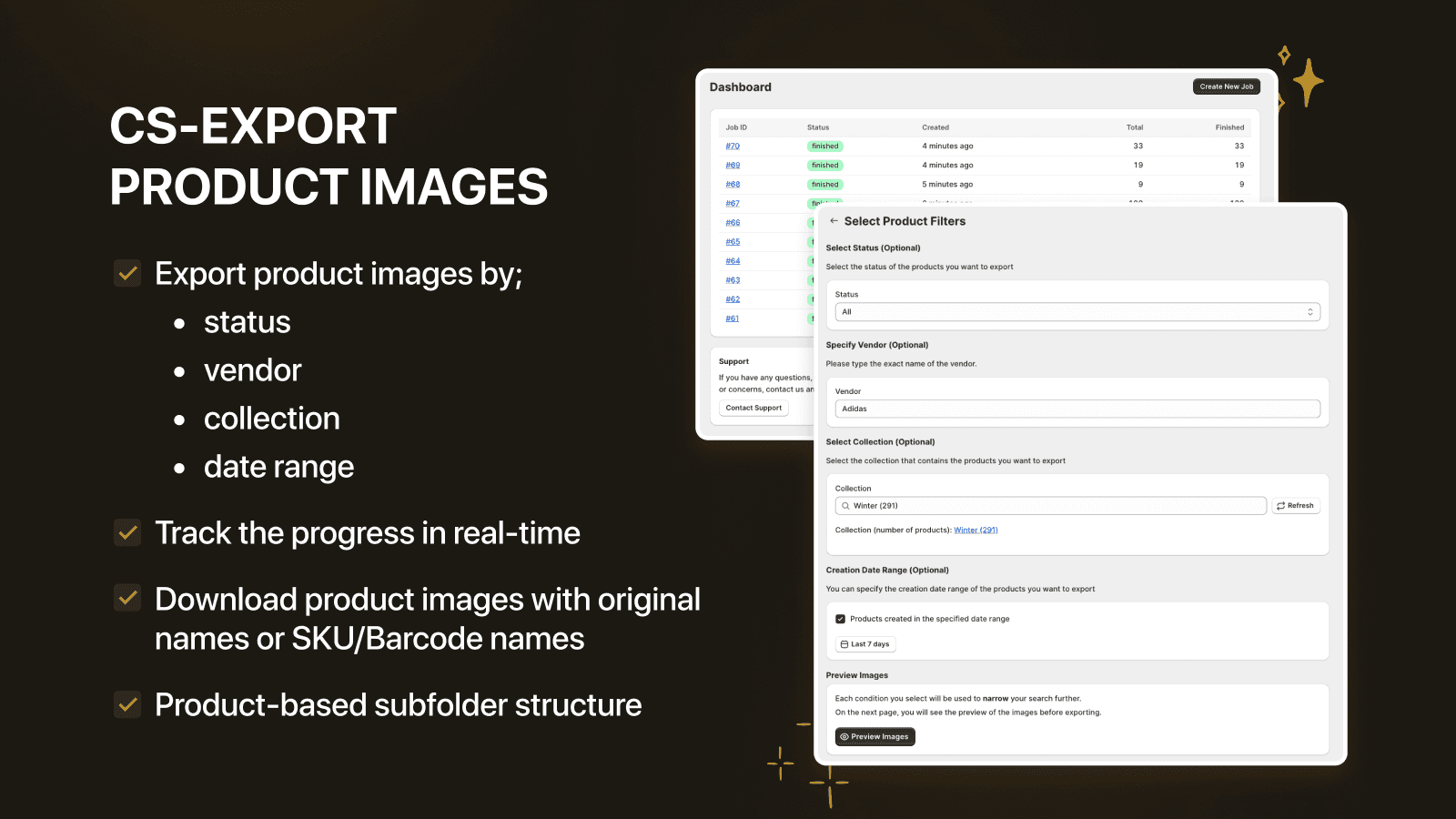
Bulk export product images by status, collection, date, vendor. Download product images to device
Export product images in bulk with flexible name and folder options and save time. Filter product by status, collection, date & vendors to extract images. Bulk export product photos and files, download images with naming options: SKU, Barcode or ID. Photo file export progress monitoring is available in image downloader logs. Bulk image exporter provides an efficient flow to export variant images in bulk, allow you to export images in minutes. Bulk product image export is no longer a problem.
Key Features
- Fully automatic product, variant photo exporter. File export tool
- Select multiple criteria; status,collection,date,or vendors to image downloader
- Image exporter has real-time monitoring of image download progress & export
- Customized image & folder names, image download as product based subfolders
- Download images with SKU or Barcode names & image position with image downloader
Best alternatives to CS ‑ Export Product Images


DONDO: AI AEO + SEO + Images
Bulk SEO edits in seconds—titles, tags & descriptions, no code


Lookfy Lookbook: Image Gallery
Gain customers with photo gallery, portfolio & shoppable image

PicManager Bulk Image Upload
Boost upload image process with picture upload & optimization

CS ‑ Export Product Images FAQs
Yes! Try CS ‑ Export Product Images free plan. For more details about CS ‑ Export Product Images pricing, check here.