

App Overview
Overview of Blink – Hide Out of Stock Blink enhances your Shopify store by seamlessly managing out-of-stock products to ensure a smooth shopping experience. The app automatically hides sold-out items, restoring them when restocked, which prevents customer frustration. It also removes products without images to maintain a polished appearance. Additionally, you can schedule product hideaways for specific periods, ideal for promotions or sales. With email alerts, stay informed about product status changes. This tool benefits both merchants and customers by streamlining inventory management and boosting satisfaction.
Screenshots
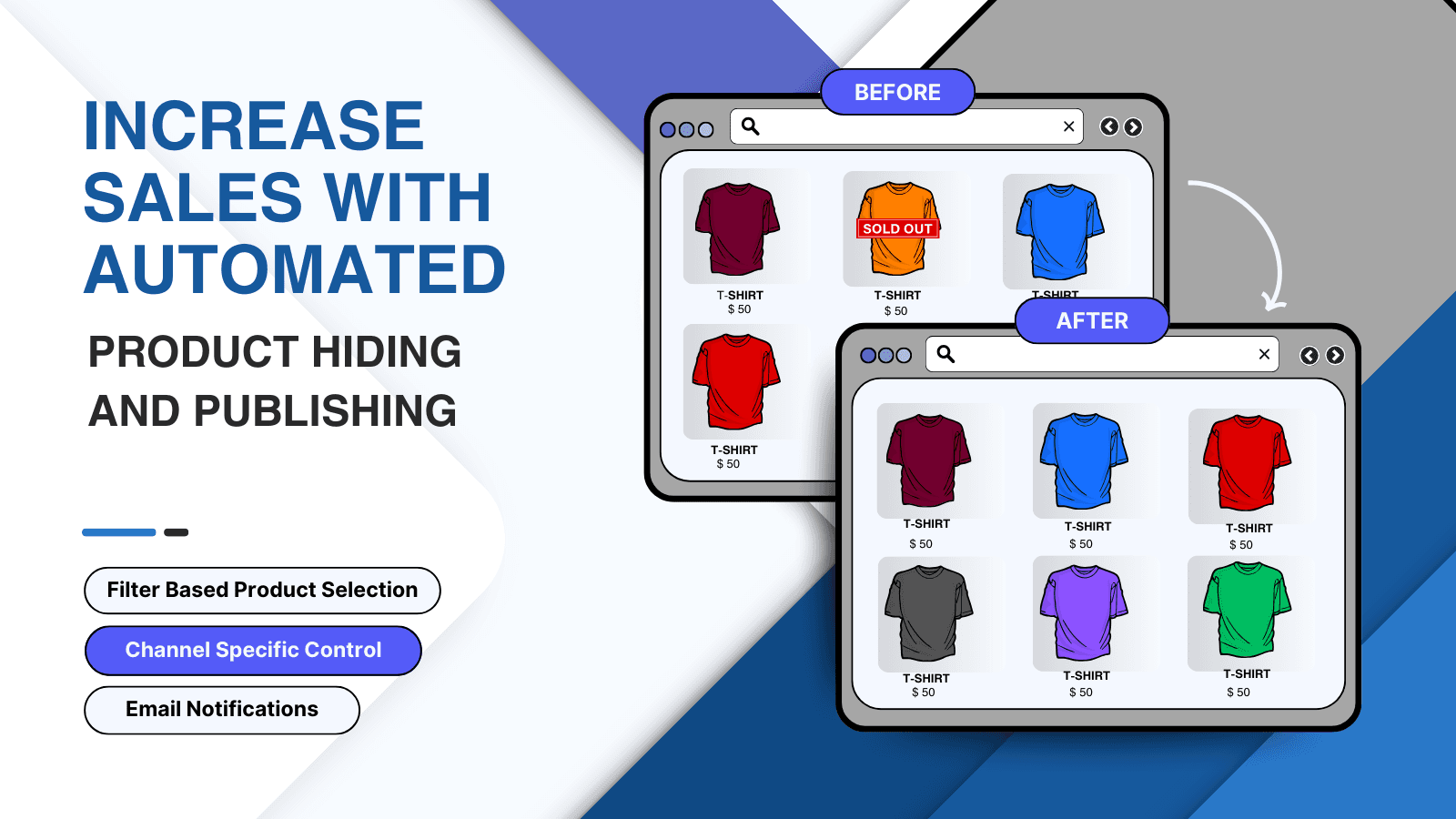
Automate Hiding or Publishing products by Catalogs (Markets group), Sales channels or Status
Improve buying experience for your customers by hiding Products they can't buy! The main challenge faced due to sold-out products is that customers may lose interest in shopping when they look at sold-out products, which may lead to a destructive impact on sales. Hence it's essential to manage sold-out products to have good sales. The app facilitates merchants to automate the process of hiding and publishing the products.
Key Features
- Automatically hide sold-out products and publish when they are back in-stock.
- Hide/Publish by Catalogs (Markets group), Sales channels, Products status
- Configurable to hide from search, collections but accessible via direct url
- Hide products with no images
Best alternatives to Blink | Hide out of stock

Hide or Disable out of stock variants on product detail page

StockIQ ‑ Out‑of‑Stock Manager
Push down or hide sold-out items. Back in stock notifications.

Blink | Hide out of stock FAQs
Yes! Try Blink | Hide out of stock free plan. For more details about Blink | Hide out of stock pricing, check here.