

App Overview
Shipr automates product-to-shipping profile assignments in Shopify by creating rules based on attributes like tags, weight, price, variant options, and inventory count. It automatically assigns new products correctly and allows bulk assignments, saving time and reducing errors.
Screenshots
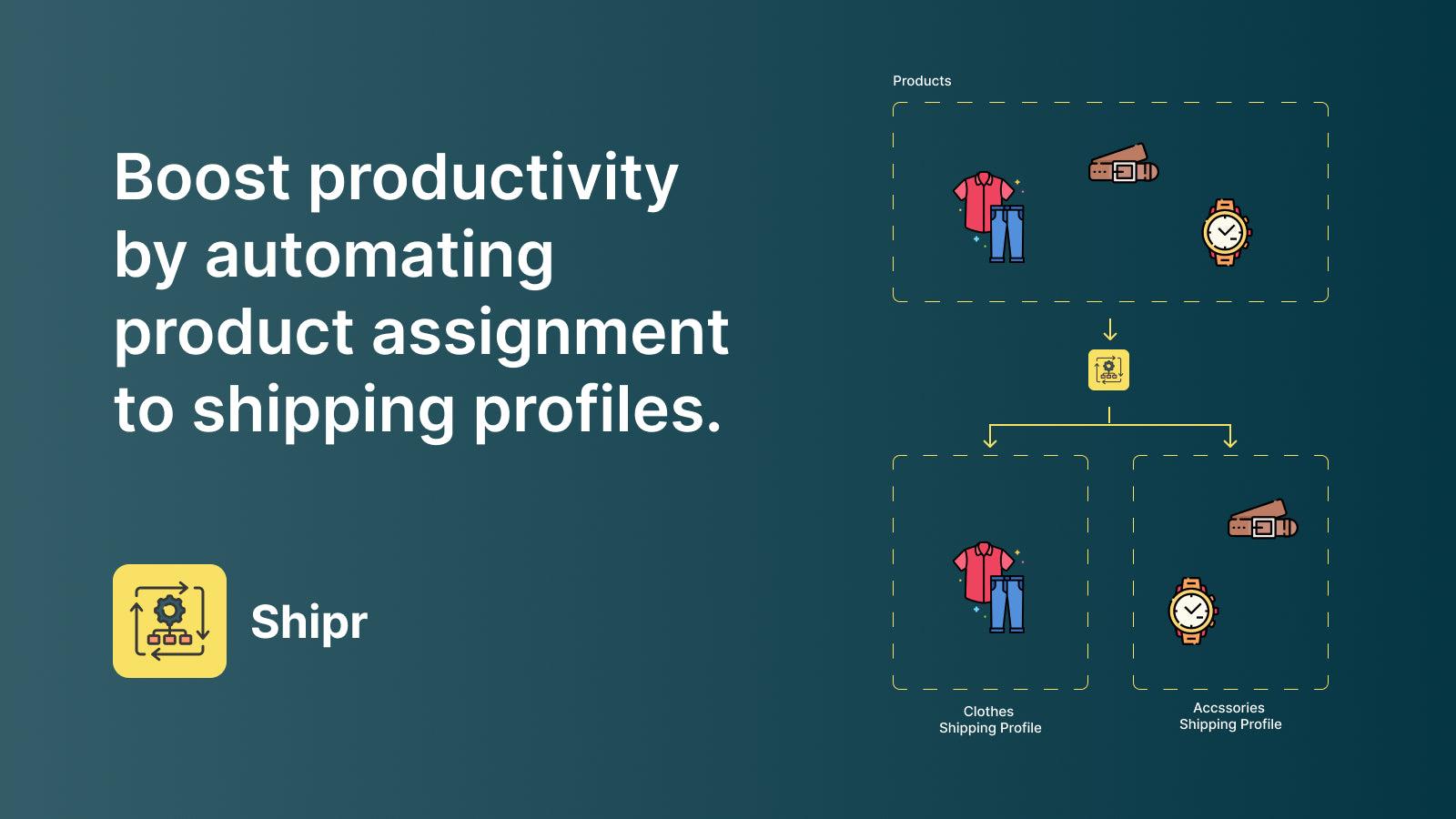
Save time, reduce errors & boost productivity by bulk assigning products to shipping profiles.
Shipr eliminates the need to manually assign each product in your catalog to its corresponding Shopify delivery profile. Create advanced shipping rules for assigning products to shipping profiles by product tags, weight, price, variant option, inventory count, etc. Whenever a new product is created Shipr will automatically assign the product to the correct shipping profile according to the rules you have created. You can also bulk assign your existing products to shipping profiles with a click
Key Features
- Automatically move products between different shipping profiles.
- Move SKUs to various shipping profiles based on variant and product attributes.
- Bulk assign products to shipping profiles with just a click of a button.
- New products automatically get assigned to correct shipping profiles.
- Save time & minimize errors by automating a tedious manual process.
Best alternatives to Auto Shipping Profile: Shipr

Order Automator
Automate workflows, Amazon MCF, and post purchase upsells


SP ‑ Auto Post Facebook
Auto post your products to social media: Facebook and Twitter.


RUBIX Bulk Tag Editor
Managing bulk edit product tags with various product filter
Auto Shipping Profile: Shipr FAQs
No. Auto Shipping Profile: Shipr pricing starts at $4.99. For more details about Auto Shipping Profile: Shipr pricing, check here.