

Screenshots
1 / 4
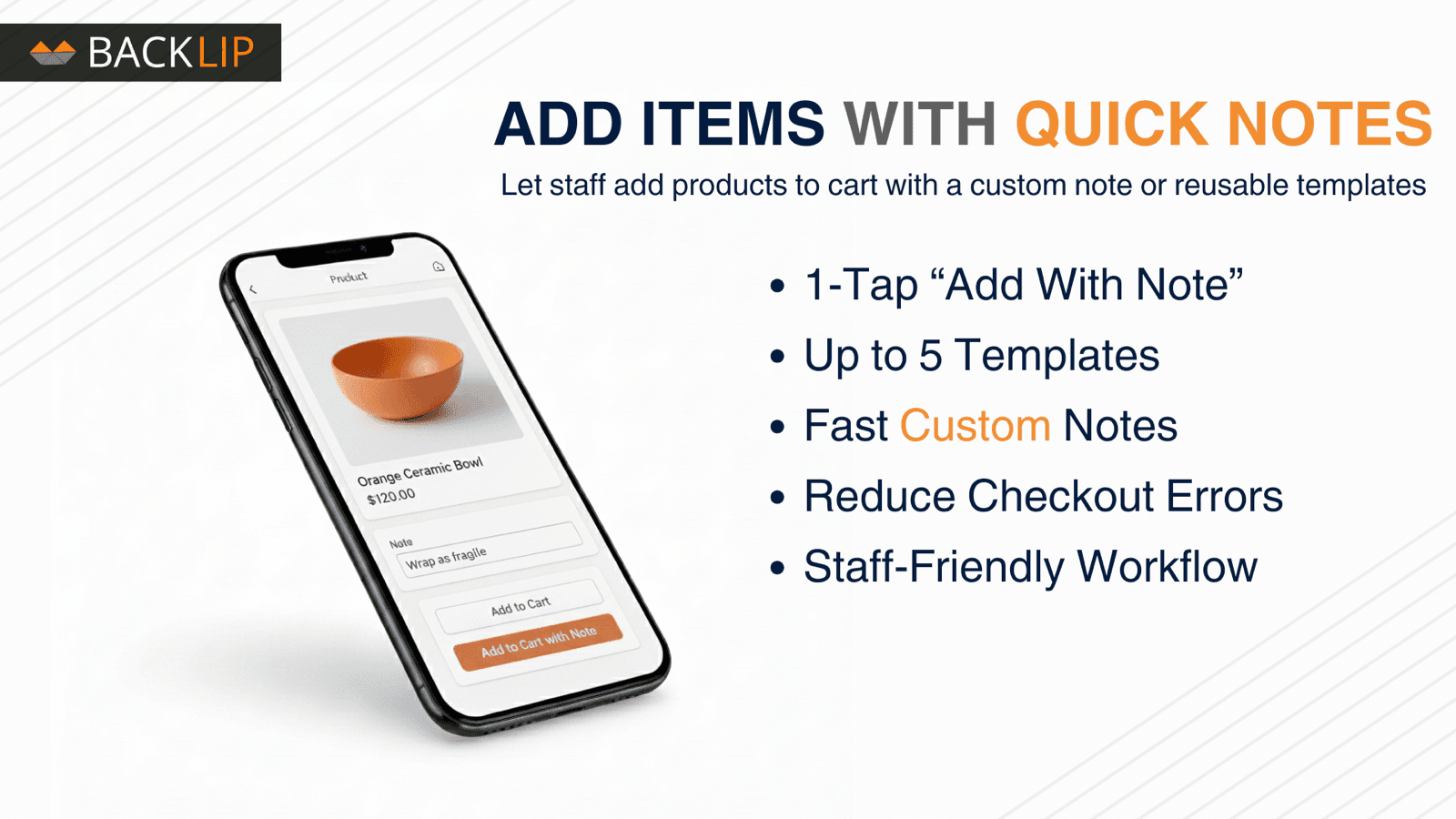
Add products to cart with custom notes or 5 reusable templates.
Add an "Add with Note" button directly inside the POS product view so staff can attach a note while adding an item to the cart. They can write a custom note or choose from up to five reusable templates, making it easy to capture gift messages, personalization, dietary instructions, delivery notes, engraving requests, or any special instructions. This helps speed up checkout, reduce mistakes, and keep your team’s workflow simple and consistent.
Key Features
- Add product‑specific notes directly from the POS product screen in one tap
- Let staff choose between custom free‑text notes or quick‑insert templates
- Configure up to 5 reusable note templates in the app’s online dashboard
- Keep notes attached to the product on the order for fulfillment and internal use
- Speed up checkout by letting staff select common note templates in one tap.
Best alternatives to BL POS Quick Product Notes

BarcodeMan Barcode Labels
4.8(95)
Free plan available. Free trial available.
SKU, UPC & QR code generator with drag-and-drop label designer


Free plan available. Free trial available.
Create links and QR codes to send your customers to checkout

Easy Purchase Orders
4.9(19)
$8.99/month. Free trial available.
Allow your customers to create professional purchase orders.
BL POS Quick Product Notes FAQs
Yes! Try BL POS Quick Product Notes free plan. For more details about BL POS Quick Product Notes pricing, check here.