

Screenshots
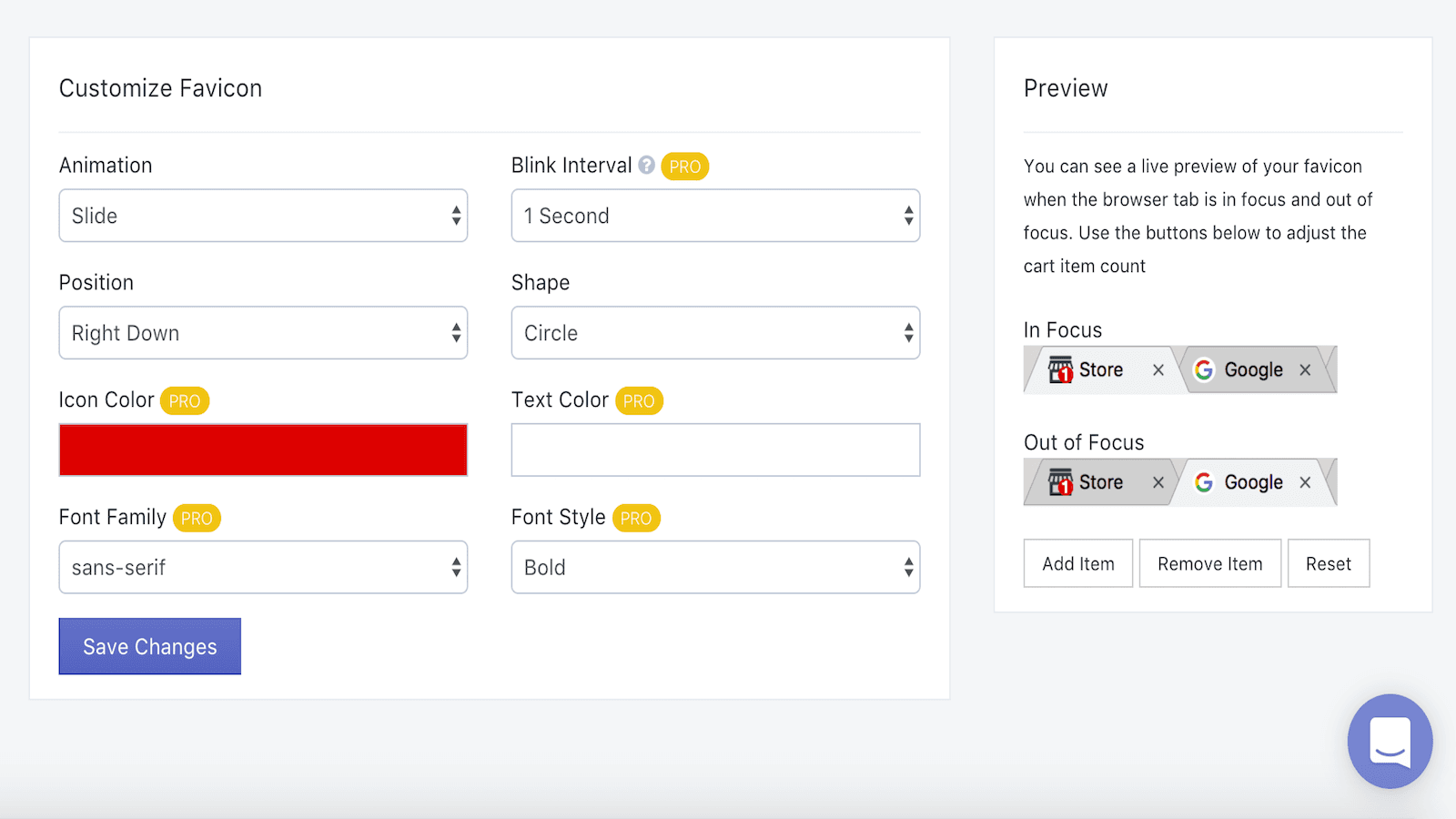
Reduce your cart abandonment Cart notifications enables stores to add a fun, dynamic notification to indicate customers the current number of items in their cart. How it works When a customer adds items to the cart, a nice little notification will appear on the store's favicon (store logo icon). When a shopper moves away from the store tab, the Cart Notification will start to flicker, reminding him to return to the store page and complete his purchase. Attract customers back Using Cart Notifications helps store owners to attract clients back to the store creating a sense of urgency in customers that taking action is needed. This increases the chance that the customer will complete the transaction, directly improving the store’s sales. The same concept is used by other popular platforms, such as Gmail and Facebook, to notify the user to go back to the relevant tab. Demo For a demo go to https: //cart-notifications.myshopify.com (Make sure you add items to the cart, and go to other tab to see notifications start to blink!) Fully Customizable Cart Notifications is fully customizable so store owners can adjust the notification to fit the store's look and feel! including: * Shape Animation Position Font Style Text Color Icon Color Blinking Time Interval Font Family
Key Features
- Reduce cart abandonment
- Draw attention to your store
- Generate more sales
Cart Notifications FAQs
Yes! Try Cart Notifications free plan. For more details about Cart Notifications pricing, check here.

Get in Touch
with us
Whether you need more information on how LetsMetrix can help enhance your Shopify experience, or require technical support, don't hesitate to contact us. We're available 24/7 via email, phone, or live chat to ensure you have all the assistance you need.