

Kopy‑fy Import & Copy Products
Import products and migrate via bulk AI cloning to save hours
Developed by Parvie Apps
App Overview
Cloneify simplifies product cloning in Shopify with its one-click process, capturing everything from descriptions to images seamlessly. Users can customize each element before finalizing, ensuring a unique touch. The app's smart filtering allows selective cloning of specific features, while bulk operations save time and boost efficiency. A dedicated dashboard aids in managing cloned products effortlessly, helping you scale inventory efficiently without manual entry.
Screenshots
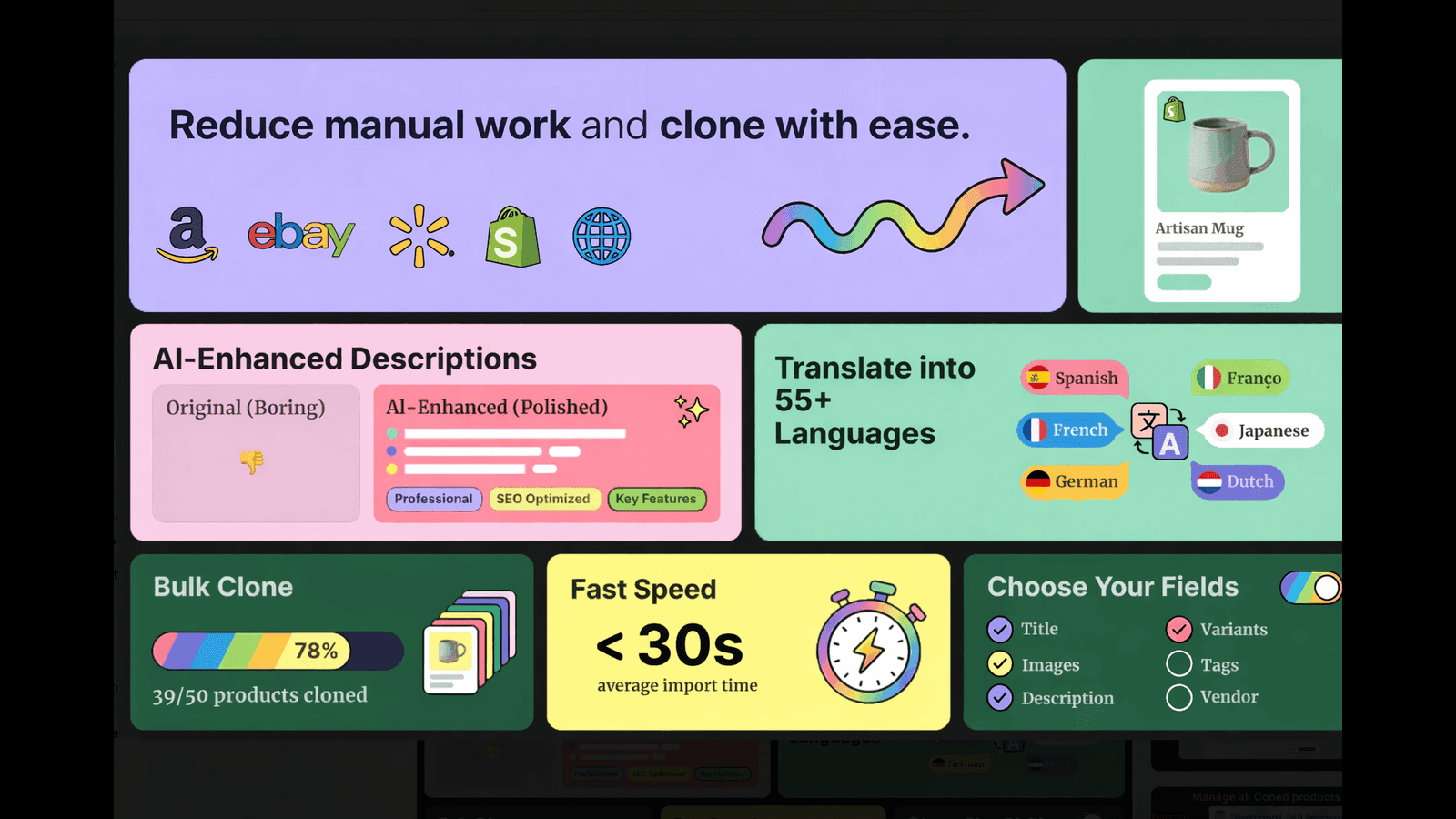
Copy products easily to your store with 1 click. Migrate products with our AI Bulk product importer
Cloneify is the ultimate app to copy products into Shopify store. Now, Bulk clone & migrate products by accurately - copying every product detail with 1 click from stores. Kopy products / Upload products in minutes. From variants to images, every element transfers automatically while giving you full control over customisation with this product cloner system. Import products by eliminating manual data entry, prevent errors, and scale your inventory efficiently. Poky, Kopy alternative
Key Features
- Copy products in one click - from descriptions to variants
- Customize every detail before finalizing your product clone
- Select specific elements to copy with smart filtering options
- Manage all cloned products in an organized dashboard
- Bulk clone multiple products to scale your catalog faster!
Best alternatives to Kopy‑fy Import & Copy Products

syncX: Stock Sync & Inventory
Import & sync multiple stores, G Sheet, FTP, API. Bulk update

Clony: Copy Products
Save time duplicating products in bulk with price modification

1-click & bulk product import with automatic color and variant


LitExtension Store Migration
Migrate and bulk import store data quickly without downtime
Kopy‑fy Import & Copy Products FAQs
Yes! Try Kopy‑fy Import & Copy Products free plan. For more details about Kopy‑fy Import & Copy Products pricing, check here.