

Screenshots
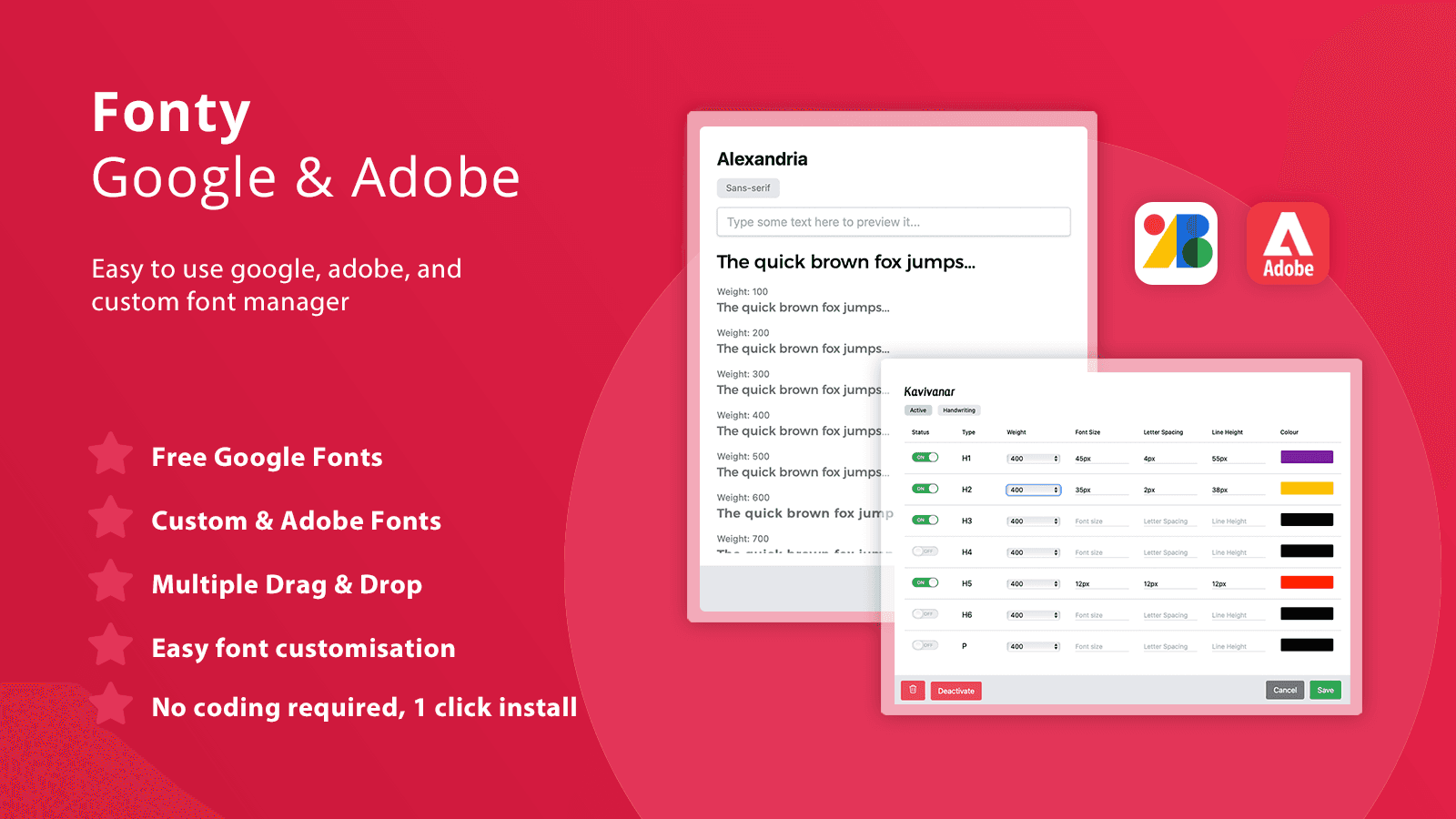
Quick and simple way to add Google Fonts, Adobe Fonts and custom fonts to your theme without coding.
How often have you wanted to change fonts on your Shopify theme but the need of changing code was making the whole process over complicated and probably expensive? With this app you can easily apply new fonts without any coding. You can use free Google Fonts, Adobe Fonts or your own brand fonts quickly and easily in a few steps, apply it to your theme. Fonty allows extended targeting and customisation allowing you to define what element of the site the font will affect and how it looks.
Key Features
- All free Google fonts allowing you to preview before activating: GDPR compliant
- Adobe API integration to list all your creative cloud kits or create via the app
- Uploader for custom font files such as TTF, WOFF, OTF, EOT and more
- Font customisation: size, colour, weight, line height, letter spacing
- Works with all themes, including customised themes
Best alternatives to Fonty ‑ Adobe & Custom Fonts

Advanced sections and landing pages to level up your theme

Section Star ‑ Theme Sections
One-stop page builder: sections, blocks, tabs, product bundles


PagePilot: AI Page Builder
Build AI product pages and images in seconds, without code


Sanity Connect
Build customer loyalty with more expressive storefronts
Fonty ‑ Adobe & Custom Fonts FAQs
No. Fonty ‑ Adobe & Custom Fonts pricing starts at N/A. For more details about Fonty ‑ Adobe & Custom Fonts pricing, check here.