

Screenshots
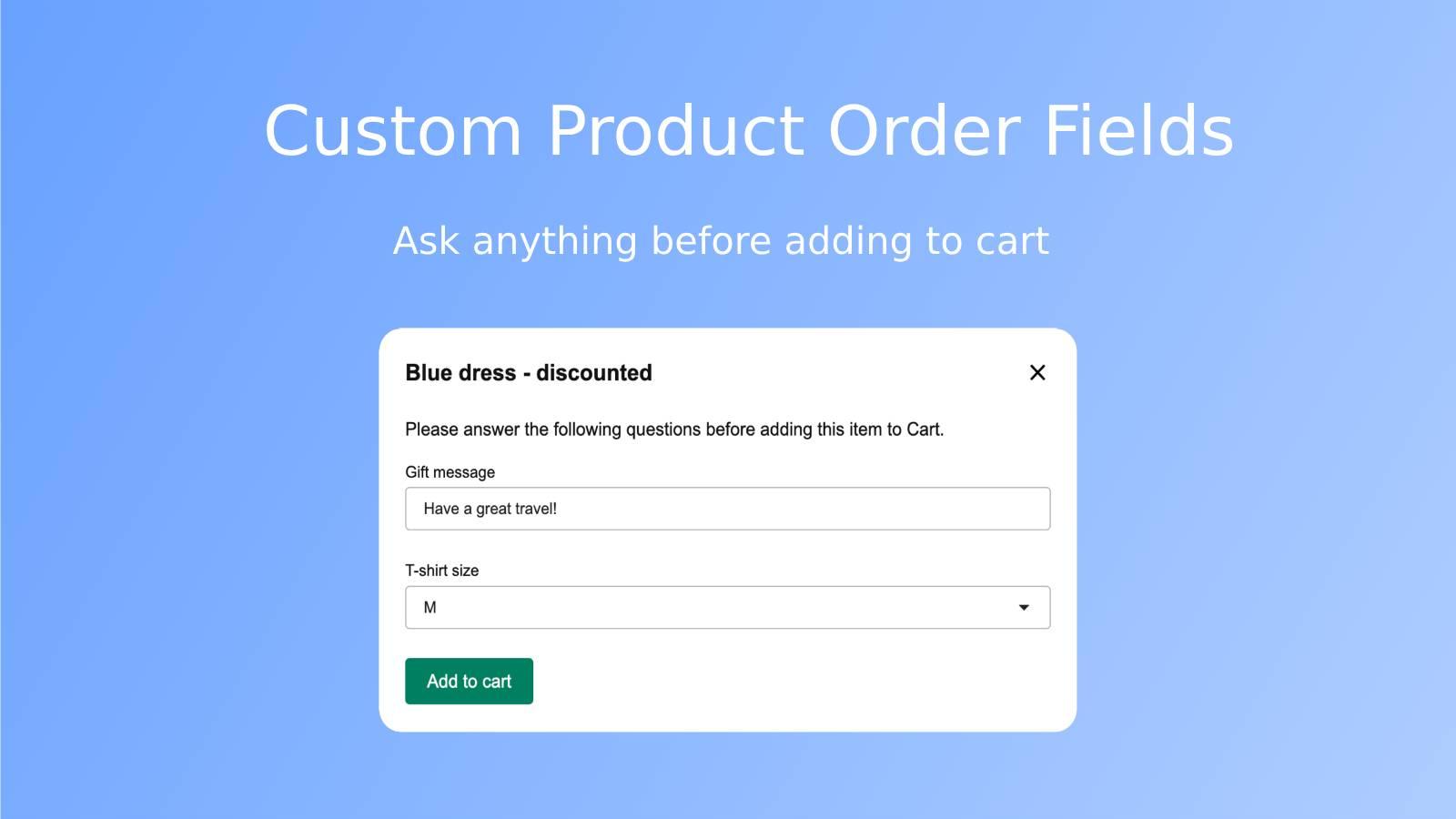
Attach a custom form to your 'Add to Cart' button and ask your unique questions.
Customize the 'Add to Cart' button by adding an interactive form filled with your crafted questions. When customers select their products, a pop-up appears showing your custom queries. Their responses tag along with each item in the cart. Once they checkout, you get to see all their answers in order details. It's like taking a guided tour through your customers' preferences. So go ahead, give it a shot and make shopping on your site even more exciting!
Key Features
- Add a custom form to the 'Add to Cart' button for a unique touch.
- Ask your own questions about any product before it's added to the cart.
- Receive the responses alongside each line item with the submitted order.
Best alternatives to Crafty Order Fields

Upcart—Cart Drawer Cart Upsell
Boost AOV w/ slide cart, reward bar, upsell cart & free gifts

Boost your AOV: slide cart, upsell cart & free shipping bar


Qikify Slide Cart Drawer
Add slide cart drawer, sticky cart, progress bar, cart upsell

EA • Sticky Add to Cart Drawer
Grow via Slide Cart Drawer, Cart Upsell Sticky Add to Cart Bar
Crafty Order Fields FAQs
No. Crafty Order Fields pricing starts at N/A. For more details about Crafty Order Fields pricing, check here.