

Screenshots
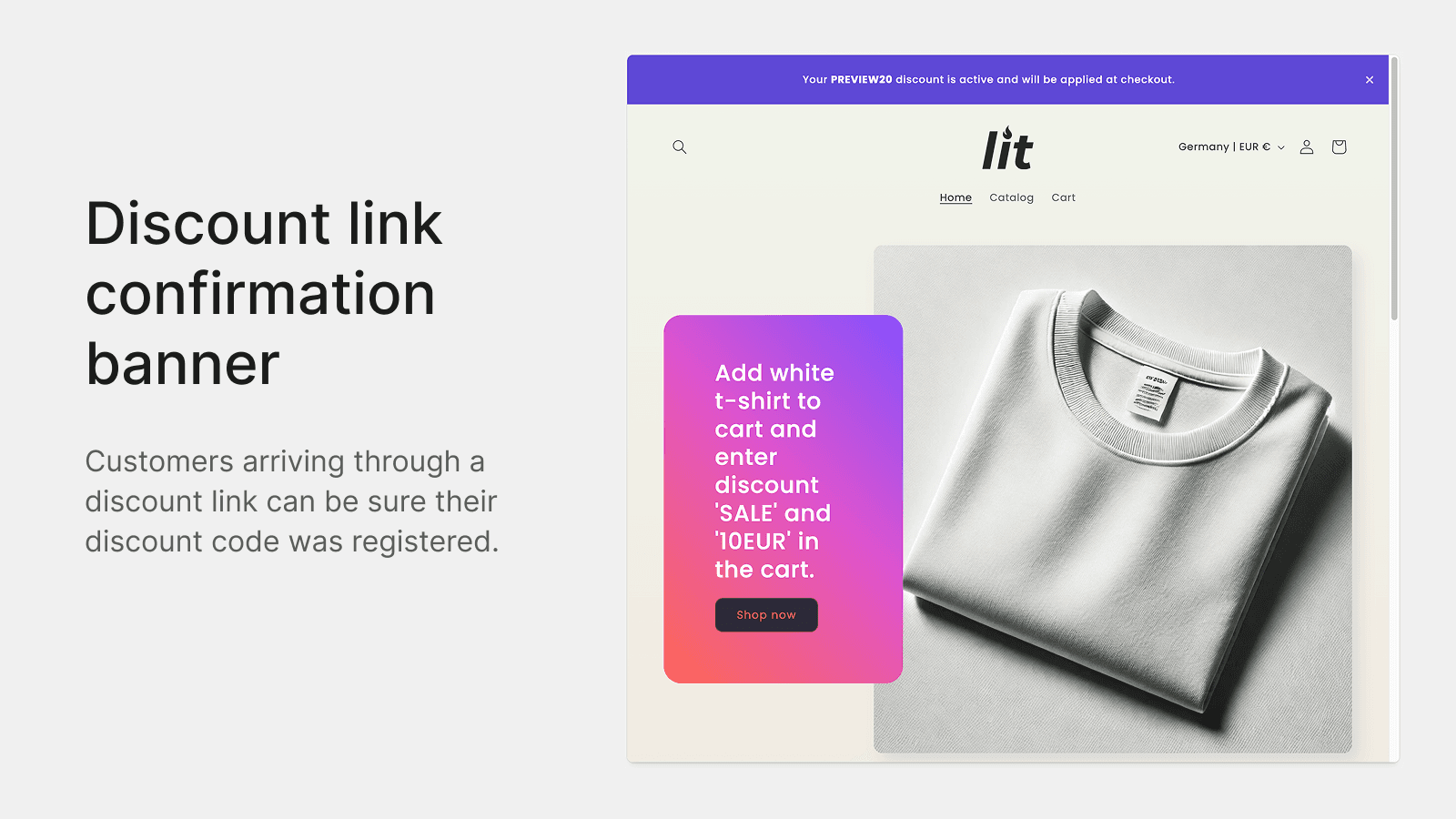
Show a success banner or modal for discount links. Add a discount input in the cart before checkout.
Discount Notification & Input shows a discount confirmation banner or modal when customers land via a discount link. This success message lets shoppers arriving through influencer campaigns instantly see their active code, increasing trust and conversion. Additionally the app lets you add a discount input field in the cart, letting customers apply, validate and stack codes before checkout to reduce confusion and boost sales.
Key Features
- Show a success banner or modal for shoppers arriving through a discount link
- Add a discount input field in cart for discount validation before checkout
- Simple setup via app block or embed in the Theme Editor
- Support for all cart types, including drawer cart, popup cart or page cart
Best alternatives to Discount in Cart & Link Banner

EA • Sticky Add to Cart Drawer
Grow via Slide Cart Drawer, Cart Upsell Sticky Add to Cart Bar

Lift AOV with Frequently Bought Together Upsell and Cross-sell

Boost your AOV: slide cart, upsell cart & free shipping bar

Profy Banner & Countdown Timer
Add countdown timer, coupon & scrolling text for next sale


Discount in Cart & Link Banner FAQs
Yes! Try Discount in Cart & Link Banner free plan. For more details about Discount in Cart & Link Banner pricing, check here.