

App Overview
BentoSMB Draft Orders For POS simplifies adding draft orders from any source into your Shopify POS cart with a single tap. It seamlessly transfers all order details, including line items and discounts, and allows creating new drafts directly in the POS. Access saved drafts instantly across devices and send them via email for efficient communication.
Screenshots
1 / 6
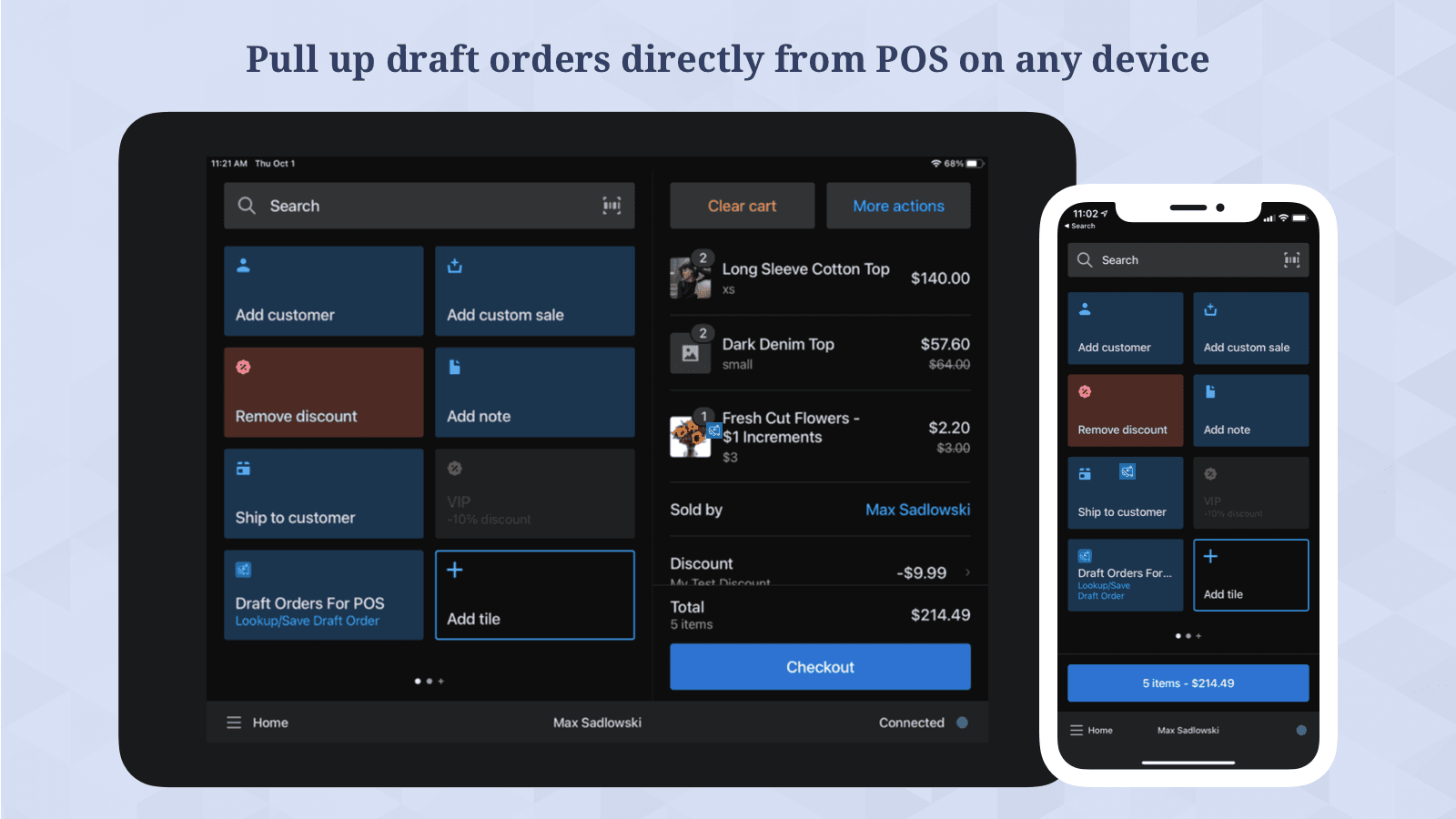
Easily access all your draft orders directly in POS, add them to the cart, and save new drafts.
Companies
Key Features
- Easily add any draft order directly within Shopify POS with one tap!
- Line items, properties, discounts, notes & customer details copy over instantly.
- Create and save new draft orders directly from within the POS cart.
- Access saved drafts immediately across all your POS devices without any lag.
- Send saved draft orders via email to customers, staff or a custom email address.
Best alternatives to BentoSMB Draft Orders For POS


Easy Appointment Booking App
4.9(497)
Free plan available. Free trial available.
Appointments & booking app for services, events and classes


MS Barcode Labels & Generator
4.9(354)
Free plan available
SKU & Barcode generator (GTIN, UPC, EAN) with labels printing

BentoSMB Draft Orders For POS FAQs
No. BentoSMB Draft Orders For POS pricing starts at N/A. For more details about BentoSMB Draft Orders For POS pricing, check here.