

App Overview
Translate Language Auto • EA simplifies global store translation using Google Translate. It automatically converts every page element into over 240 languages based on customer preferences or browser settings. The app includes a language selector for easy switching and needs only a quick setup—enable and you're ready to go.
Screenshots
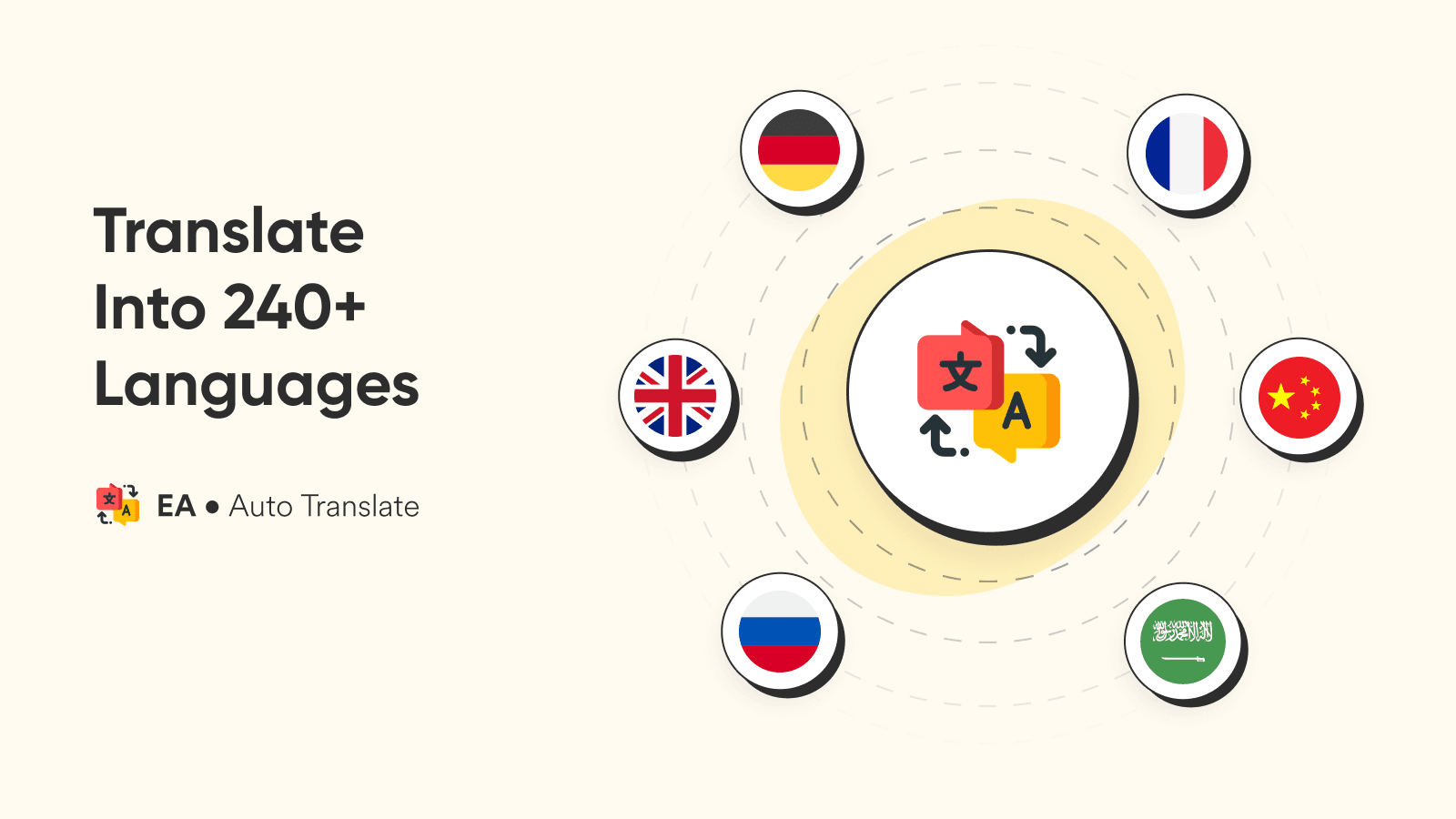
Automatically translate your app into 240+ languages. Setup in less than a minute & unlimited use!
Use Google Translate to translate your entire store, including any apps on the storefront. As soon as the page loads Google Translate will translate everything on the screen based on the customer's browser language. Setup takes less than a minute, just enable the app and enjoy translation into over 240 languages. Everything is automated with Google Translate and you don't need to write any translations or do any setup. Unlimited language translations, no setup or manual work required.
Key Features
- Automatic Translation - Easy setup in less than a minute, with Google Translate
- Translate Everything - Everything on the page, including other apps translated
- 240+ Language - Translate into almost every language
- Language selector - Allow customers to pick and change languages
- No Limits - Unlimited translation on every page, into the customer's language
Best alternatives to EA • Auto Language Translate

Geolocation & Markets—Selecty
Right currency & language by country redirects and selectors

Geolocation Country Redirect
Geolocation Country redirect to right expansion store/ Market

Orbe Geolocation
Geolocation country redirects with right currency and language

GLC Geolocation & GEO Currency
Smart geolocation: country, language, multi currency switcher

Geos: Geolocation & Redirect
Right country, language, and currency by geolocation redirects

EA • Auto Language Translate FAQs
No. EA • Auto Language Translate pricing starts at N/A. For more details about EA • Auto Language Translate pricing, check here.