

Screenshots
1 / 4
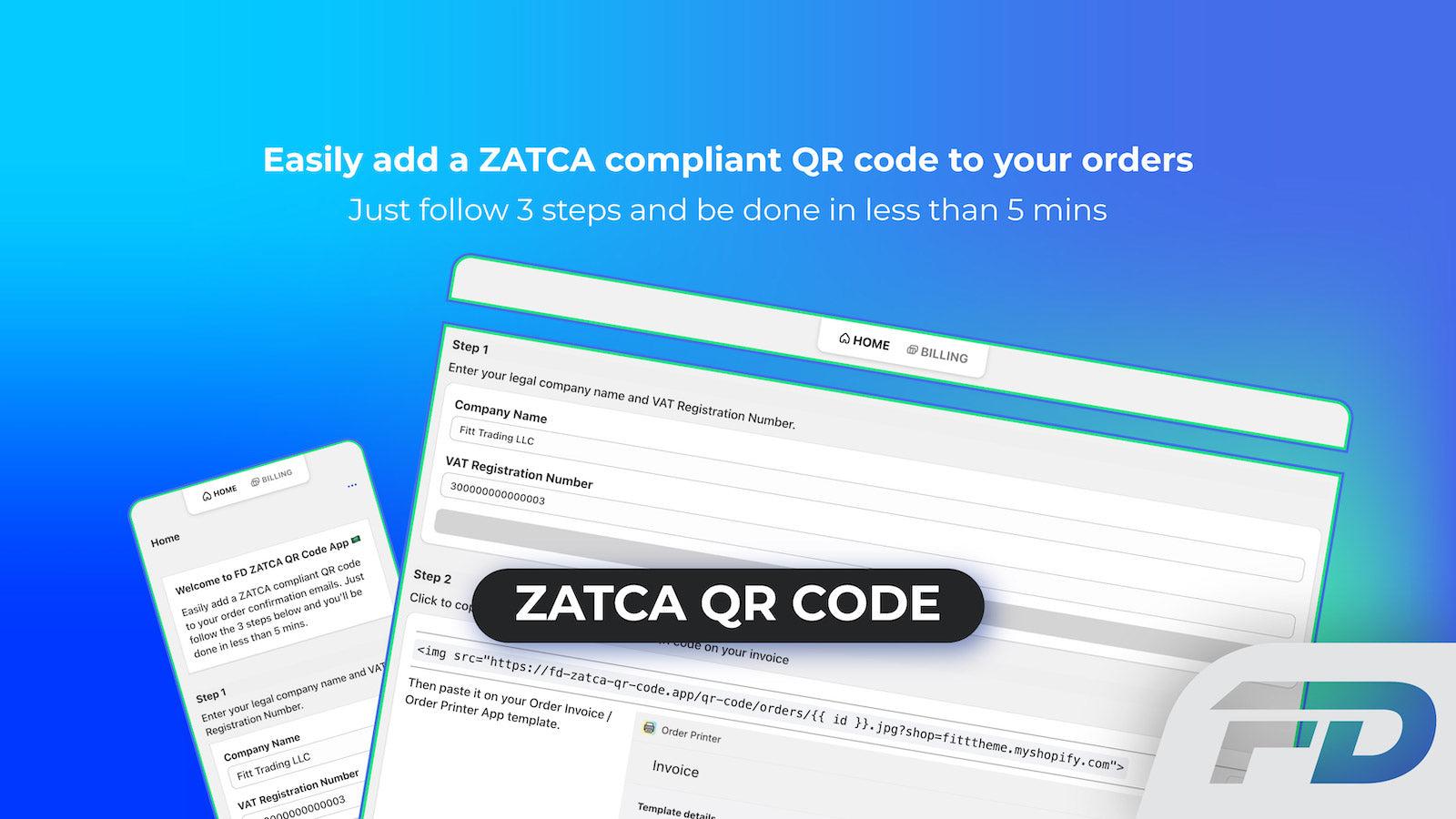
Automatically include ZATCA / Fatoora QR code in your order invoices.
FD Zatca QR Code app allows you to add a ZATCA / FATOORA compliant QR Code to your order invoices without having to do anything special to your order flow. Simply copy and paste a single line snippet into your order printer templates. QR Code will have the following details: 1. Seller's name & VAT registration number of the seller Timestamp of the order (date & time) Order total (with VAT) VAT total
Key Features
- Automatic creation of ZATCA / Fatoora compliant QR Code for all orders
- No 3rd party apps or systems needed
- Quick setup by copying & pasting the snippet
Best alternatives to FD ZATCA QR Code

Order Printer Pro: PDF Invoice
4.9(2507)
Free to install. Free trial available.
Invoice generator for PDF invoices, quotes & packing slips.


Vify Order Printer PDF Invoice
4.9(1121)
Free plan available. Free trial available.
An invoice generator to easily custom and print order document