

Feeds Bridge
Multi Vendors Management System with template based validation
Developed by Simonas Skrodenis
App Overview
Feeds Bridge simplifies importing products from multiple vendors by supporting Excel, CSV, XML, and more. Each vendor file can be mapped individually, ensuring consistent product data import into your Shopify store. The app includes pricing rules for setting product prices based on type or range, automated inventory syncing to keep stock levels up-to-date, and a vendor portal where vendors can review their catalog, fulfill orders, and track payments. By handling vendor access, file mapping, and order fulfillment requests, Feeds Bridge streamlines the process of managing products and vendors in your Shopify store.
Screenshots
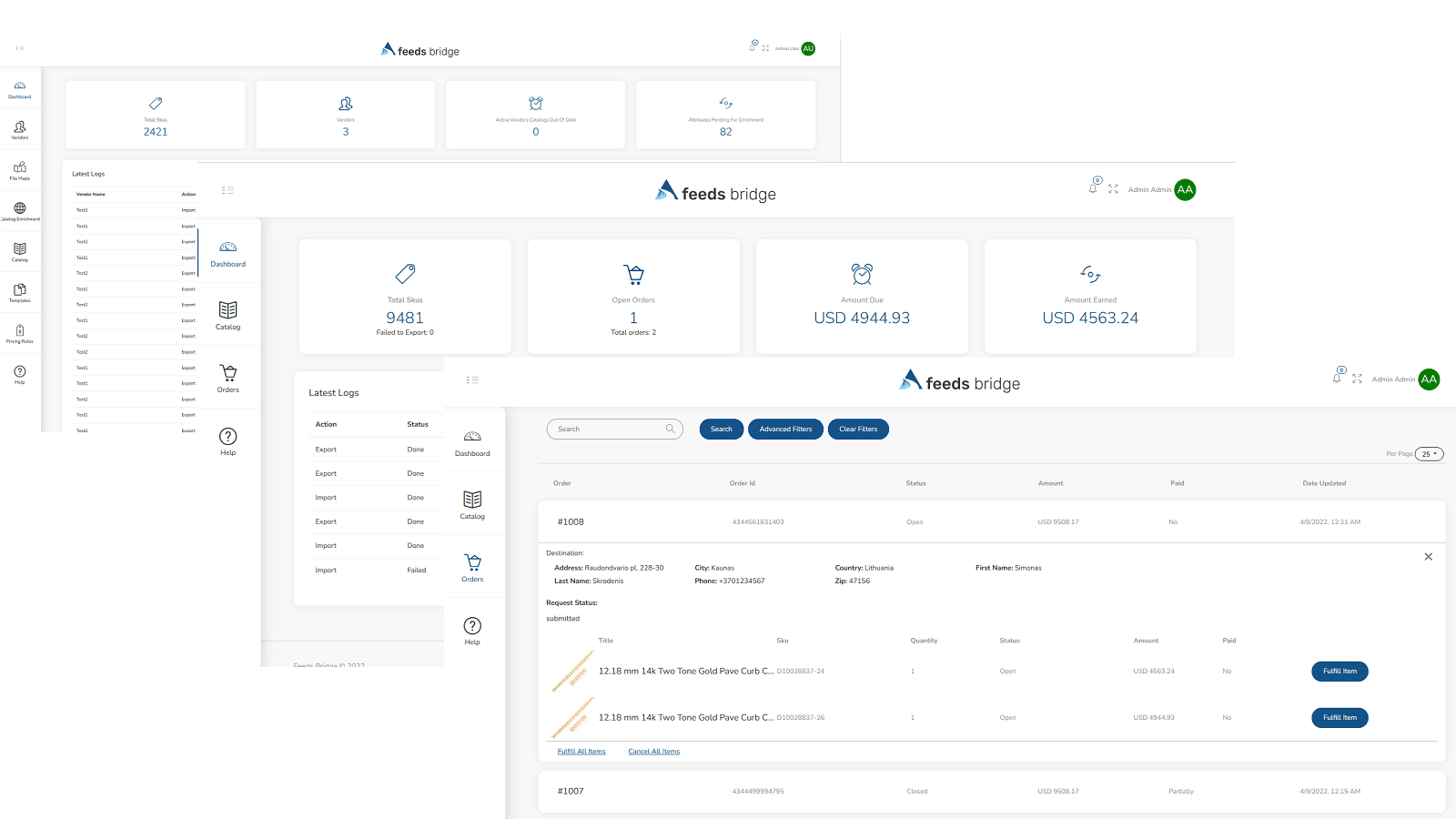
Source products from different feeds and keep your catalog up to date with Feeds Bridge.
Feeds Bridge is what you need if you want to import products from multiple vendors. Process Excel, CSV, TAB/PIPE delimited and XML files. Each vendor file has it's own file map, meaning you can import products from many vendors at the same time, mappings rules will ensure that all new products gets imported into your store in the same format. Manage Pricing of each vendor using pricing rules. Grant vendor access so they can review their catalog, fulfill their orders and track payment status.
Key Features
- Catalog Onboarding from multiple vendors feeds.
- Pricing rules allow you to define pricing based on product type and price range.
- Automated Inventory synchronization from your vendor feed to your shopify store.
- Vendors portal - Provide vendors ability to track status of their catalog.
- Create Orders Fulfillment Requests for you vendors.
Best alternatives to Feeds Bridge


Simprosys Google Shopping Feed
Submits Feed for Google Shopping, Microsoft, Meta, & Pinterest


Multifeed Google Shopping Feed
Feeds & conversion tracking for Google, Facebook, Awin & more