

Screenshots
1 / 4
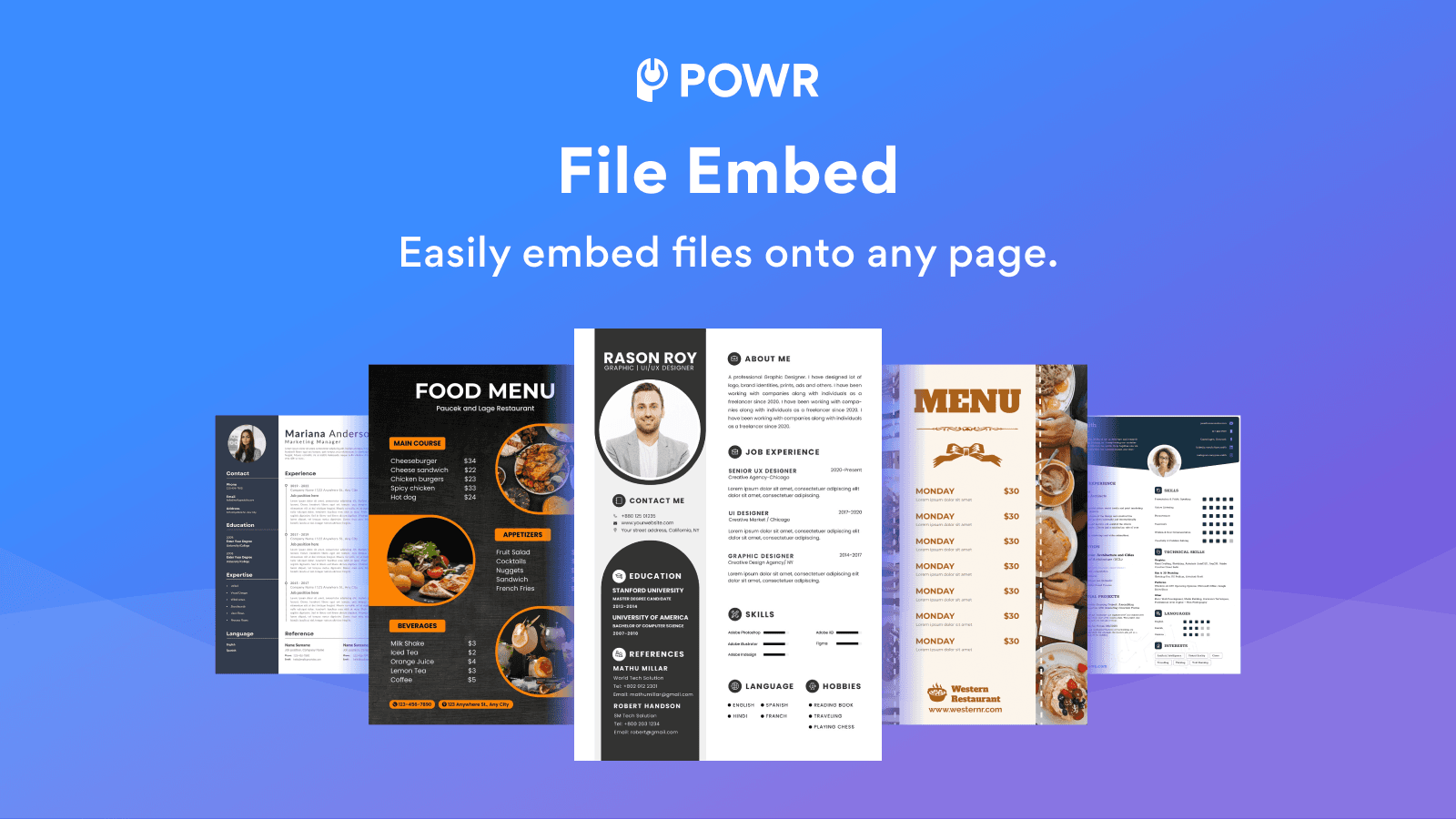
Embed multiple file types, like PDFs for easy viewing, sharing, downloading, and printing.
Embedding PDFs, catalogs, e-books, presentations, menus, instructions, or other files allows visitors to easily find the information they need. It’s a more desirable experience because they can view files without leaving your page or downloading an attachment. Customize settings to match your design, switch between screen modes, and easily zoom in & out. The 'Read Only' feature also prevents website visitors from copy-pasting content from your website.
Key Features
- Flexible view options like Google Viewer or MS Office Viewer
- File Types: AI, PDF, GIF, TXT, HTML, CSS, DOC, DOCX, JPG, PNG, XLS, PPT and more
- Social Sharing: Allow visitors to share files by adding social share buttons
- 24/7 Support. Live chat available.
Best alternatives to POWR: File Embed | Embed PDF

CN PDF Viewer
5(2)
Free plan available. Free trial available.
Display Helpful Information and Promote Your PDF Resources


POWR: File Embed | Embed PDF FAQs
Yes! Try POWR: File Embed | Embed PDF free plan. For more details about POWR: File Embed | Embed PDF pricing, check here.