

Screenshots
1 / 5
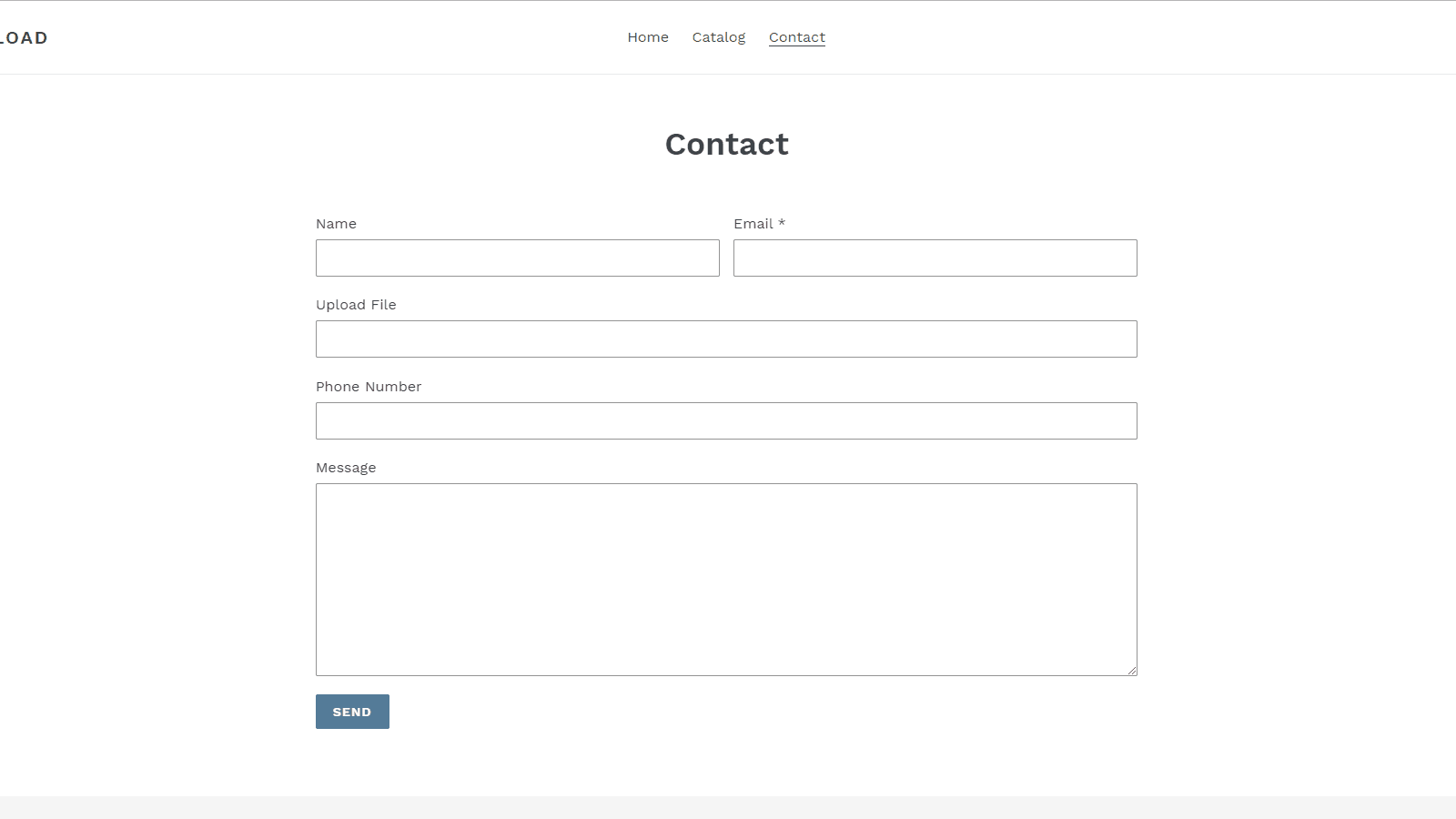
Add file upload to any form. Files saved to Google Drive. Works with default and Klaviyo forms.
Let your customers upload files directly from your store forms — contact, register, cart, product, or even Klaviyo embedded forms. Files are securely stored in your Google Drive account. Choose a specific Google Drive folder for uploads. Customize file names with dynamic templates using form field values (e.g. customer name, age). Multiple upload fields per form supported. Simple setup: install the theme extension, connect your Google Drive, and configure from the admin panel.
Key Features
- Upload files from any form — contact, register, cart, or product page.
- Files saved directly to your Google Drive with custom folder selection.
- Custom file names using form data like customer name, age, or date.
- Works with Klaviyo embedded forms — not just Shopify form builder.
- Multiple upload fields supported in a single form.
Best alternatives to ThanhBT: File Upload


Powerful Contact Form Builder
4.9(2281)
Free plan available. Free trial available.
Your all-in-one form app for custom forms, registration forms

Hulk Contact Form Builder
4.8(1830)
Free plan available. Free trial available.
Easy contact us form, custom forms & survey with form builder
ThanhBT: File Upload FAQs
Yes! Try ThanhBT: File Upload free plan. For more details about ThanhBT: File Upload pricing, check here.