App Icon

FlowPort

00 reviews

Background imports and exports with validation and retries.

Developed by Metalsoft

About this app

Launched

2026-05-11

Developer

Metalsoft

Privacy policy

View policy

Screenshots

1 / 4
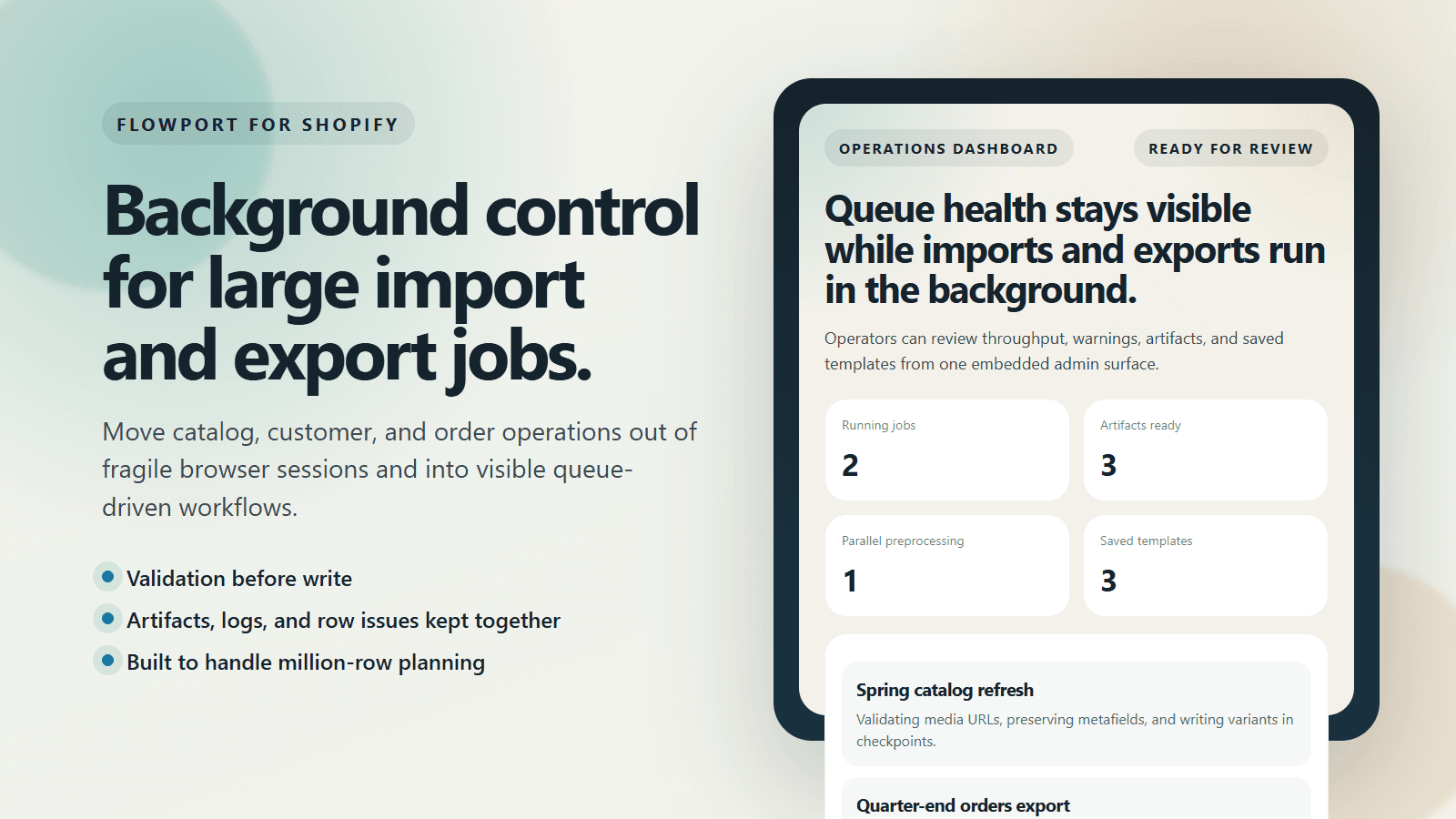
FlowPort dashboard and queue overview

Run large store imports and exports in background jobs. Keep validation, retries, and audit logs vis

Files

Key Features

  • Background import and export jobs for products, customers, and orders
  • Validation-first workflows with separate blocking errors and warnings
  • Saved mappings, signed artifacts, logs, and retry controls
Insights & Metrics
Pinned0/3
Pin up to 3 metrics for quick access.
Date Range

Analytics

In our report, LetsMetrix will cover the following analytics on usage of the FlowPort Shopify app.

Category Positions
Ranking of FlowPort in best match categories of the Shopify App Store
NamePositionPage
Insight
AI-driven summary of FlowPort category positioning

Market fluctuations observed across 1 mid-tier categories, with Store data importer climbing by 6 to reach #350.

Featured category

Store data importer

1 category analyzed

Position

#350

6

Category Positional Changes

Weekly rank trend in best-match categories — markers highlight app updates.

No data

There is no data to display for this chart.

Best alternatives to FlowPort

Matrixify

Matrixify

4.9(1341)
Free plan available

Import, Export, Update and Migrate your store data in bulk

Free to install. Additional charges may apply.

Sell on Amazon, Target Plus, Walmart, and eBay from Shopify

Free

Access your product images and files directly inside Canva

Free plan available

Import & export data with Excel or CSV. Matrixify compatible

FlowPort FAQs

No. FlowPort pricing starts at N/A. For more details about FlowPort pricing, check here.