

App Overview
Fontify is a versatile Shopify app designed to simplify font customization for your store. It enables you to quickly switch between Google Fonts or upload custom fonts to create a tailored look. With Fontify, you can apply fonts site-wide or to specific elements, ensuring compatibility with all Shopify themes and apps like The4 and EComposer. Additionally, it supports multiple languages with separate font options for each, helping you achieve a professional and consistent design while saving time and effort.
Pros
- Enhances Brand Consistency: Allows seamless integration of custom fonts across Google and proprietary sources, ensuring a unified brand identity.
- Simplified Font Customization: Offers user-friendly controls for effortless font selection, editing, and application to specific sections or the entire website.
- Unmatched Customer Support: Provides prompt and personalized assistance through live chat to resolve any queries and optimize the font customization process.
- Cost-Effective: Eliminates expenses associated with hiring developers or freelancers for font modifications, saving businesses valuable time and resources.
Cons
- Poor customer support: lack of response, long wait times, unprofessionalism.
- Difficult to uninstall: residual code that breaks website features.
- Hidden costs: gradual price increases after installation.
- Limited functionality: requires payment to access essential features.
Screenshots
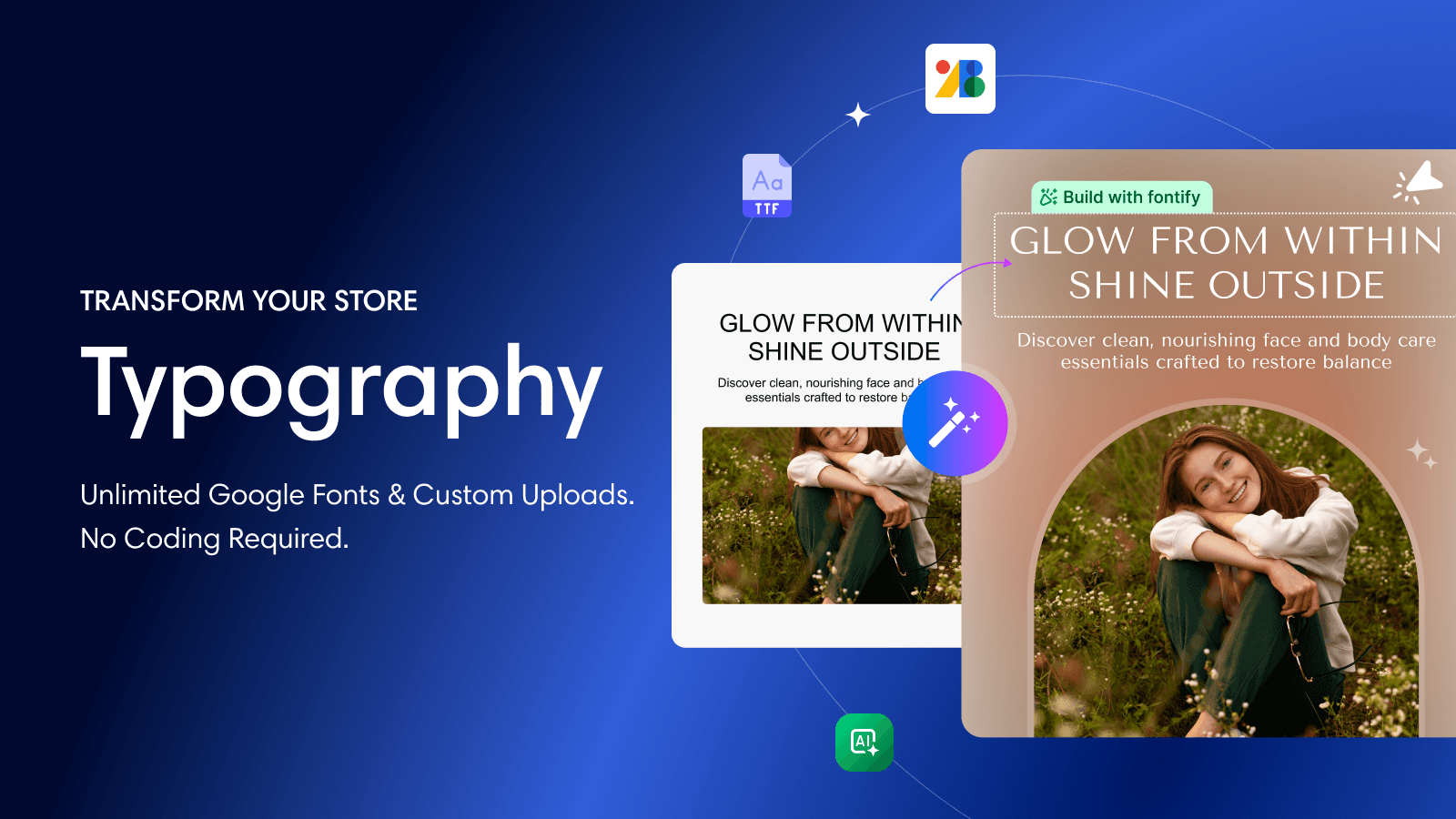
Visually apply Google & custom fonts, audit font health, and host fonts locally for GDPR compliance.
Fontify helps Shopify merchants manage fonts with full control. Apply Google Fonts or custom fonts visually to your store or specific elements without coding. Upload brand fonts, preview changes live, and run font health checks to detect unused fonts, GDPR risks, and performance issues. Fontify also hosts fonts locally to improve loading speed and support GDPR compliance across all Shopify themes.
Key Features
- Apply Google Fonts visually and host them locally for GDPR compliance
- Upload and manage custom brand fonts without editing theme code
- Click any page element to apply fonts without CSS knowledge
- Run font health checks to find unused fonts and performance issues
- Apply different fonts by language or device for better localization
Best alternatives to Fontify: Google & Custom Fonts

The easiest way to add Google or Custom fonts to your store


Use dynamic content to increase retention, loyalty, and sales.


Fontify: Google & Custom Fonts FAQs
Yes! Try Fontify: Google & Custom Fonts free plan. For more details about Fontify: Google & Custom Fonts pricing, check here.