

Framekit ‑ Bulk Images
Turn one layout into product images for your filtered catalog.
Developed by Luis Dev Studio
Screenshots
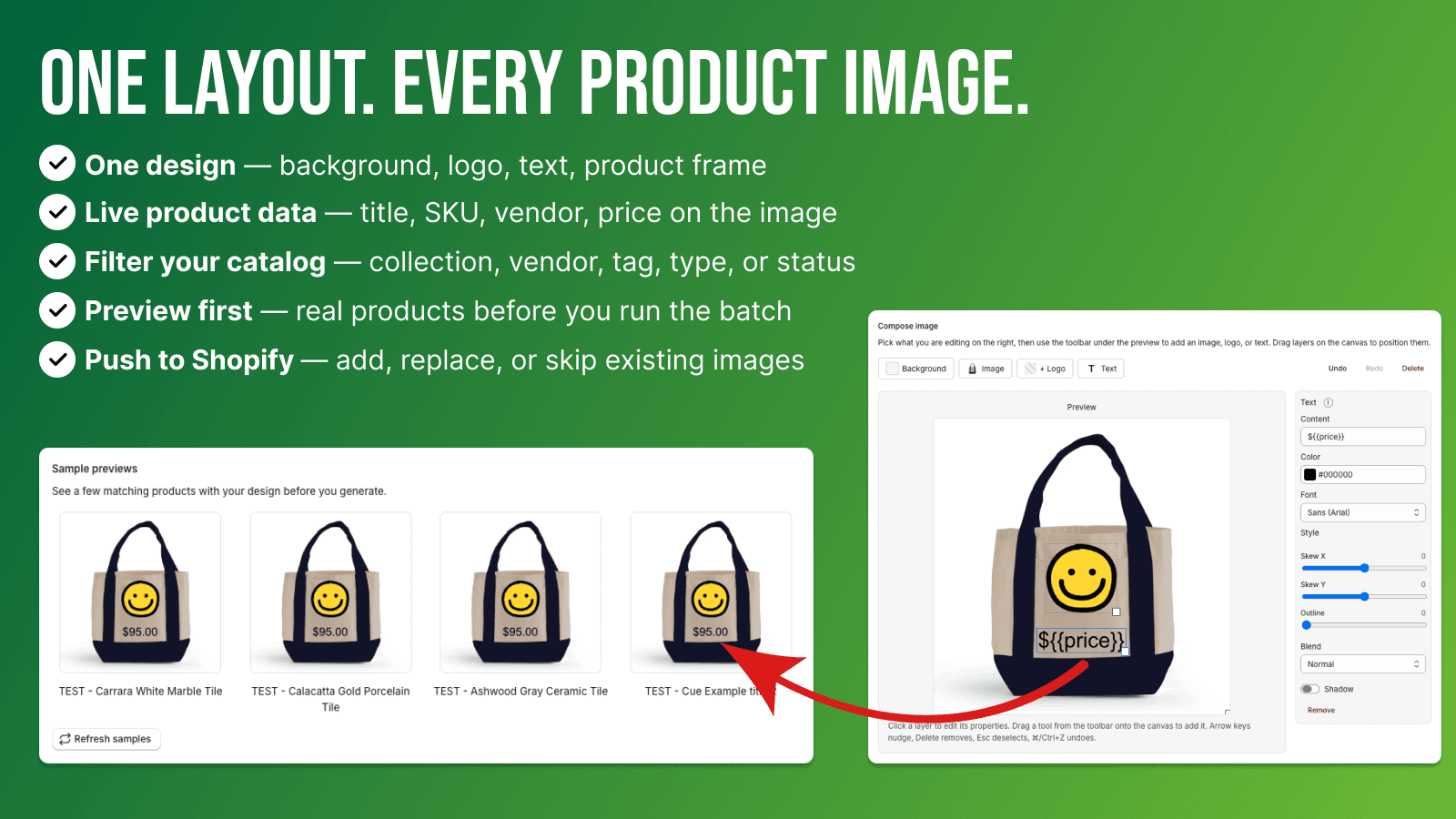
Framekit composes one layout across your catalog. Add or replace product media in one batch.
Large catalogs are hard to keep visually consistent when images are updated one product at a time. Framekit uses one layout for every matching product: background, product photo frame, optional logos, and text with placeholders for title, SKU, vendor, and price. Filter by collection, vendor, tag, product type, or status. Preview a few products, then generate images and attach them in the admin. Add or replace product media, or skip listings that already have images. Job history records each run.
Key Features
- One layout: background, logos, text, and a frame for each product catalog photo.
- Placeholders in text fill title, SKU, vendor, and price for each output image.
- Filter one field at a time, preview, attach images, add, replace, or skip.
Best alternatives to Framekit ‑ Bulk Images


Ablestar Bulk Product Editor
Bulk edit products & metafields with preview, schedule & undo
Framekit ‑ Bulk Images FAQs
Yes! Try Framekit ‑ Bulk Images free plan. For more details about Framekit ‑ Bulk Images pricing, check here.