

App Overview
The Wixpa Google Ads Remarketing app streamlines the process of adding Google Ads remarketing tags to your Shopify store with a single click. Designed for ease of use, this app eliminates the need for manual code edits or technical expertise. It automatically updates to stay current with Google's changes, ensuring reliable performance. Additionally, it seamlessly integrates with Shopify’s checkout system, providing a smooth experience for online businesses looking to enhance their advertising efforts without hassle.
Screenshots
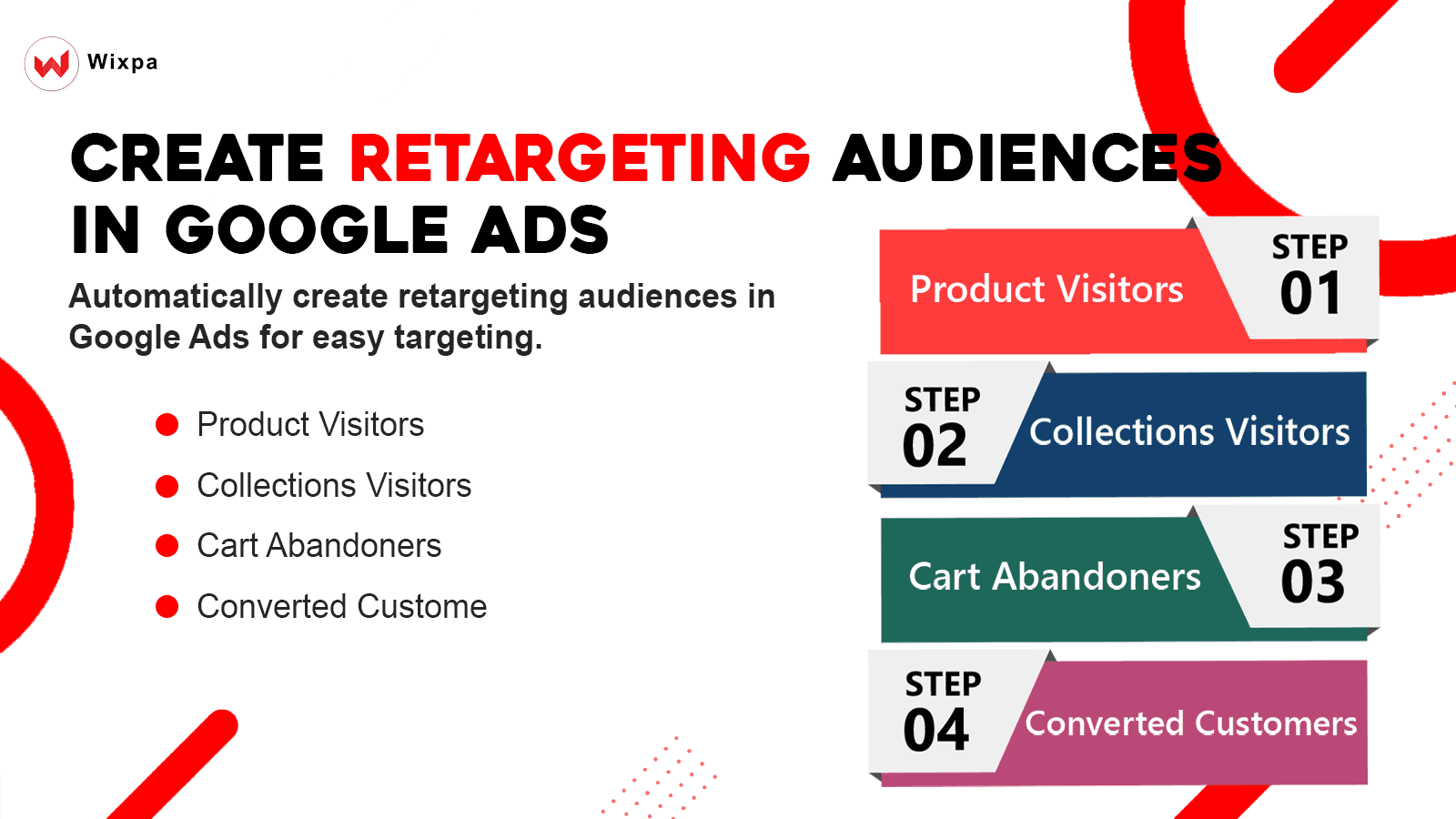
Effortlessly Set Up Dynamic Google Ads Retargeting Tags and Launch Retargeting Ads with Ease.
Installing Google Ads Dynamic Retargeting Tag manually can often lead to unexpected errors and headaches. Google frequently updates its code, making manual maintenance a challenging task. Editing theme files requires technical expertise, which can be a barrier for many users. Pharo Retargeting Pixel App for Google Ads simplifies this process with a one-click installation of Google's retargeting code. We take care of keeping the code up-to-date with Google's changes, ensuring Google Ads Tracking
Key Features
- Install Google ads remarketing tags
- Install the Google ads Dynamic remarketing conversion pixel in one click.
- No technical background required - No code change or theme file edits.
- Our solution integrates seamlessly with Checkout extensibility
Best alternatives to Google Ads Remarketing

CAPI Multi Pixel: Facebook Pixel, Meta Pixel & TikTok Pixel


∞ Google Ads Tracking & GTM
Simplify Google Ads Tracking Setup with Google Tag Manager

Wixpa Google Ads ‑ GA4 ‑ GTM
Easily Add Google Ads, Google Analytics 4, Google Tag Manager

Google Ads Tracking by Pharo
Hassle-free way to track Google Ads Tracking & Google Tag

Google Ads Remarketing FAQs
No. Google Ads Remarketing pricing starts at N/A. For more details about Google Ads Remarketing pricing, check here.