

Screenshots
1 / 4
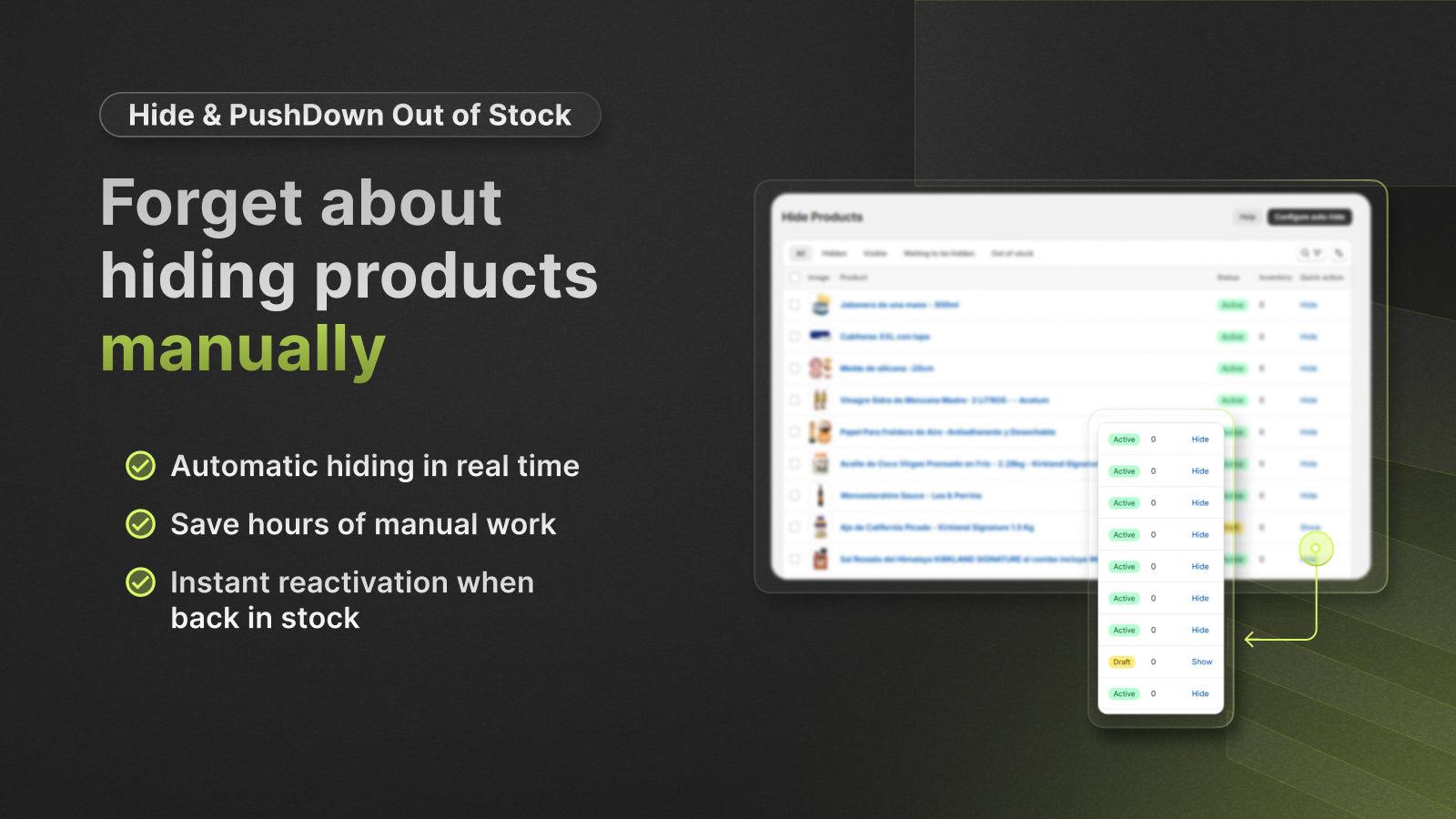
Automatically hide or reorder items with no stock. Drive sales by showing available products
Maintain a clean storefront by automating how out-of-stock products are displayed. This app provides two primary methods to manage unavailable inventory. The hide feature automatically archives products with zero stock and republishes them upon restock. The push down feature reorders collection pages to move out-of-stock items to the end of the list. These automations help shoppers find available products faster while preserving your store navigation and search engine optimization.
Key Features
- Automatically hide products when inventory reaches zero
- Move out-of-stock items to the bottom of collections
- Show products again automatically once restocked
- Restore your original product order at any time
- Hide (not draft) products to maintain SEO and avoid broken links
Best alternatives to Hide & Push Down Out of Stock

Nada • Hide Out of Stock
4.9(25)
Free plan available. Free trial available.
Hide out-of-stock & sold out products to increase conversions.

Push Down Hide Out of Stock MB
4.8(143)
Free plan available. Free trial available.
Push down sold out items & auto-hide & redirect 404 pages

Hide & Push Down Out of Stock FAQs
No. Hide & Push Down Out of Stock pricing starts at N/A. For more details about Hide & Push Down Out of Stock pricing, check here.