

Screenshots
1 / 4
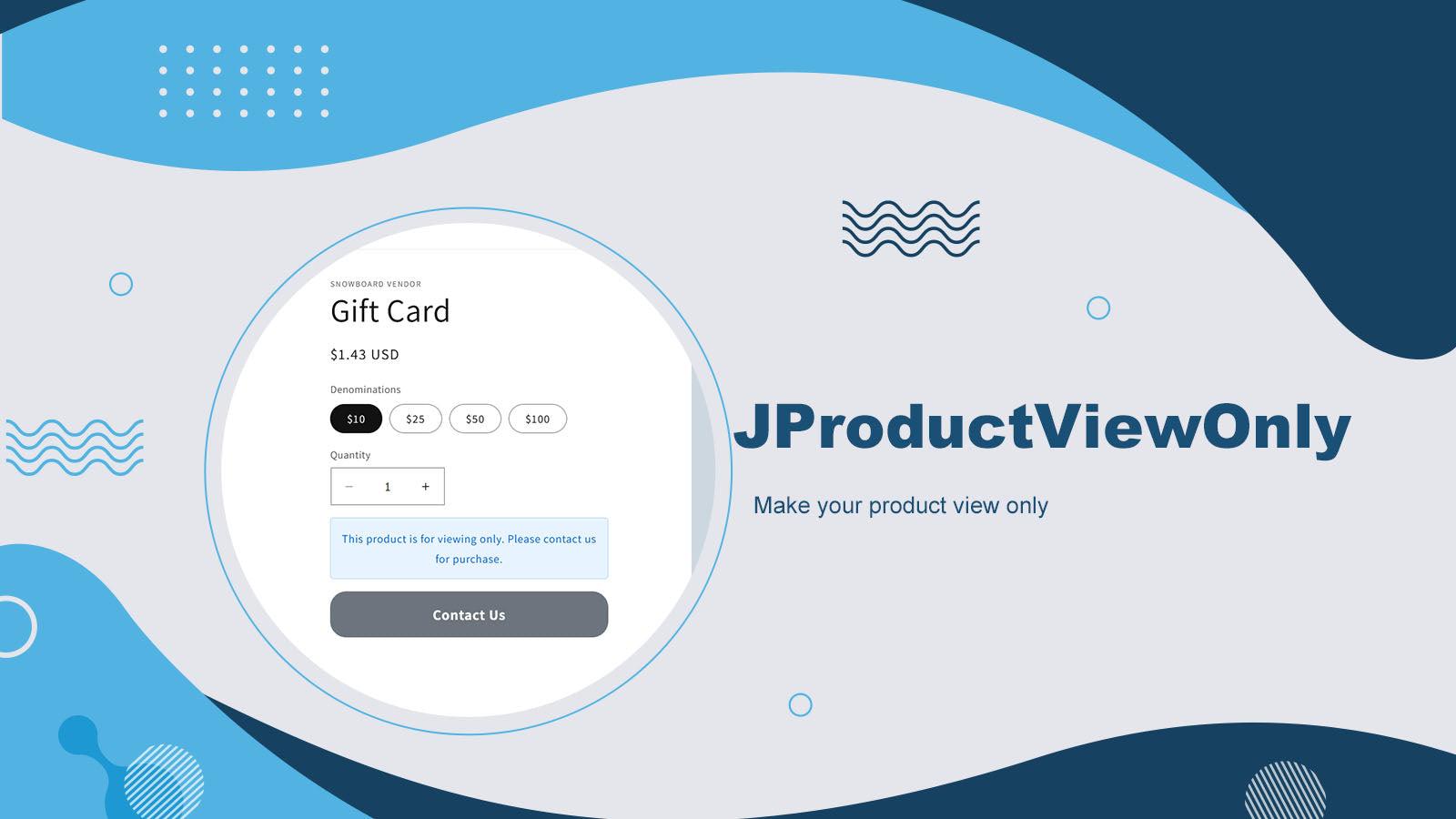
Easily make your products view only to prevent purchases while keeping your store live.
Looking for a simple way to control product availability without removing your listings? Our app is the easy answer to the question: how to make products view only on Shopify. With just a few clicks, you can display your products in a read-only mode — allowing visitors to browse your catalog without being able to add items to cart or complete checkout. This is perfect for stores running in catalog mode, wholesale previews, out-of-stock items, or businesses that want to showcase products.
Key Features
- Set products to read-only mode without complex coding or custom themes
- Apply view only mode to your entire store, specific products
- Support Online Store 2.0 themes, and Extend styling with CSS for richer template
Best alternatives to JViewOnly: Disable add to cart

Free plan available. Free trial available.
Increase Revenue by Sorting & Merchandising collection pages

Quinn Shoppable Videos & Reels
4.7(101)
Free plan available
Boost sales with TikTok & Instagram Reels as shoppable videos

JViewOnly: Disable add to cart FAQs
No. JViewOnly: Disable add to cart pricing starts at $2.99. For more details about JViewOnly: Disable add to cart pricing, check here.