

Screenshots
1 / 6
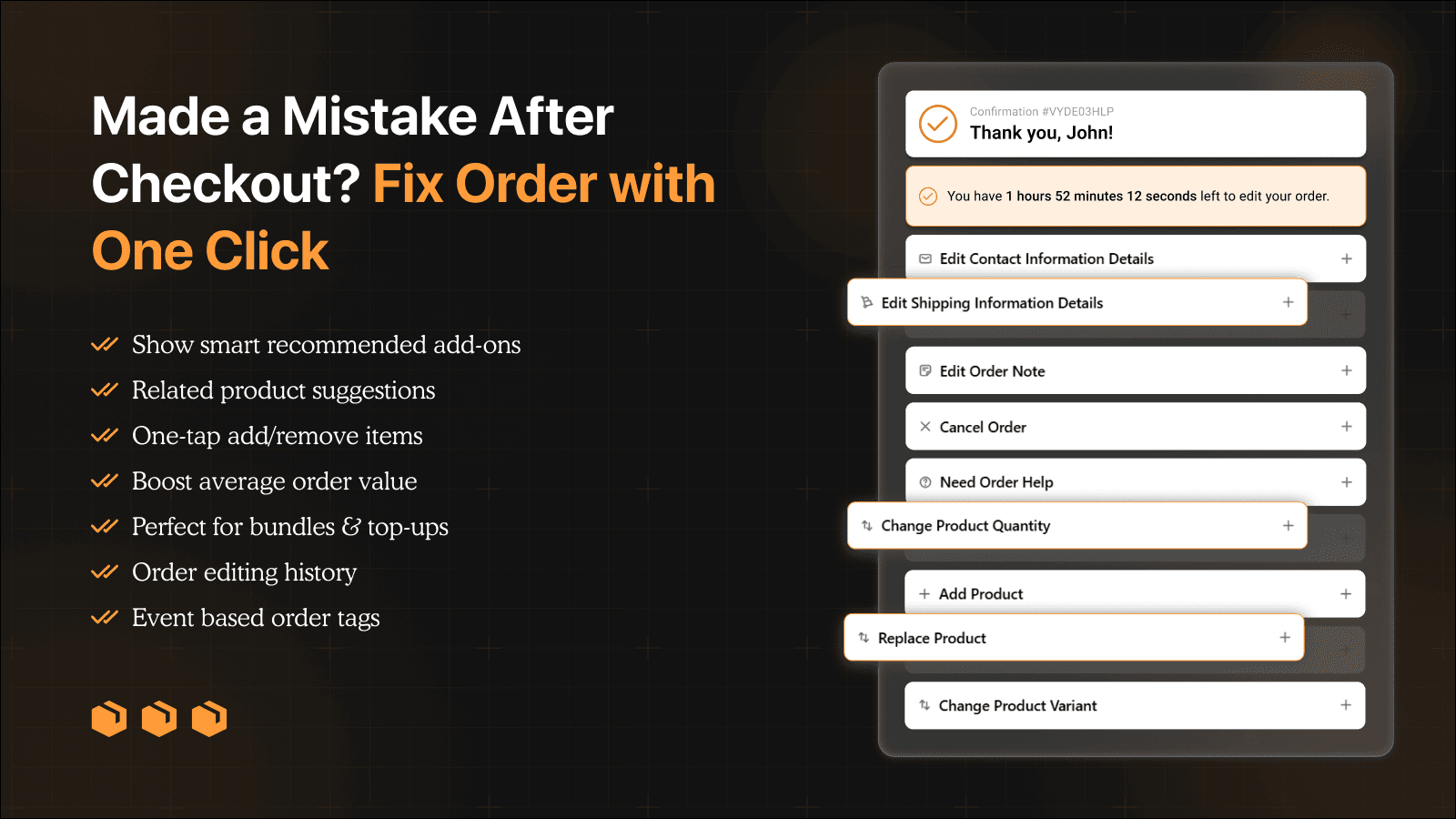
Reduce support tickets and recover revenue with self-service order editing
LEO Order Editor lets customers edit orders after checkout without contacting support. Update addresses, quantities, variants, notes, add or replace products, cancel orders if allowed, and select delivery dates. Increase revenue with Shopify AI recommendations and discount offers. Control edits with advanced rules, track changes with history and tags, manage support tickets, and view analytics. Supports 18+ languages.
Key Features
- Self-Service Order Editing : Address, quantity, variants, notes, products
- Revenue Recovery: Upsells, Shopify AI recommendations, discount offers
- Merchant Control: Advanced editing rules, time windows, restrictions
- Operations & Tracking: Analytics, history, tags, support tickets
Best alternatives to LEO ‑ Order Editing & Upsell

Free to install. Free trial available.
Save your time with fulfillment, tagging, and email automation


Free plan available. Free trial available.
Let shoppers edit orders, cancel order, EU withdrawal button

OrderEditing.com
5(300)
From $99/month. Free trial available.
Let shoppers edit address, edit orders, cancel order, & upsell


LEO ‑ Order Editing & Upsell FAQs
Yes! Try LEO ‑ Order Editing & Upsell free plan. For more details about LEO ‑ Order Editing & Upsell pricing, check here.