

App Overview
Madgic Order Limit Quantity empowers Shopify stores to enforce custom checkout rules effortlessly. Set precise quantity limits, from minimum to maximum, and apply them across products, collections, or variants. Clearly communicate restrictions with tailored error messages and control product access for subscribers only. This app simplifies managing sales constraints while maintaining a seamless shopping experience.
Screenshots
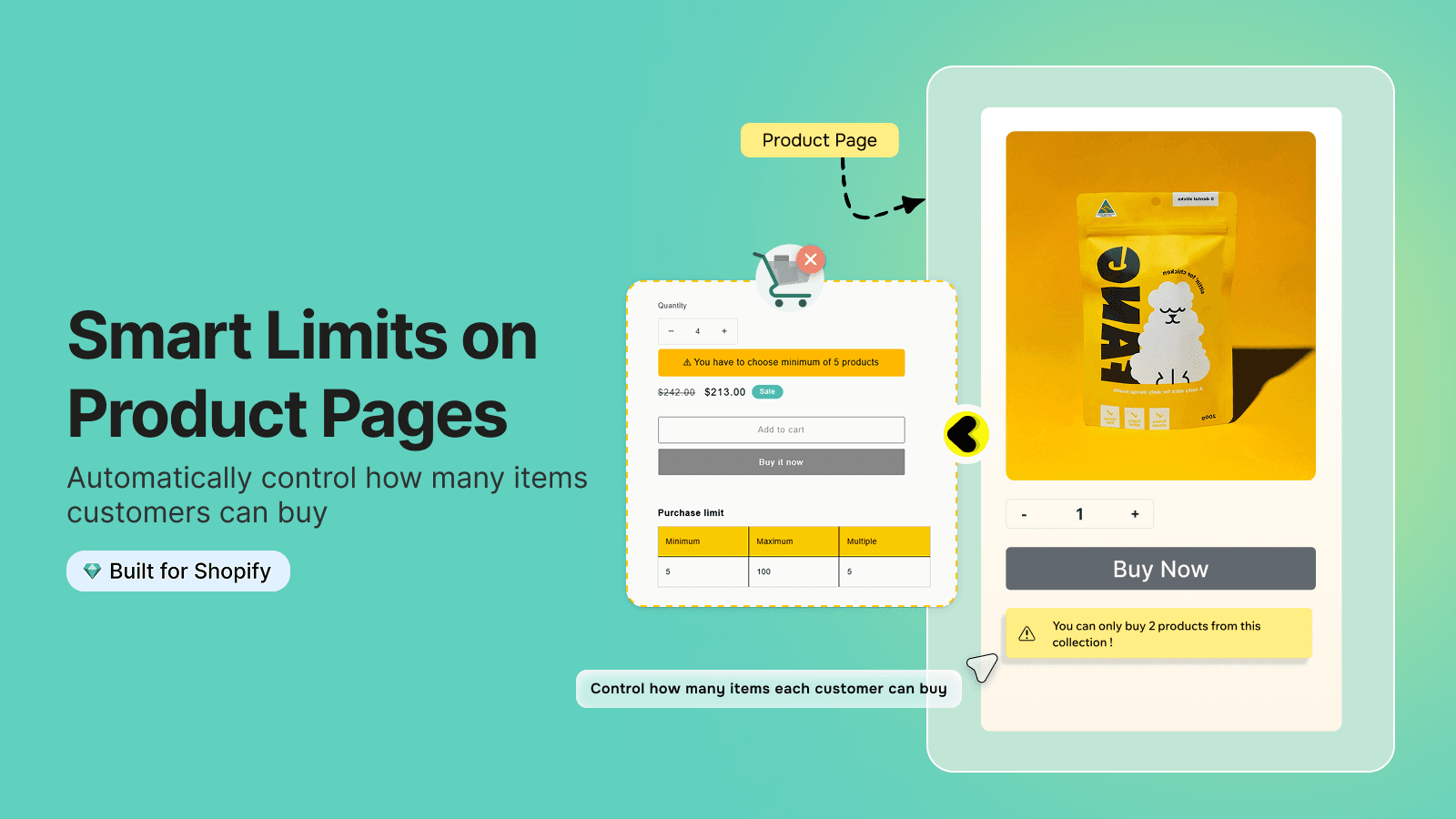
Prevent customers from unwanted orders. Create checkout rule, min max, limit orders, quantity limits
With MOQ app, the custom rules builder allows you to set specific conditions for checkout. For example, you can control the limited stock, quantity limit, product limit, max quantity, max limit, min limit, cart limit and the number of items customers can buy, require certain customer or product combinations, restrict product availability to logged-in users, and implement checks based on product details, variants, collection. Available customer support will help you customize anything!
Key Features
- Build custom checkout validation rules: min quantity and max, specific quantity
- Target to all product level: cart, collection, product and variant
- Add custom error messaging for order limit, minimum order limit (MOQ)
- Customize checkout behavior with conditional checkout rules, limit quantity
- Limiting a product for subscribers only, product order limit, purchase limit
Best alternatives to Madgic Order Limits Quantity

Set MOQ (Minimum Order Quantity), Order Limit & Checkout Rules

Order limits with min/max & limit quantity for B2B wholesale

Pareto ‑ Order Limits Quantity
Set minimum order quantity, checkout rules & B2B order limits
Madgic Order Limits Quantity FAQs
Yes! Try Madgic Order Limits Quantity free plan. For more details about Madgic Order Limits Quantity pricing, check here.