

Screenshots
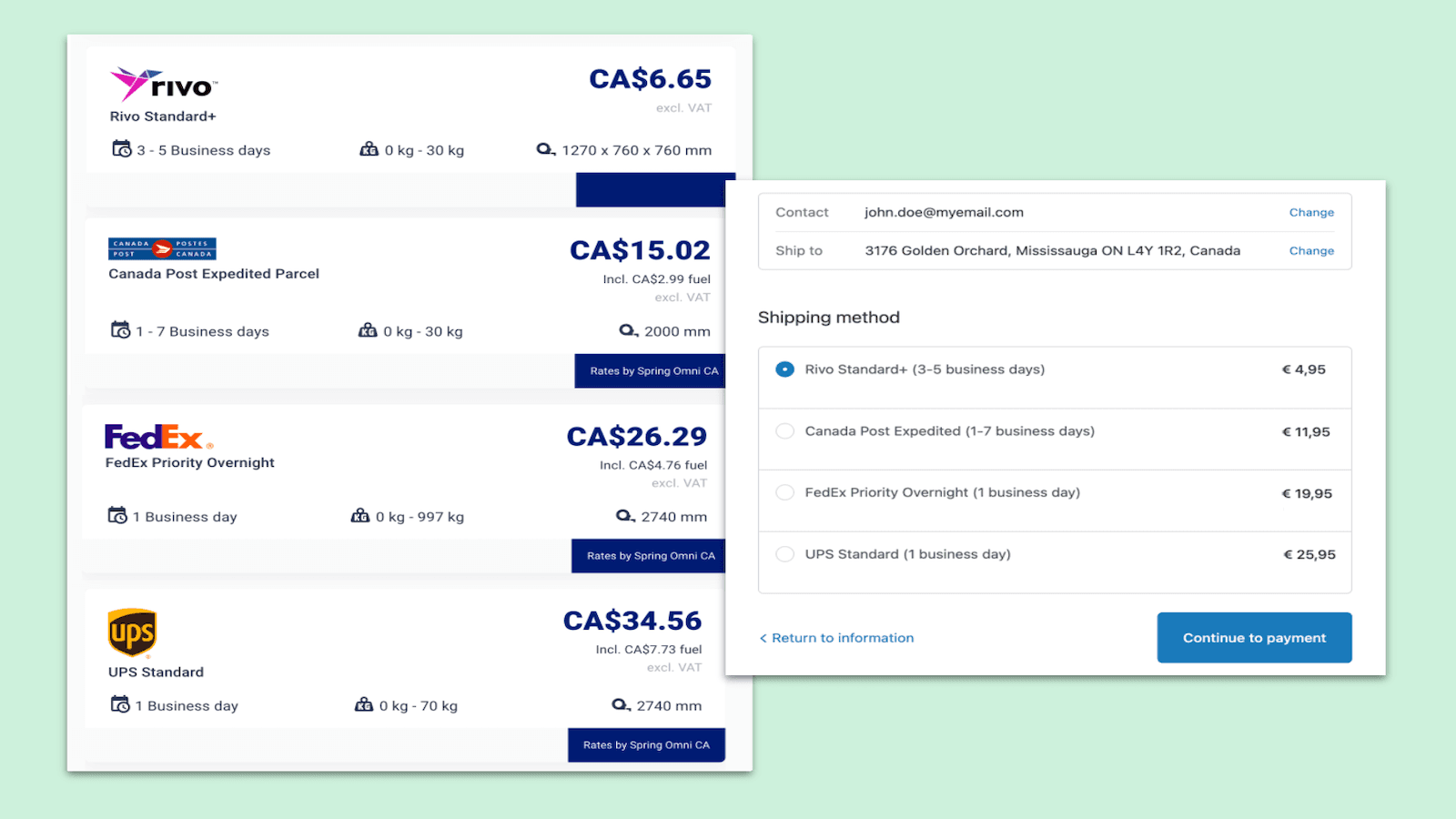
Create & print approved carrier shipping labels. Update fulfilment & tracking with SendMyParcel.com
With this app you can create and print shipping labels and customs documents directly from the orders overview of your store admin. It uses the shipping automation rules you have set up in your MyParcel.com account to create domestic and international shipping labels. The customer data from your orders will be used as the recipient address on the generated carrier labels, which you can then download as a PDF. Carrier and tracking information is added to the fulfillment of your order.
Key Features
- Create and print shipping labels, customs documents & commercial invoices
- Automate multiple shipping options using our extensive carrier library
- Automatically fulfil & update the tracking & delivery statuses for shipments
Best alternatives to SendMyParcel.com

ParcelWILL Order Tracking
Formerly Parcel Panel order tracker: track orders & boost CSAT

Track123 Order Tracking
A beautiful order tracker with branded tracking & order lookup

17TRACK Order Tracking
Simplify order management with smooth tracking and returns
SendMyParcel.com FAQs
No. SendMyParcel.com pricing starts at N/A. For more details about SendMyParcel.com pricing, check here.