

Screenshots
1 / 4
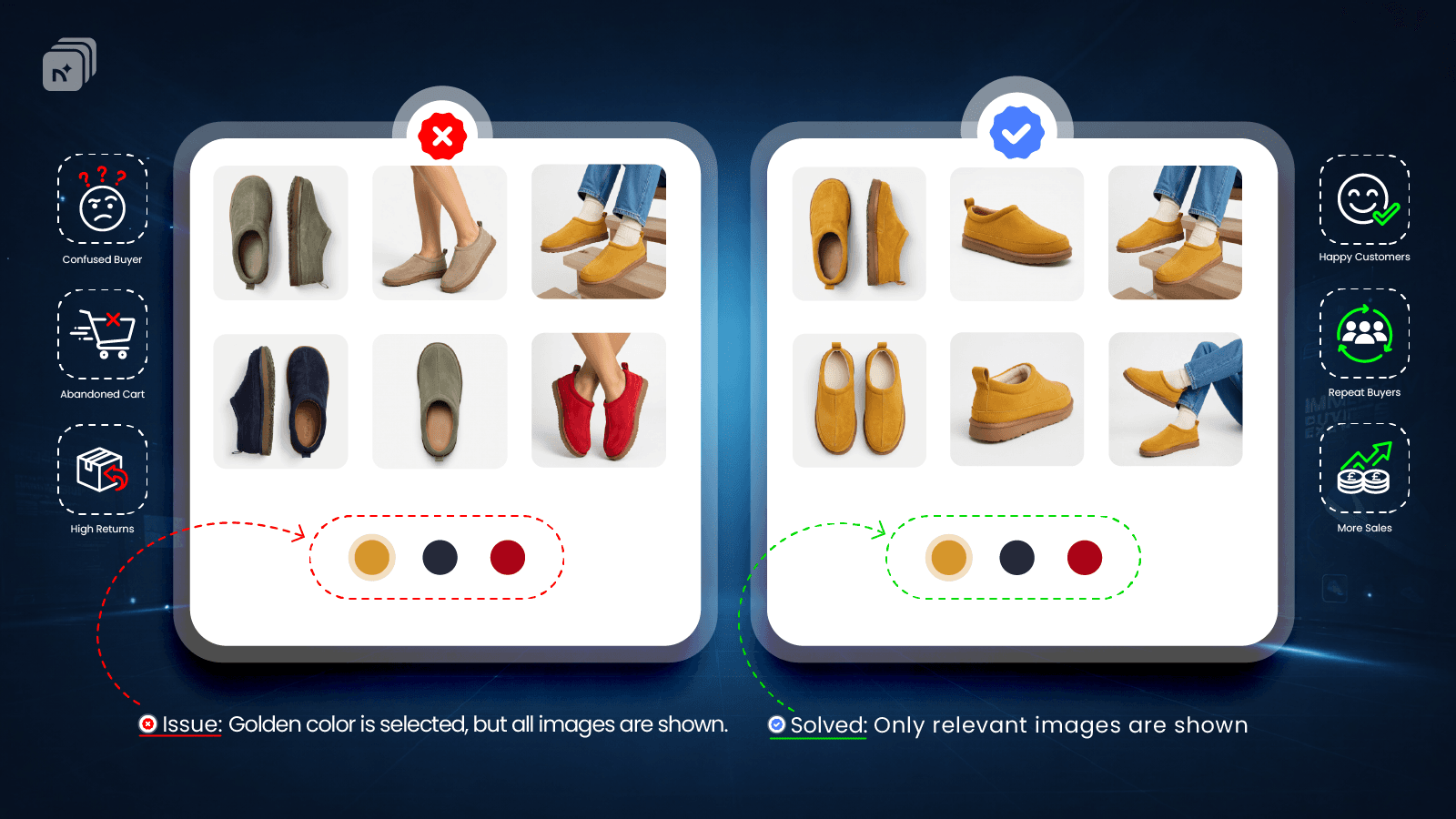
Add multiple images to product variants. Show only selected variant images, reducing returns.
Files
Key Features
- Automatically assign multiple photos, videos and 3D models per variant
- Show multiple variant images & combine multiple options (color + size)
- Flexible merchant interface for a perfectly ordered variant image gallery
- Bulk assign common media to all variants & no impact on page speed
- Works with all themes, page builder & native color swatch, no theme code editing
Best alternatives to Nova Multiple Variant Images

Free plan available. Free trial available.
Clean multiple variant images gallery & variant color swatches

SA Variant Image Automator
4.8(669)
Free plan available. Free trial available.
Show multiple variant images. Clean up variant image gallery.

Variant Image Wizard + Swatch
4.7(210)
Free plan available. Free trial available.
Customize color swatches and add multiple variant images


Nova Multiple Variant Images FAQs
Yes! Try Nova Multiple Variant Images free plan. For more details about Nova Multiple Variant Images pricing, check here.