

App Overview
The Order Delivery Date Lite app simplifies order management by adding a calendar to the cart page, letting customers choose their preferred delivery date. This tool enhances flexibility with time-slot selection and allows merchants to disable specific days or set cutoff times. Once selected, the delivery details are visible on the thank you page, in confirmation emails, and within order history, ensuring clarity for both customers and merchants. Its straightforward setup and comprehensive features make it a practical solution for improving order fulfillment efficiency.
Screenshots
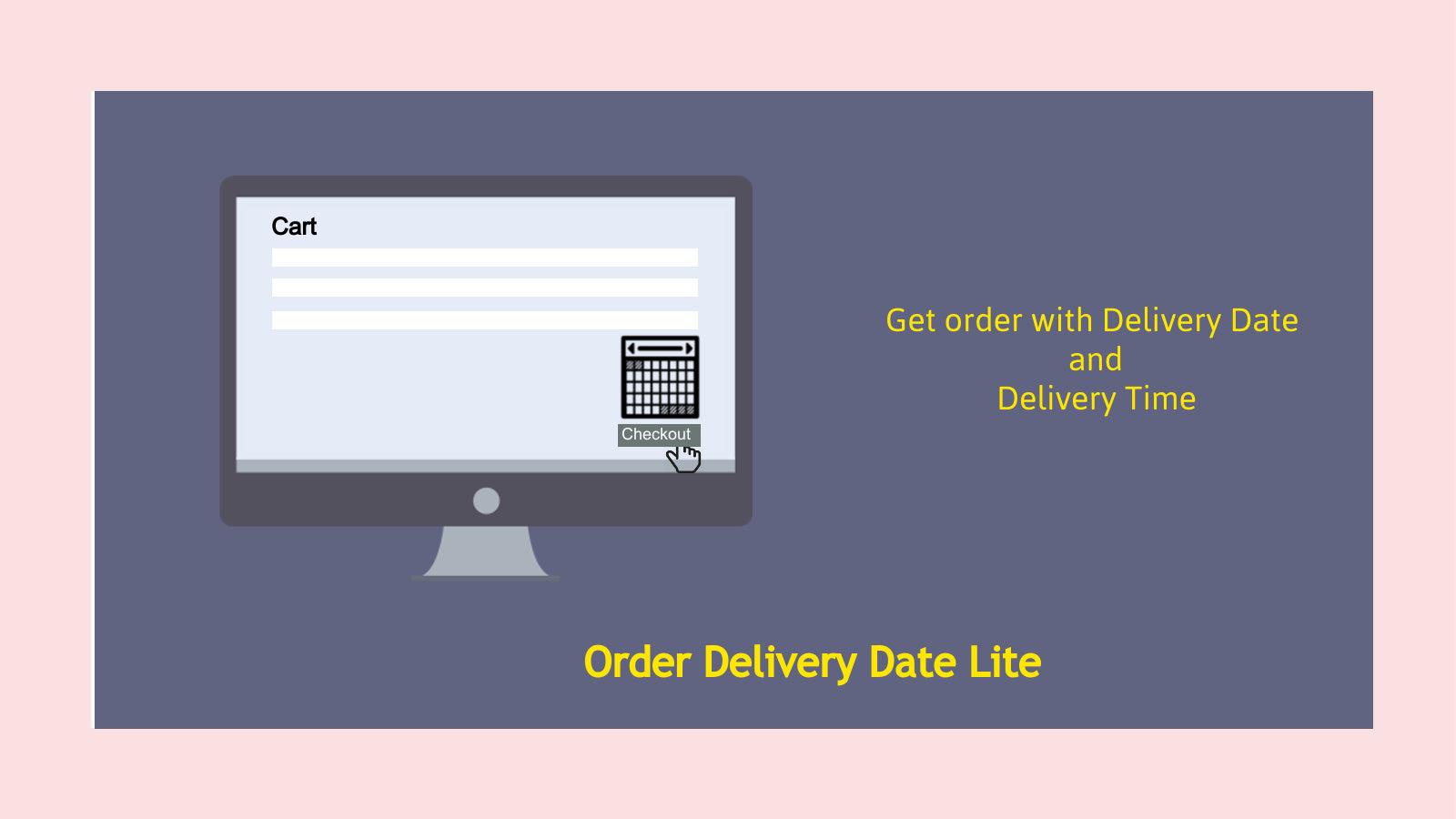
Allow customers to select date or time-slot on cart page.
Order Delivery Date Lite application provides a way to add a calendar on the cart page to allow customers to select their preferred delivery date. This "Lite' application has all customization available. On installing this application, a calendar will appear on the cart page and the selected date in the calendar will be passed with order data and the admin can see what delivery date the customer has picked on the order page. Based on the delivery date, the merchant can prepare the shipment.
Key Features
- Datepicker and customize time-slot on cart page.
- Disable day/dates and cutoff time option.
- Easy Setup.
- Thank you page and order confirmation email support to show date/time.
- Order history with date and time.
Best alternatives to Order Delivery Date Lite

Estimated Delivery Date ‑ ETA
LEVEL 2 EDD - estimated delivery date plus shipping time

Order Delivery Date Picker for Store Pickup & Local Delivery.

Order Delivery Date Lite FAQs
Yes! Try Order Delivery Date Lite free plan. For more details about Order Delivery Date Lite pricing, check here.