

App Overview
The Order Export Pro: Order Report app simplifies order management by enabling exports into XLS or CSV formats. It offers extensive customization, allowing users to include details such as order info, item specifics, fulfillment data, customer information, and referral URLs. Additionally, the flexible column editor lets you combine fields, providing versatile solutions tailored to various business needs.
Screenshots
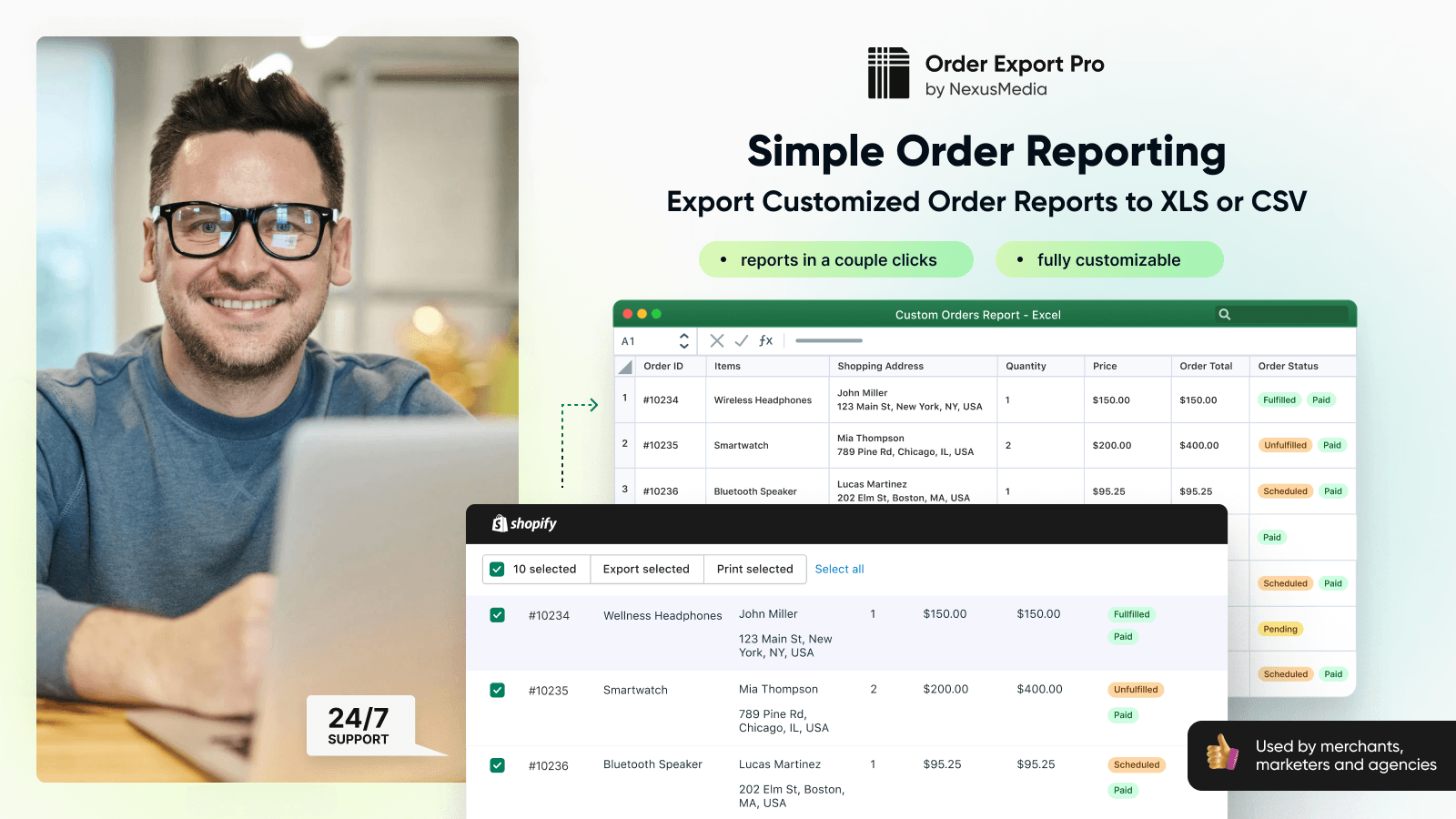
Build and export orders reports for most business needs to XLS & CSV files. Exports most order info.
Simplify export orders details to XLS and CSV sheets. Export orders to Sheets with any set of columns: order number/ID, ordered Items (with any needed information, like SKU, Quantity, Price, etc), fulfillment data (like Tracking Number, Tracking URL, fulfillment status and more), customer information (like name, email, billing and shipping address, etc), referring website / Landing URL (useful for marketing purposes and analytics) and many more! Open new horizons in order management with OEP app
Key Features
- Export orders to Excel sheet in XLS and CSV formats
- Supports 90+ order attributes that can be included in the order report sheets
- Create as many columns as you need with order details you want
- Handy column editor lets you adjust report just like you need it
- Google Sheets support is coming soon - stay tuned.
Best alternatives to OEP: Export Orders to Report

Data Export IO: Reports
Easy premade and custom reports: filter, schedule, and more.


Multi-ship orders via import or in checkout for gifting & more

OEP: Export Orders to Report FAQs
No. OEP: Export Orders to Report pricing starts at $9.95. For more details about OEP: Export Orders to Report pricing, check here.