

App Overview
Transitioning from Google Analytics Universal to GA4 is essential but can be tricky due to installation challenges and ad blockers that hinder data collection. Pasilobus simplifies the process by enabling you to install GA4 effortlessly on your Shopify store with just a few clicks. The app offers both browser-side tracking for user interactions and heatmaps, as well as server-side tracking to ensure no e-commerce data is missed. It automatically tracks all e-commerce events, orders, and conversions, integrates seamlessly with Google Ads, and requires no coding, making it an efficient solution for your analytics needs.
Screenshots
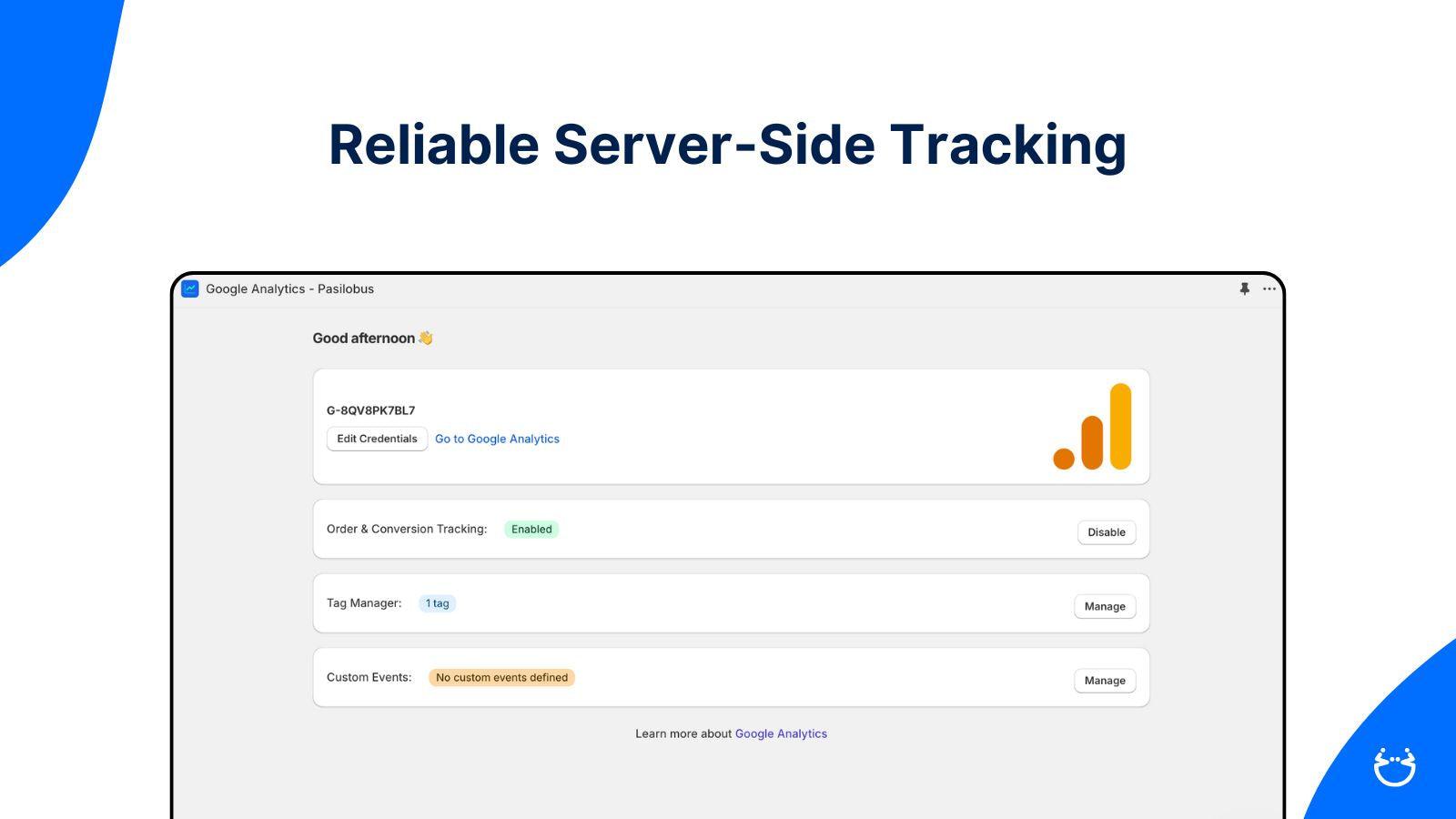
Easily integrate Google Analytics 4. Track all ecommerce events with server-side accuracy.
Setting up Google Analytics 4 on Shopify is complicated, and browser ad blockers cause stores to miss valuable conversion data. This app makes it simple. Install GA4 in a few clicks and automatically track all ecommerce events including purchases, cart activity, and checkout steps. Server-side tracking captures data that browser blockers miss. Customize which events to track, add custom events for clicks and form submissions, and send data to multiple GA4 properties.
Key Features
- Server-side tracking captures conversions even when ad blockers are active
- Automatic ecommerce events: purchases, cart, checkout, product views
- Custom event tracking for clicks, form submissions, and scroll depth
- Google Ads conversion tags and multiple GA4 property support
- Consent Mode v2, refund tracking, and cross-device analytics
Best alternatives to Pasilobus Google Analytics

TagFly Google Ads, GA4 & GTM
Prebuilt GTM & server-side tracking for GA4, Google Ads & more

Analyzely ‑ Google Analytics 4
Easily Track Visitor Behavior & Conversion by Integrating GA4

Google Tag Manager GA4
Easy Google Tag Manager and Google Ads Tracking with Cart Data
Pasilobus Google Analytics FAQs
Yes! Try Pasilobus Google Analytics free plan. For more details about Pasilobus Google Analytics pricing, check here.