

Payfy: Hide Payment Rules
Checkout customize to reorder, rename & hide payment methods.
Developed by Cirkle Studio LLC
App Overview
Payfy: Hide Payment Rules is a Shopify app designed to help merchants customize payment options at checkout by hiding, sorting, or renaming them based on specific criteria such as country, product type, customer tags, and B2B status. This tool allows for tailored checkout experiences, enabling features like restricting Cash on Delivery (COD) for international orders or hiding PayPal for CBD products, thereby enhancing control over payment methods according to business needs.
Pros
- Increased control over payment options: Easily hide specific payment methods at checkout based on various conditions, such as country, cart attributes, product weight, etc.
- Improved customer experience: Tailors the checkout process to specific customer segments, ensuring a tailored payment experience.
- Enhanced security: Restricts problematic orders by conditionally hiding payment methods, such as hiding PayPal for CBD products or COD for PO box addresses.
- User-friendly interface: Seamless integration with Native Shopify functions API and an intuitive interface, making it accessible for merchants of all levels.
Cons
- Limited features: features that require payment to use.
- Complex setup: requires technical expertise and setup time.
- Compatibility issues: may not work seamlessly with all Shopify themes and plugins.
- Loss of functionality: may limit the functionality of other apps or features within the Shopify platform.
Screenshots
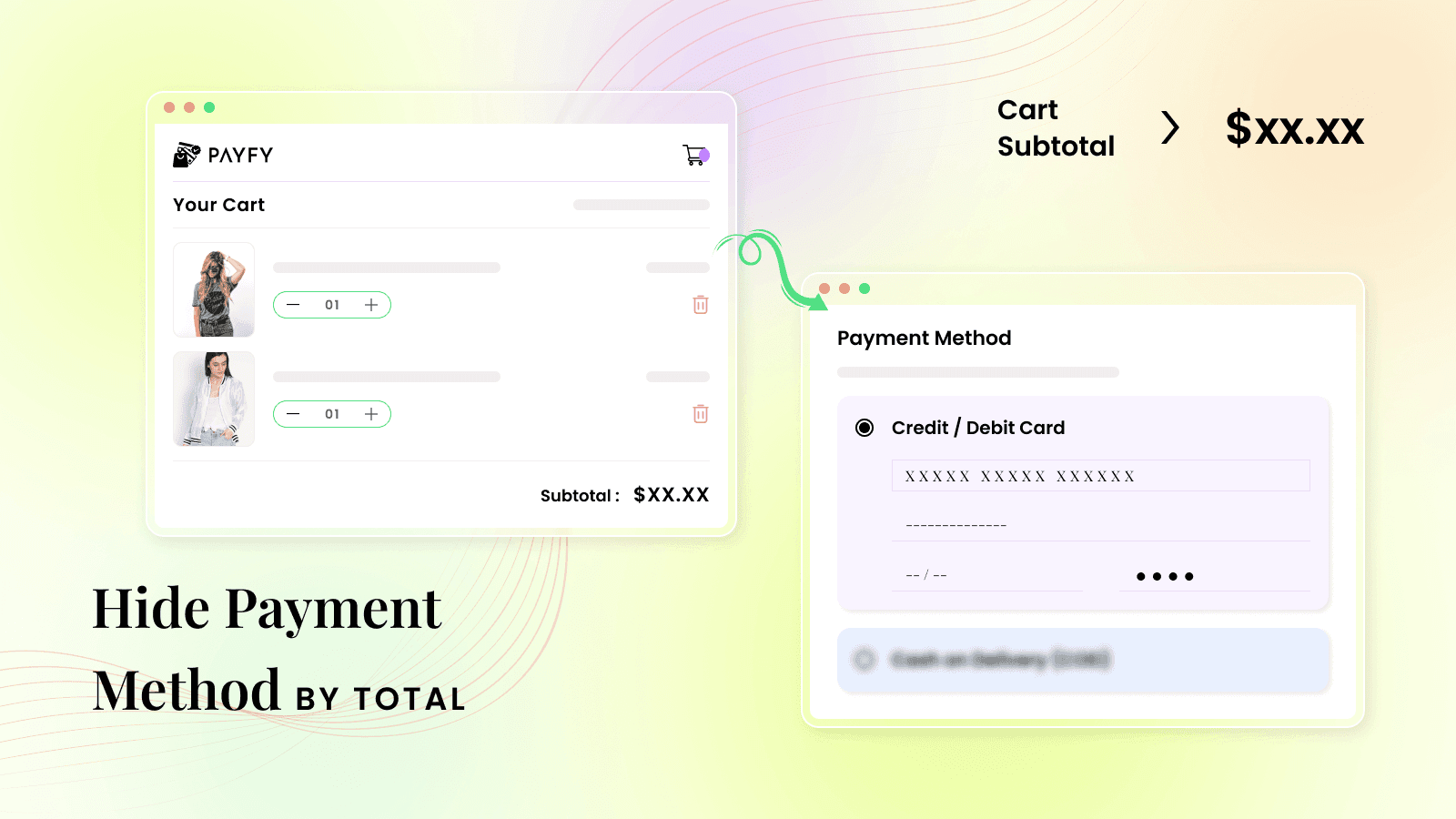
Hide payment method by Customer tag, Country, Products. Reorder/Rename payment methods at checkout.
Easily Hide/Sort/Rename certain payment methods at checkout. Conditionally hide payment methods by country, discount, products & weight, address, shipping method, cart attributes, properties, etc. at the checkout page. Ex: Hide COD if the address contains a PO box, hide COD by zipcode. It helps to restrict problematic orders Like hiding PayPal for CBD products. You can hide express checkout buttons. Checkout customisation Using Native Shopify functions API.
Key Features
- Hide payment methods by total, digital product, customer tag, and B2B customers.
- COD is available for pickup orders. Hide payment methods on draft orders.
- Hide Cash on Delivery for international orders; hide Pay Later for B2C customers
- Rename payment options by country/language, Sort/reorder payment methods
- Create your payment Scripts editor rule using payment customization.
Best alternatives to Payfy: Hide Payment Rules

Sort, rename, hide payment methods with powerful payment rules


Payment rules for better conversion rate: hide, sort & rename

Payflow: COD & Checkout Rules
COD fees, payment and delivery rules with checkout validations

BeSure Checkout Rules
Customize checkout behavior with conditional powerful rules

Blockify Checkout Customizer
Checkout rules, checkout customizer and discounts to boost AOV
Payfy: Hide Payment Rules FAQs
Yes! Try Payfy: Hide Payment Rules free plan. For more details about Payfy: Hide Payment Rules pricing, check here.