

App Overview
EasyPay - Payment Rules is a Shopify app designed to enhance customer experience by customizing the checkout process. It allows you to hide, reorder, or rename payment methods based on criteria like order amount, weight, location, and more. For instance, you can prioritize specific payment options for high-value orders, ensuring a seamless and tailored checkout experience. This app offers flexibility and control in managing payment rules, making it easier to adapt to diverse customer needs.
Screenshots
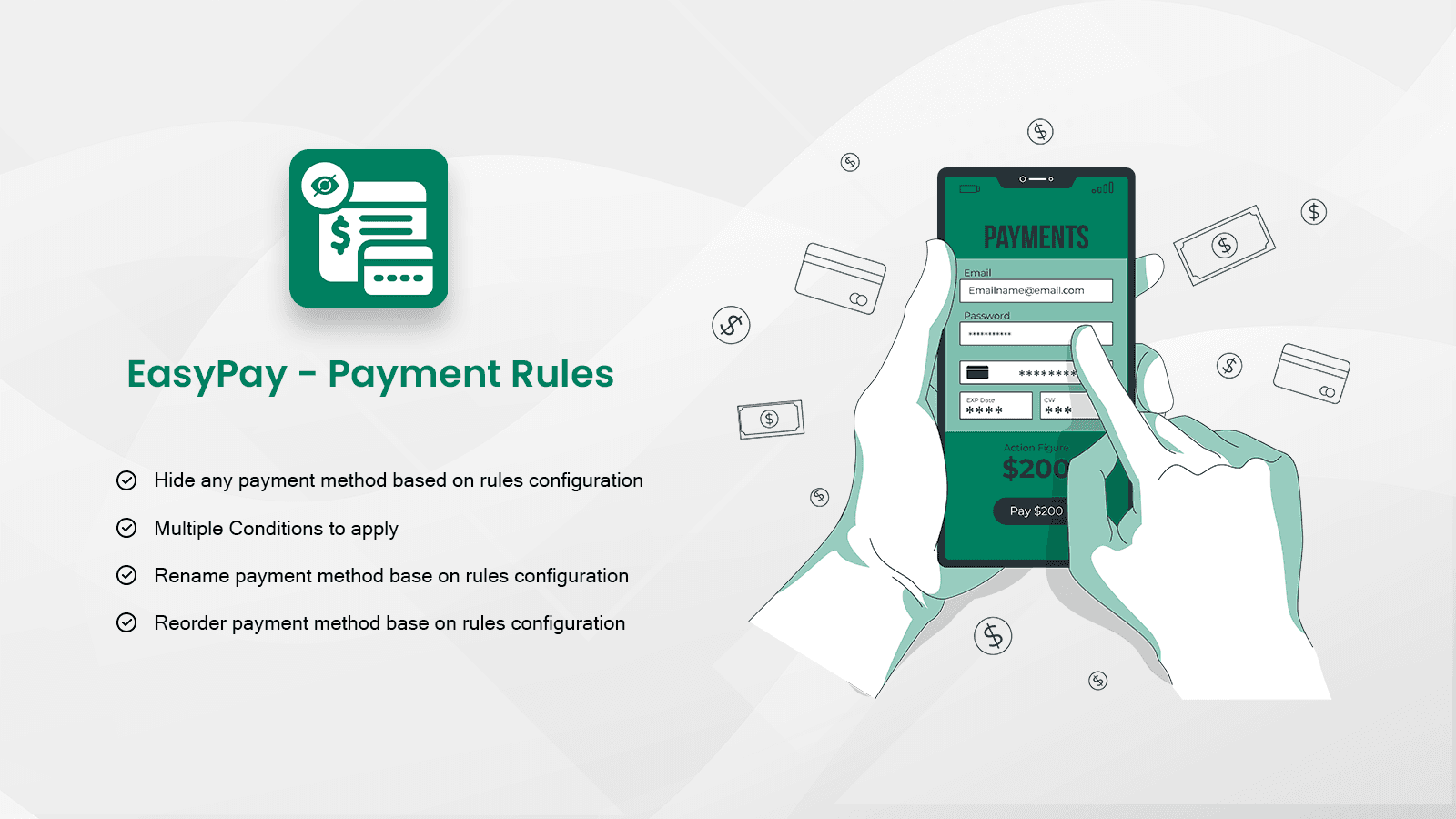
Move, Hide and Rename payment methods at checkout to enhance customer experience.
Locales, translations
Key Features
- Hide payment method (Amount, Weight, Sku, Collections, Country, Zipcode..)
- Change payment method order at checkout page (Country, Language, Customer Tags)
- Change payment method name at checkout page (Country, Shipping Title)
Best alternatives to EasyPay ‑ Payment Rules


Boost conversions & reduce fake orders on Magic Checkout!

Payfy: Hide Payment Rules
Checkout customize to reorder, rename & hide payment methods.

Payment rules for better conversion rate: hide, sort & rename

Bony: Checkout Rules & COD
Customize checkout rules to boost sales and reduce risk
EasyPay ‑ Payment Rules FAQs
No. EasyPay ‑ Payment Rules pricing starts at N/A. For more details about EasyPay ‑ Payment Rules pricing, check here.