

App Overview
Pixc’s Photo Resize app provides a seamless solution for resizing and optimizing images directly within Shopify. The tool automates image adjustments, including cropping, framing, and bulk editing, to enhance product visuals with minimal effort. By offering responsive optimization and boosting page speed, it helps improve SEO while saving time and resources.
Pros
- Effortless resizing: Quickly and automatically resizes images in bulk, eliminating manual labor.
- Enhanced store presentation: Creates a professional and cohesive look for product images, improving visual appeal.
- Time and cost savings: Reduces the time and expenses associated with manual image editing, freeing up resources.
- Improved efficiency: Streamlines the image resizing process, empowering users to focus on other aspects of store management.
Cons
- Limited resizing options: inability to resize images to specific dimensions without upgrading.
- Incomplete image processing: failure to resize all images, leaving some untouched.
- Poor customer support: lack of response to customer inquiries and concerns.
- Unintended and undesirable image alterations: addition of white borders to all images without option for color customization.
Screenshots
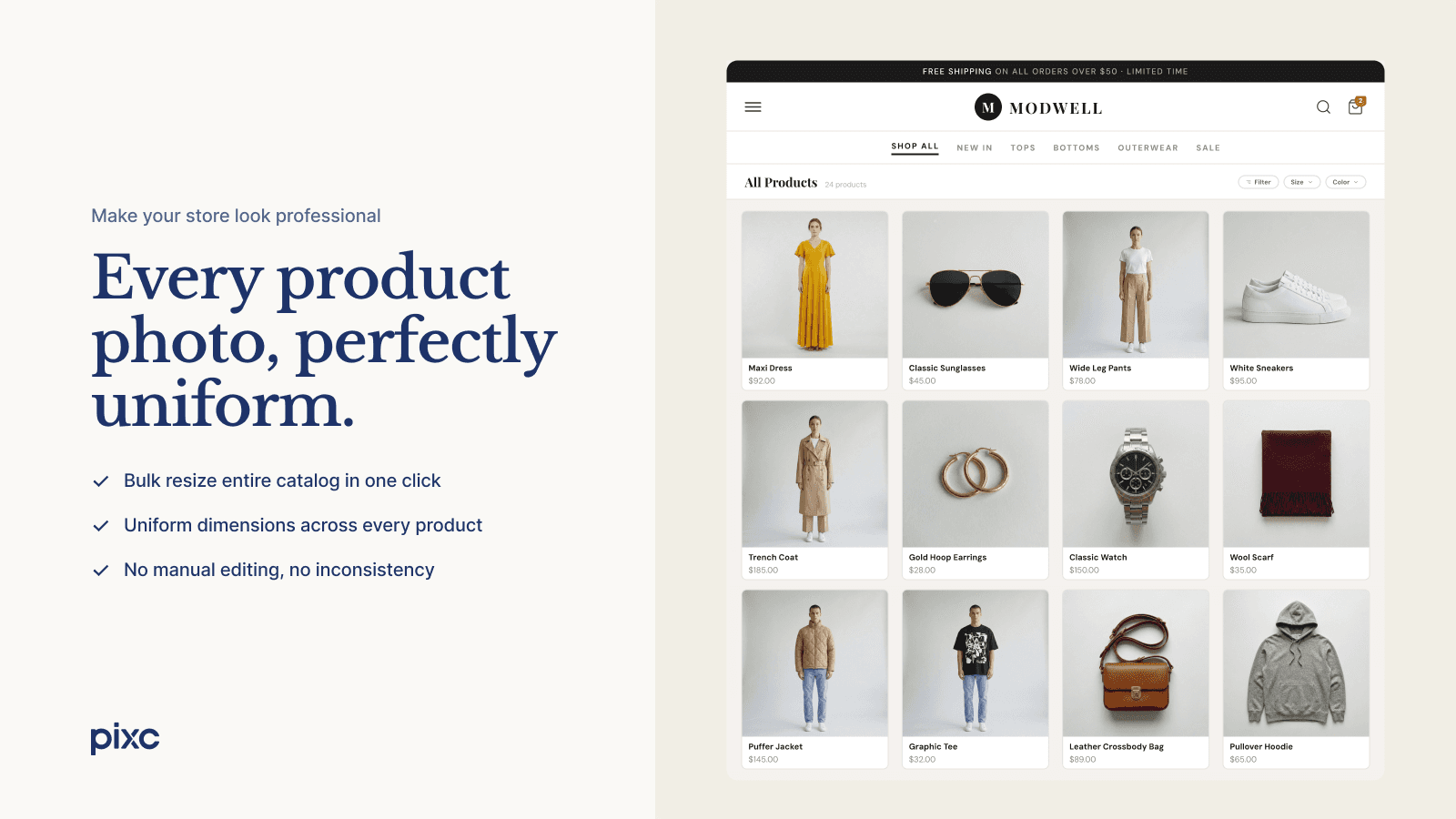
Bulk auto resize, crop, and optimize product photos — now with AI to naturally extend images.
Pixc: Photo Resize automatically resizes and optimizes all your product photos in bulk for a uniform, professional look across your store. Choose crop or frame, set your preferred dimensions, and every image is adjusted to match your settings. The AI Extend feature goes further, intelligently expanding photos to fill the image naturally without cropping or adding frame. The app runs in the background so every new photo is resized the moment it is uploaded. No more manual editing.
Key Features
- Resize all product photos automatically in just a few clicks.
- AI-Extend: Naturally expand product photos to fill the frame, no cropping needed
- Crop or Frame: Choose how images are adjusted to match your store's visual style
- Auto Resize: New product images are resized in the background automatically
- Original Image Backup: Restore any image to its original version whenever needed
Best alternatives to Pixc: AI Photo Resize

Remove background & create stunning product photos in a click!

AI Models & Photos ‑ Attired
Bulk generate stunning product AI images with optimised SEO

Pixelz: Photo Retouching
Refined product image retouching with next morning delivery.

SpeedSize AI‑Image Optimizer
Speed Up Images & Videos with AI Quality


Yotpo: Product Reviews App
Build trust and boost revenue with product reviews & UGC
Pixc: AI Photo Resize FAQs
Yes! Try Pixc: AI Photo Resize free plan. For more details about Pixc: AI Photo Resize pricing, check here.