

App Overview
Streamline your tag management with Power Tools Bulk Edit Tags, enabling efficient bulk operations such as adding, removing, and syncing product tags. Leverage features like tagging via collections, existing tags, or descriptions, and use the Speed Tag feature for quick selection from a list. This app saves time by eliminating manual edits across spreadsheets or individual products, helping you organize and manage your Shopify store effortlessly.
Pros
- Faster workflow: Add, remove, and sync product tags across collections, existing tags, and product descriptions with a few clicks.
- Time savings: Bulk delete tags from all products simultaneously, eliminating the need to manually edit each product or use spreadsheets.
- Efficient tag management: Utilize the Speed Tag feature to quickly add tags by selecting them from a list of products.
- Enhanced productivity: Easily clean up tags, migrate from other platforms, and maintain consistency across products and collections.
Cons
- Limited functionality: Does not allow for editing or renaming existing tags.
- Data loss: Potential for accidental tag deletion or incorrect updates.
- Inaccuracy: May fail to update or change tags as intended.
- Misleading product name: Implies tag editing capabilities that are not present.
Screenshots
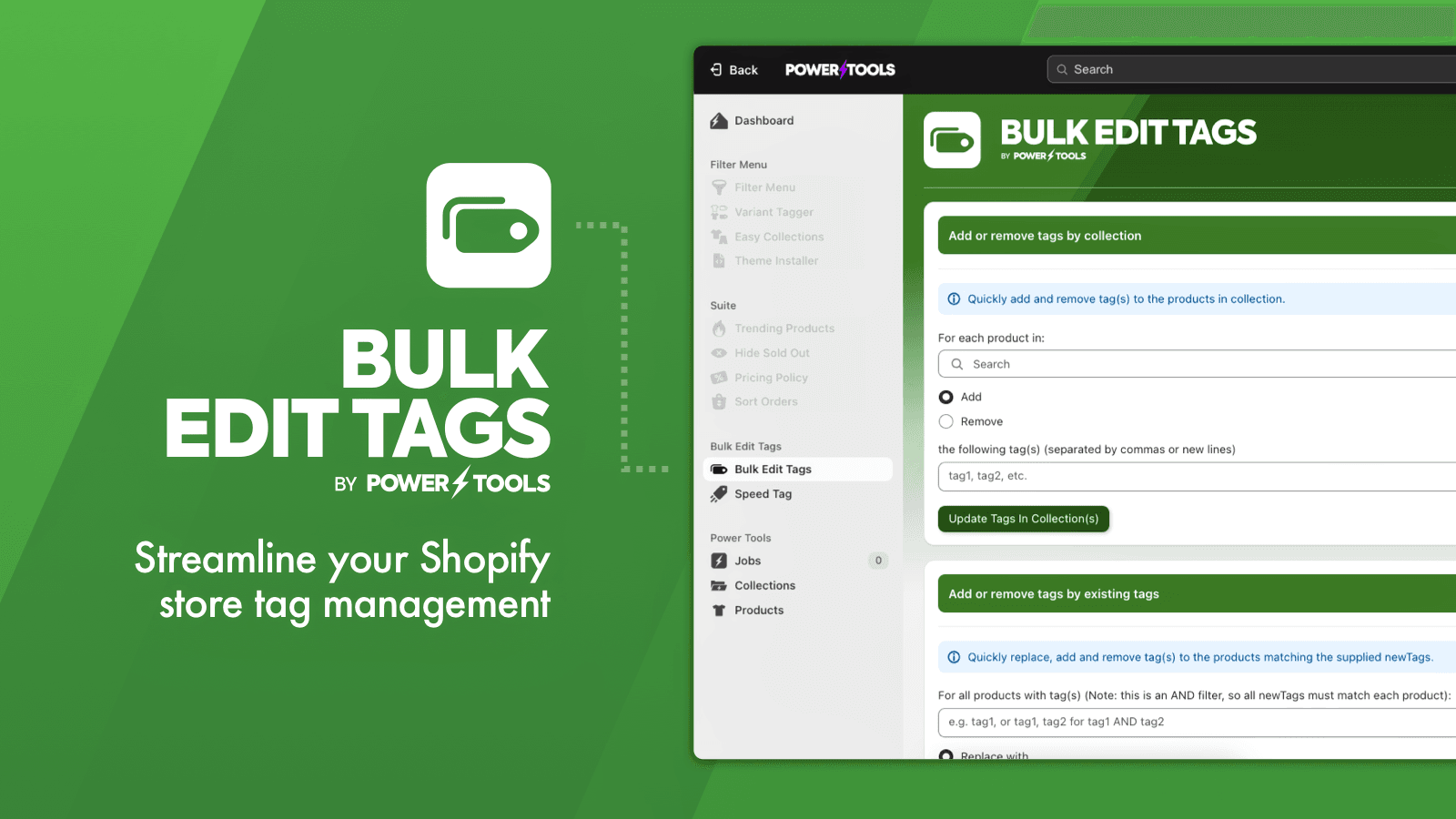
Easily add and remove tags from your products, based on collections, tags and other rules
Shave hours off your workload with Power Tools Bulk Edit Tags. Easily add, remove and sync product tags! Add tags by collections, existing tags, or product descriptions. Need to quickly remove a tag from all products, you can bulk delete tags in a single click. No more messing around clicking between products, or laboriously editing in a spreadsheet. You can also quickly add tags using the Speed Tag feature, just select the tags by clicking on each tag from a list of products.
Key Features
- Save yourself hours in the office by editing tags in bulk.
- Modify your tags across entire collections with just a click.
- Bulk delete tags, or update tags based on combinations of other tags.
Best alternatives to Power Tools Bulk Edit Tags

RUBIX Bulk Tag Editor
Managing bulk edit product tags with various product filter


AI Auto Tags, Flows & QR Codes
Auto tags, order taggers & QR codes for AI order flows

Ablestar Bulk Product Editor
Bulk edit products & metafields with preview, schedule & undo


Accentuate Custom Fields (ACF)
Design custom pages with metafields and no - code theme blocks
Power Tools Bulk Edit Tags FAQs
No. Power Tools Bulk Edit Tags pricing starts at N/A. For more details about Power Tools Bulk Edit Tags pricing, check here.