

App Overview
Printaura is an app tailored for Shopify store owners, automating order processing and managing listings while seamlessly creating products. It streamlines operations, minimizes errors, and provides a user-friendly interface to enhance efficiency within the Shopify ecosystem. By handling these tasks automatically, Printaura allows store owners to focus on fostering growth and expanding their business efforts.
Pros
- Excellent product quality: Printaura prioritizes print quality and offers a wide selection of garments to meet diverse printing needs.
- Exceptional customer service: Printaura provides personalized customer support, including quick responses to inquiries and proactive resolution of issues.
- Fast and reliable shipping: Printaura consistently meets delivery deadlines, offering expedited shipping options and minimizing customer wait times.
- Customization and flexibility: Printaura allows easy integration with stores, enables customization options for branding, and provides a comprehensive range of printing services.
Cons
- Poor customer service: slow and curt responses, only available via email during weekdays.
- Unreliable communication: delays in responses, lack of live support, difficulty getting help with complex processes.
- Unprofessional handling: unfulfilled responsibilities, mislabeled deliveries, lack of accountability for errors.
- Low-quality products: substandard print quality, peeling and stuck-together graphics.
Screenshots
1 / 4
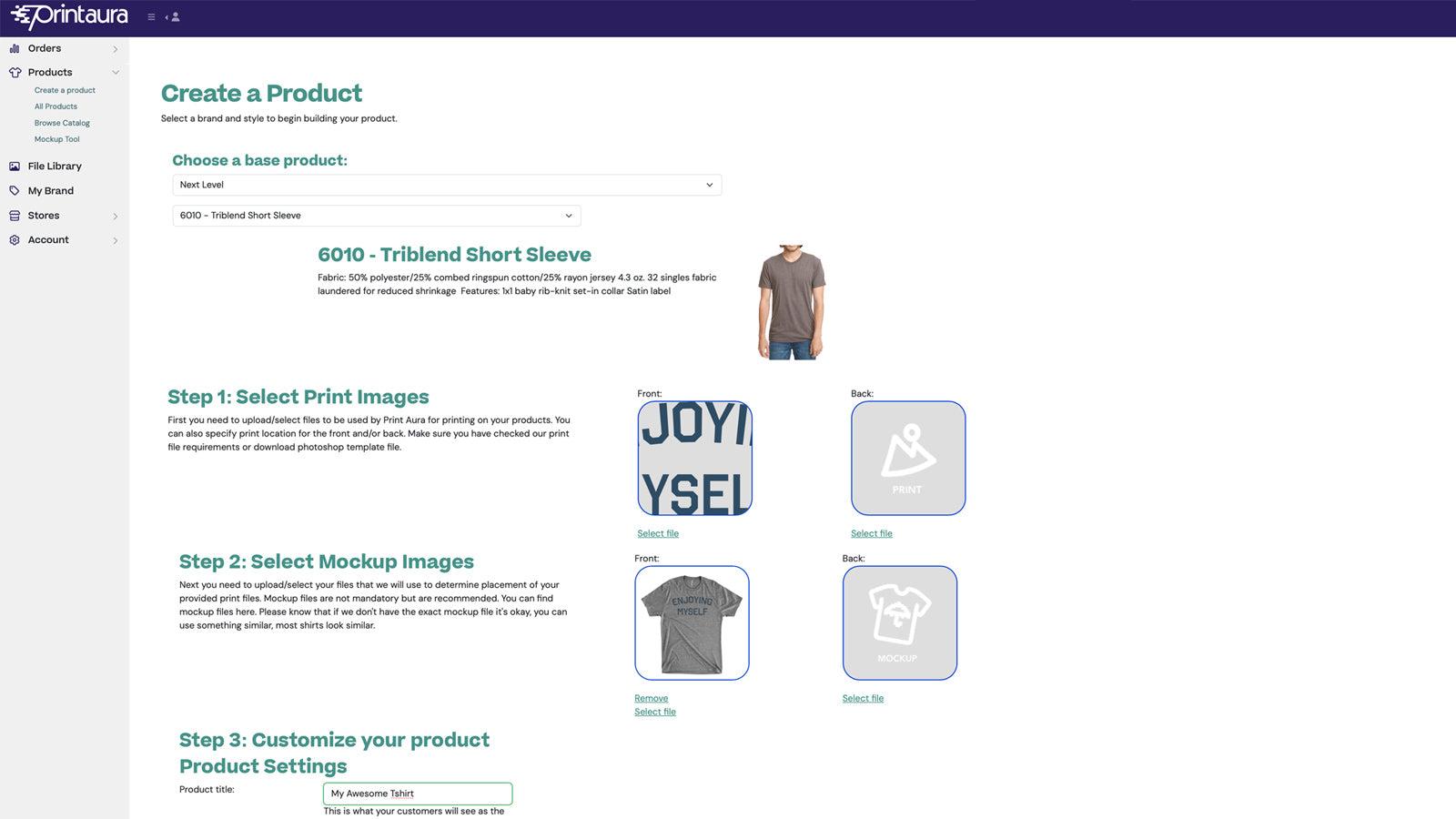
Allows printaura customers to integrate their store
Locations
Key Features
- Connect Shopify in seconds and start selling print-on-demand products fast.
- Create, publish & manage products from one dashboard.
- Link existing Shopify listings to PrintAura fulfillment.
- White-label branding, custom packaging & pack-in options.
- World class DTG, DTF printing and embroidery make your products stand out.
Best alternatives to Printaura

CJdropshipping: Much Faster
4.8(2372)
Free to install. Additional charges may apply.
You Sell - We source and ship for you!

Printify: Print on Demand
4.7(3632)
Free to install
Create and Sell Custom Products, We Handle the Rest.

Auto DS: AI Dropshipping & POD
4.3(1274)
From $26.90/month. Free trial available.
Find dropshipping products from the best global drop suppliers

Artsadd: Print On Demand
4.2(32)
Free to install. Additional charges may apply.
Create and sell custom products under your brand.

Printful: Print on Demand
4.7(3260)
Free to install
Sell custom print and embroidery items with no upfront costs