

Screenshots
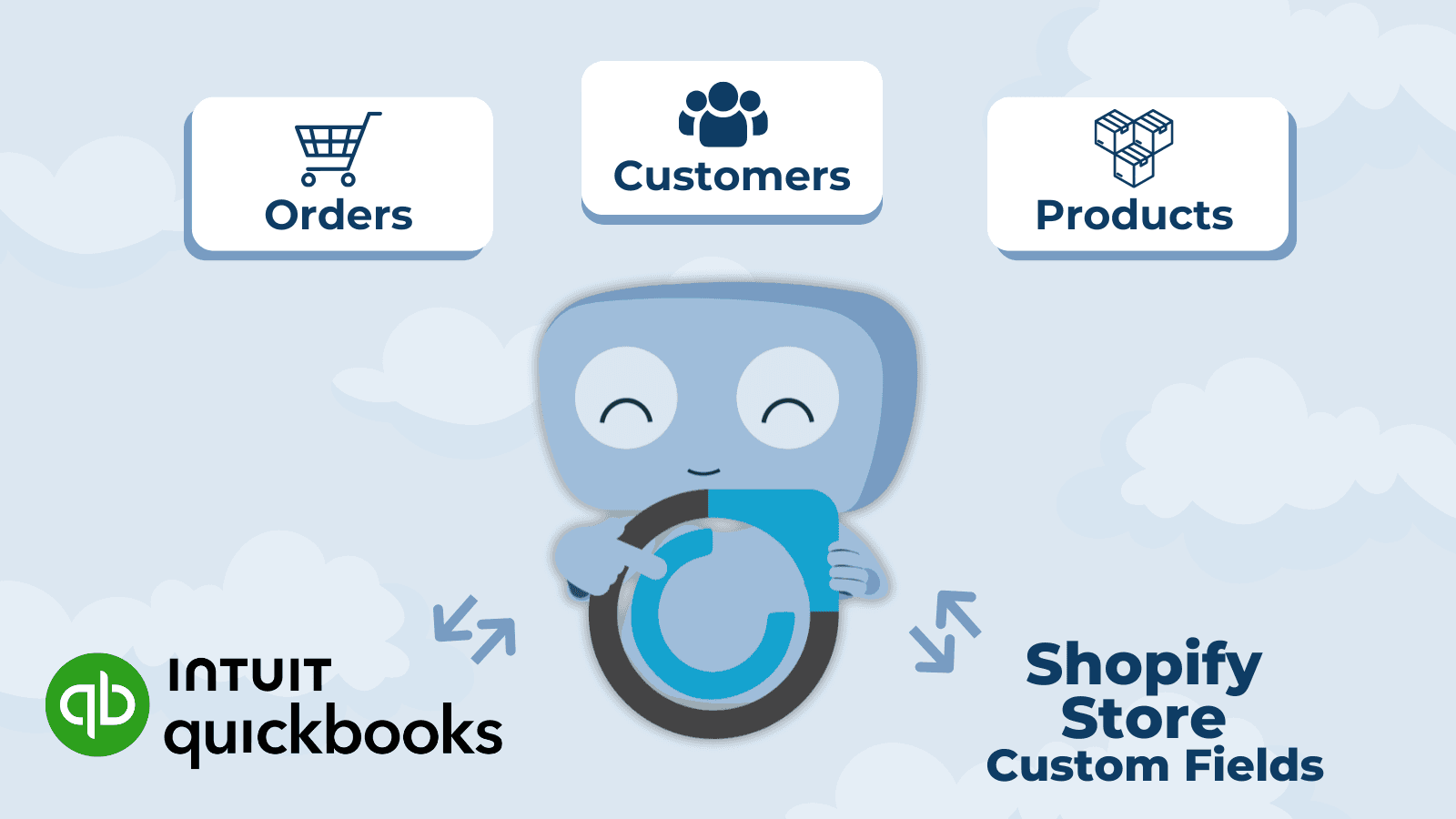
Use Quickbook Custom Fields to customize your store backend and meet your business’s specific needs.
Quickbook Fields by Commercient is a powerful solution for businesses looking to manage custom data effortlessly. It supports a variety of Quickbook fields for customers, products, and orders, including key details like AR Customer Code, Salesperson ID, and Warehouse Code. These fields can be fully customized to meet the specific needs of your business, giving you the flexibility to organize and manage your data effectively.
Key Features
- Save update and remove metadata within Quickbook Customer's custom fields.
- Save update and remove metadata within Quickbook Product's custom fields.
- Save update and remove metadata within Quickbook Order's custom fields.
Best alternatives to Quickbook Field By Commercient

Ablestar Bulk Product Editor
Bulk edit products & metafields with preview, schedule & undo

Metafields Guru
Manage metafields manually or in bulk. Imports, exports & more

Textbox & Textfield by Textify
Add text box or text field to product page for personalization

Bear Specs & Compare
Product specifications and comparison tables for your store

Accentuate Custom Fields (ACF)
Design custom pages with metafields and no - code theme blocks
Quickbook Field By Commercient FAQs
No. Quickbook Field By Commercient pricing starts at N/A. For more details about Quickbook Field By Commercient pricing, check here.