

App Overview
Efficiently integrate your Shopify store with QuickBooks Desktop using MyWorks QuickBooks Desktop Sync. This app offers seamless two-way syncing of orders, customers, inventory, payments, and more, ensuring up-to-date accuracy in both platforms. Enjoy advanced features such as Purchase Order support and B2B functionality, all managed easily within Shopify. Get started quickly with our intuitive interface and top-rated customer support.
Screenshots
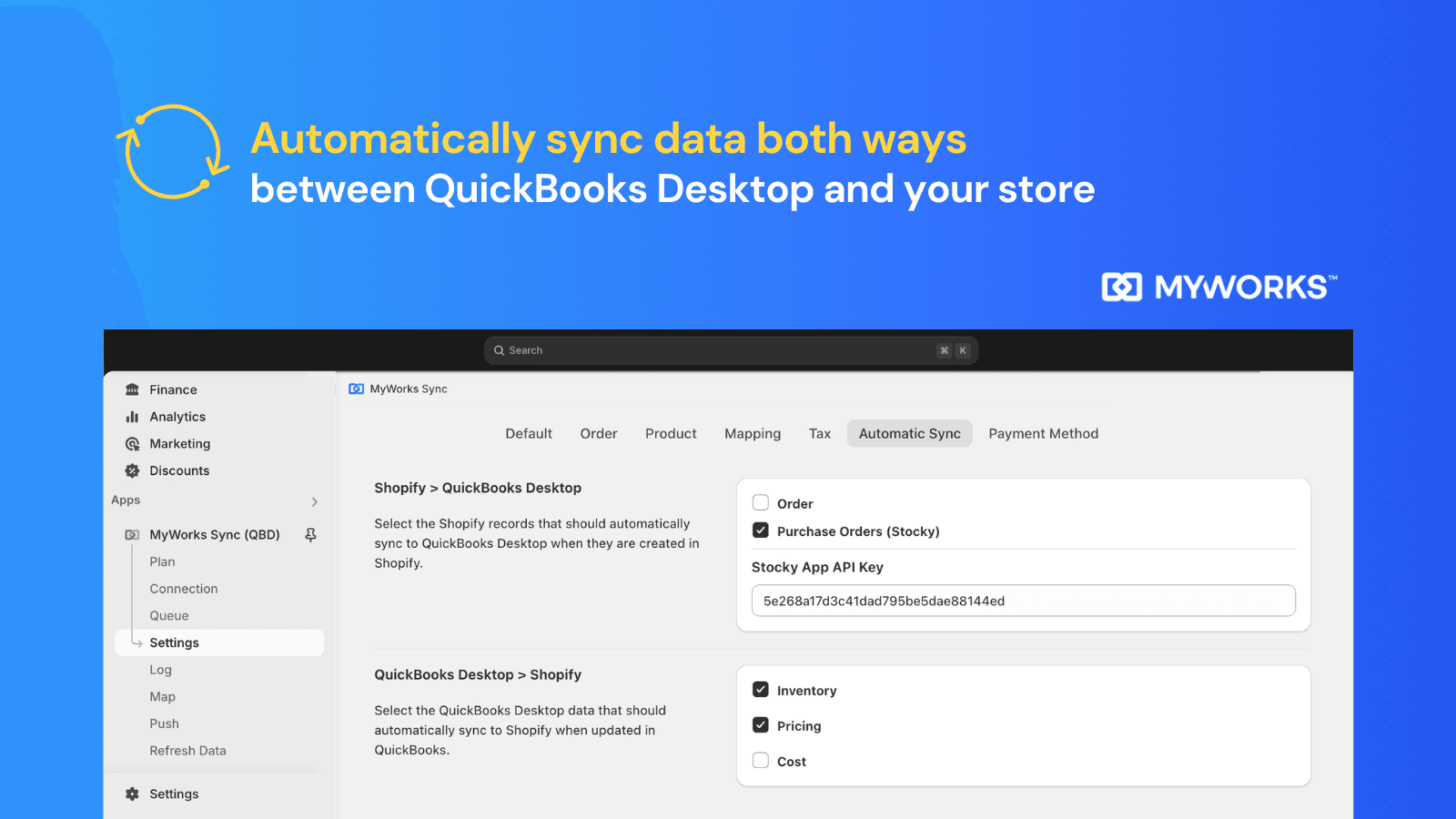
Sync sales, inventory & more both ways with QuickBooks Desktop for accurate, effortless accounting.
Simplify your ecommerce accounting with our powerful QuickBooks Desktop connector. Using QB Online? See our other Shopify app. Seamlessly sync your data with QuickBooks: customers, orders, payments, payouts, purchase orders, products, inventory levels, pricing & more. Tailor to your workflow with features like automap, custom fields and advanced settings. Enjoy quick setup, user-friendly interface, and reliable support! Automating your accounting frees up time to grow your business.
Key Features
- Peace of mind with up-to-date, accurate data in both Shopify and QuickBooks
- Sync individual orders or summaries, payouts, inventory, purchase orders & more
- Advanced features like Purchase Order syncing & Shopify B2B support
- Manage syncing directly from within your Shopify admin
- Get started in minutes with our top-rated 24/7 Customer Support
Best alternatives to MyWorks QuickBooksDesktop Sync

QuickBooks Sync by MyWorks
Automatically sync sales, inventory & more with QuickBooks.

A2X Sync for QuickBooks & Xero
Automated, accurate accounting in QuickBooks Online or Xero

Webgility ‑ QuickBooks Online
Sync Quickbooks Online, Xero & Automate Accounting & Inventory

Sync inventory, orders & tracking across marketplaces globally

Sumtracker Inventory Manager
Inventory sync & Inventory replenishment for multiple stores

syncX: Stock Sync & Inventory
Import & sync multiple stores, G Sheet, FTP, API. Bulk update
MyWorks QuickBooksDesktop Sync FAQs
Yes! Try MyWorks QuickBooksDesktop Sync free plan. For more details about MyWorks QuickBooksDesktop Sync pricing, check here.