

Screenshots
1 / 4
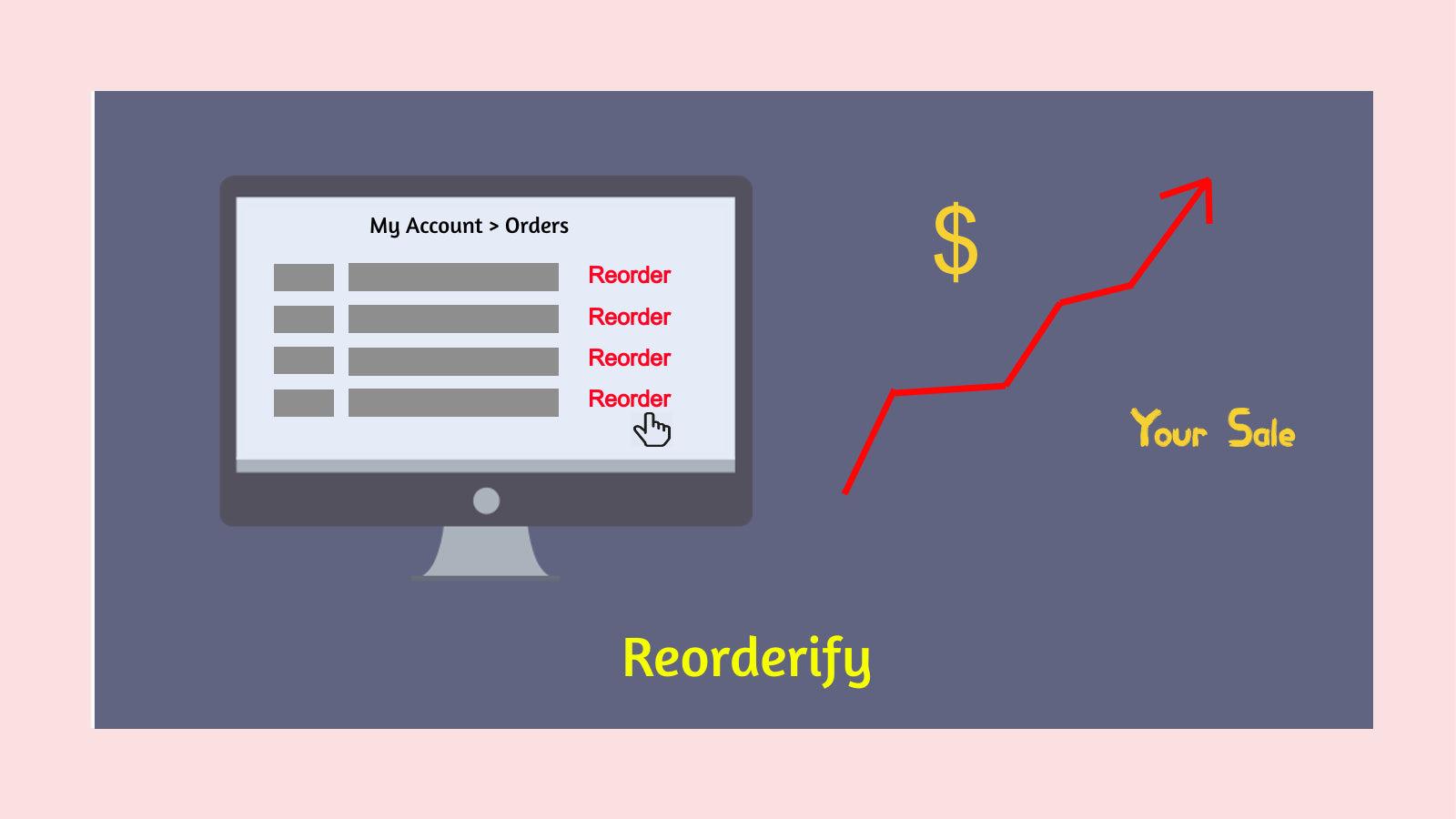
Repeat order easily with one click in my account pages.
Reorderify provides a way to add any previous order products to the cart or take to the checkout page. After installing this application, a button having text 'Reorder' will be added in each order row in the 'Order Listing' section of 'Account Page'. The 'Reorder' button can be added on the 'Order Detail Page' or 'Thank-You Page'.
Key Features
- Reorder button lets customers view and repurchase items from previous orders.
- Reduces reorder calls to customer support.
- Allow all items to add to the cart from existing orders.
- Reorder using 'Popup Modal' that provides option to view items before reorder.
- Checks inventory of products before reordering.
Best alternatives to Reorderify
No alternatives found
We couldn't find any alternative apps to compare with right now.