

Screenshots
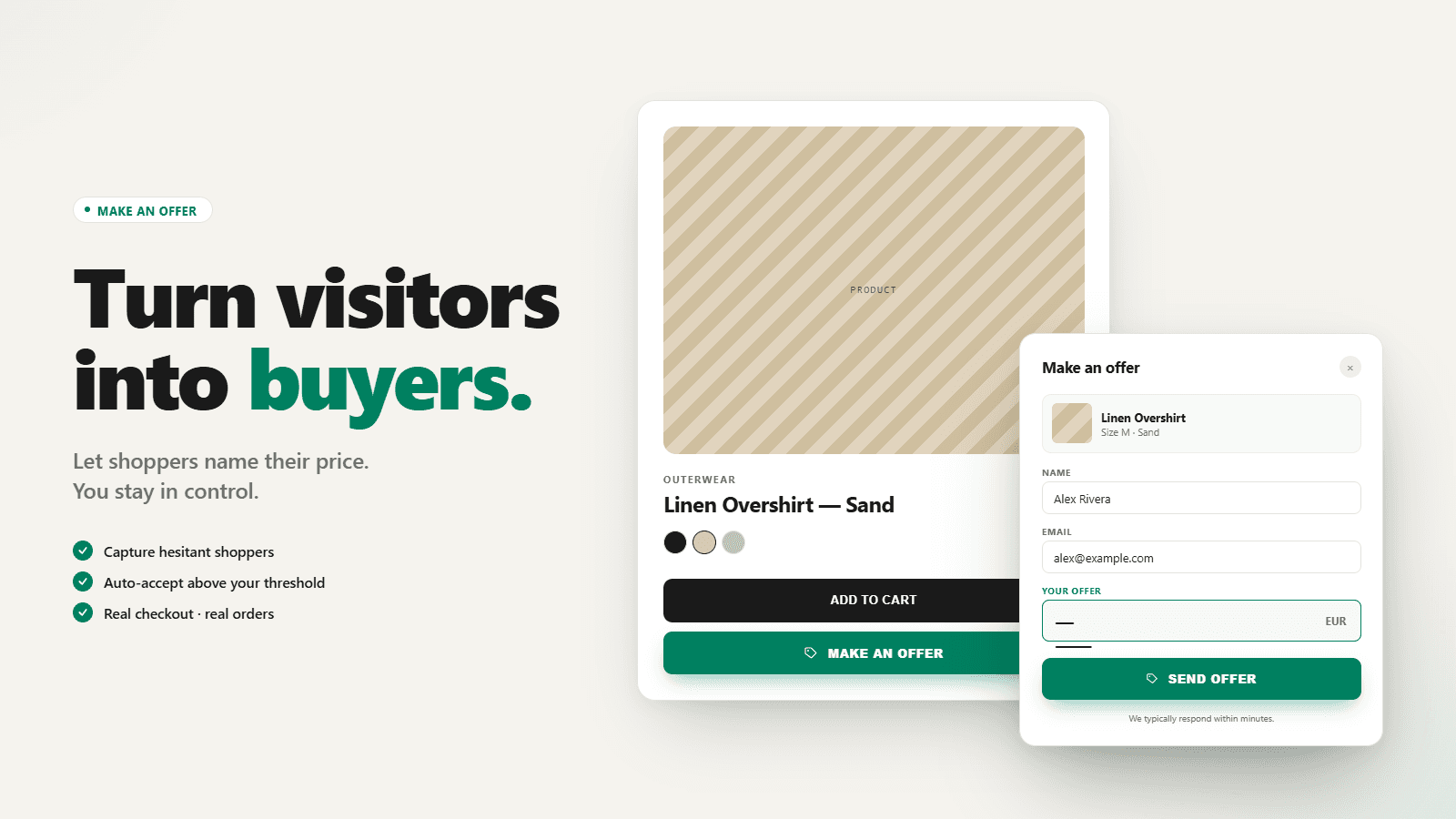
Add Make an Offer on products and collections. Auto-Rules, Counters, Get Offers! Sell More Products!
Give customers the opportunity to name their own price by Make an Offer button on product and collection pages to capture buyers who would otherwise bounce. Define offer limits and auto-accept or auto-reject rules in fixed or percent mode so good proposals close early. Merchant can accept, send a counter offer, or reject. When accepted, app creates draft order at the agreed price and sends a checkout link. Customize colors, labels, and emails, and target products, collections, or customer tags.
Key Features
- Add a Make an Offer button on product and collection pages
- Manage offers in one inbox: accept, counter with email, or reject quickly
- Set auto-accept and auto-reject rules in fixed amounts or percent of price
- Customize button, modal, labels, and emails to match your store branding
- Set min, max, and suggested offer amounts to guide shoppers and protect margin
Best alternatives to SF: Make an Offer


Discounty: Bulk Discount Sales
Boost sale with volume discount, Buy X Get Y and free shipping

NA Bulk Price Editor
Easy bulk price edits, flash sales, and scheduled sales

Maximize AOV with bundles, volume discount, upsells & BOGO

SF: Make an Offer FAQs
No. SF: Make an Offer pricing starts at N/A. For more details about SF: Make an Offer pricing, check here.