

Screenshots
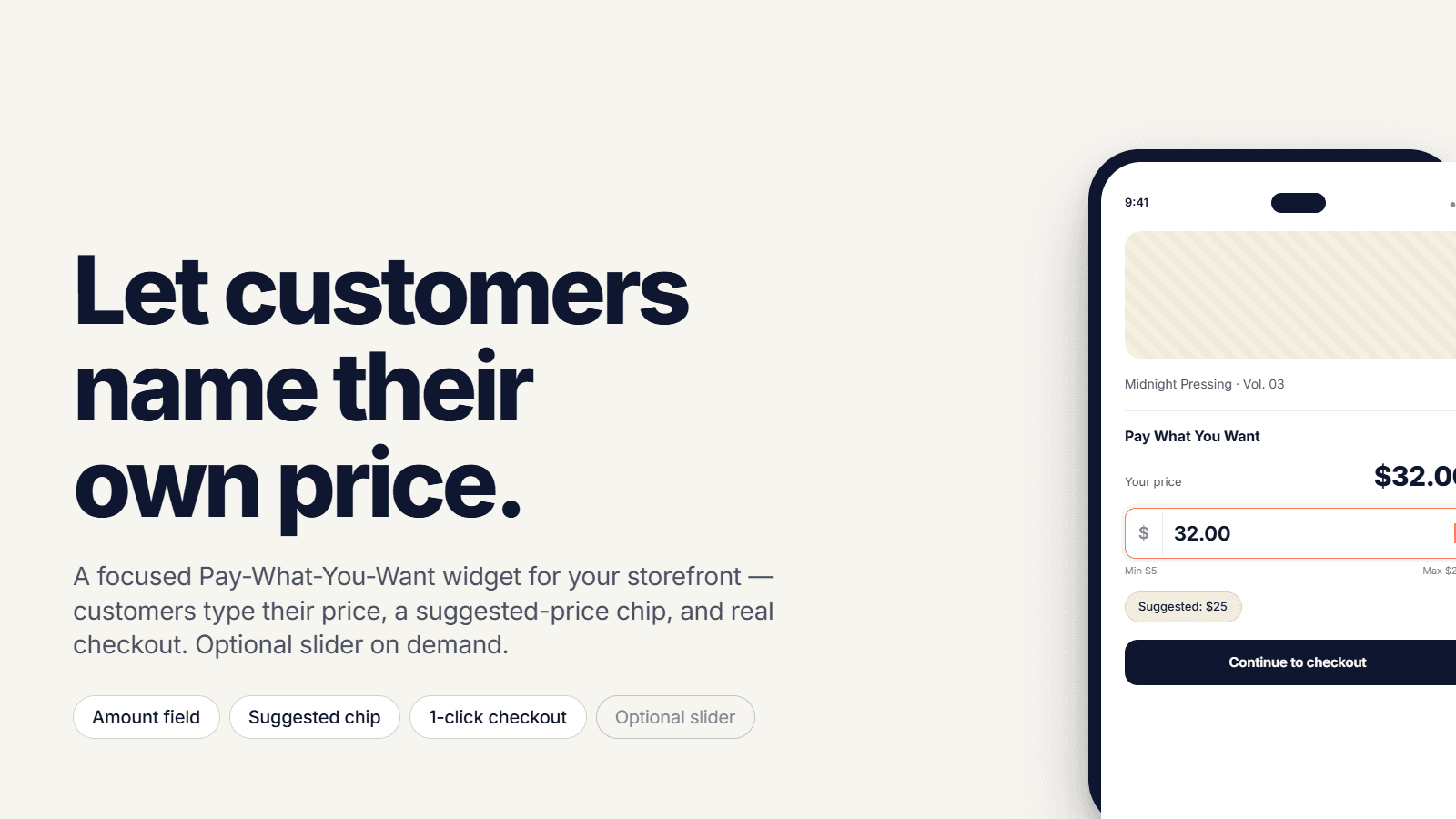
Let customers name their price on products or collections. You set min, max, and checkout is real.
Let customers choose what they pay within your min and max. SF: Pay What You Want adds a widget on product and collection pages. Create campaigns with suggested and default prices, schedules, and tax options. Show the widget inline or in a modal on product pages; on collections, a button opens a modal with variant selection. Checkout uses Shopify at the exact price entered with a generated variant or draft orders. Customize labels and colors, hide theme prices, and track submissions in admin.
Key Features
- Pay What You Want widget on product pages and collection cards. Name your price
- Set minimum, maximum, suggested, and default prices. Customizable labels.
- Inline widget or modal on product pages or collections.
- Checkout at the exact price customers enter, not a fake discount.
- Target all products, specific items, collections, or customer tags.
Best alternatives to SF: Pay What You Want


Upcharge Surcharge Fees Tariff
Easily add fees, custom fees, cod fees, and a surcharge

Magical Surcharge + Extra Fees
Collect a Surcharge, Tariff, or Extra Fees with Confidence

Heartcoding Sales & Discounts
Set up and schedule your sales & promotions fast and easy
SF: Pay What You Want FAQs
No. SF: Pay What You Want pricing starts at N/A. For more details about SF: Pay What You Want pricing, check here.