

Screenshots
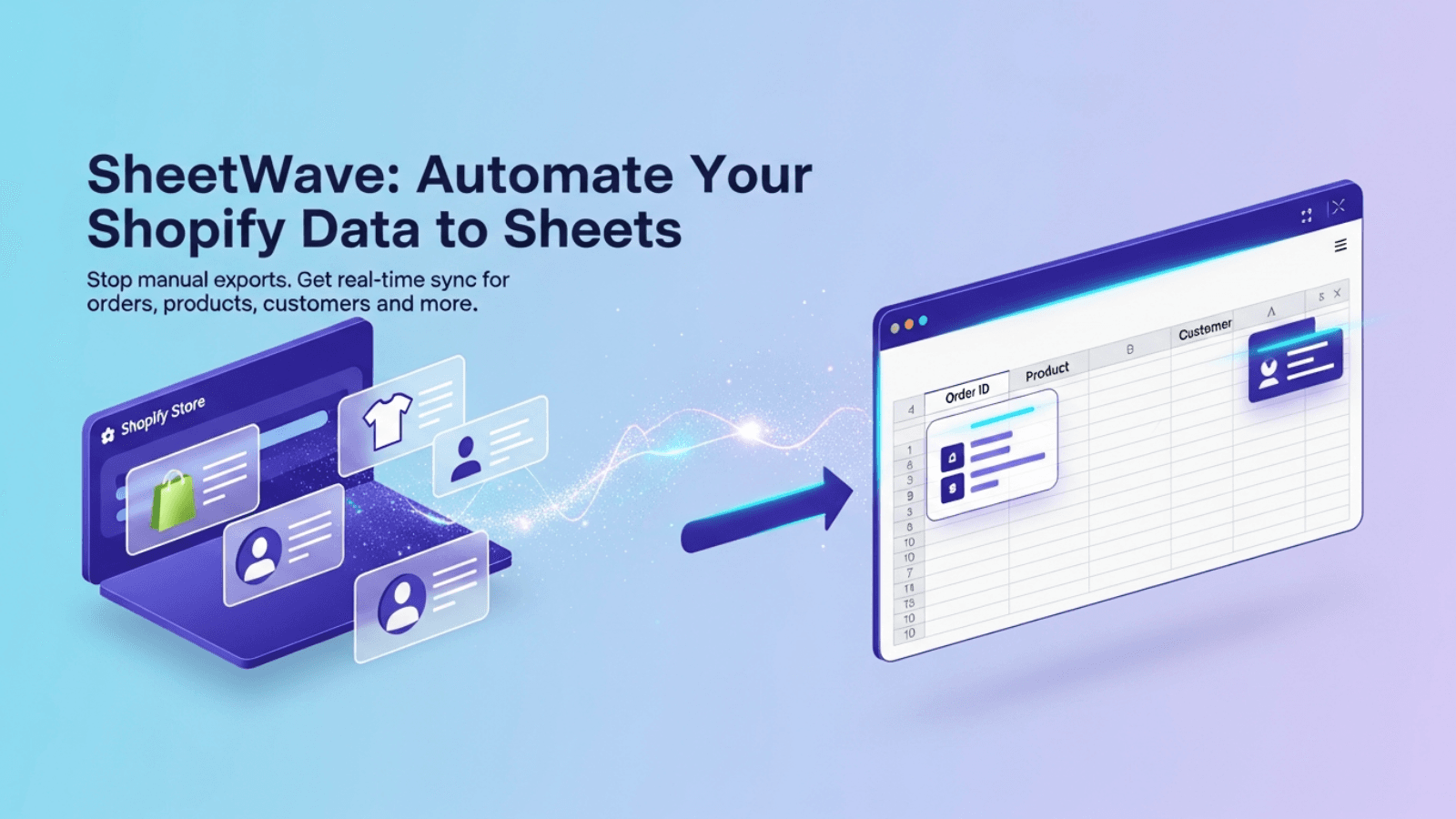
Sync orders, customers, and inventory to Google Sheets automatically for real-time insights.
SheetWave syncs your Shopify store data to Google Sheets automatically, eliminating manual CSV exports and data entry. Orders, customers, products, inventory, fulfillments, refunds, and abandoned carts update in real-time. Edit products, customers, and inventory in your spreadsheet and sync changes back to Shopify with one click. Create custom reports, share data with your team, and manage bulk updates efficiently. All data stays secure in your own Google Sheets account.
Key Features
- Sync orders, customers, inventory, and products directly to Google Sheets
- Two-way sync between Shopify and Google Sheets. Edit in bulk, sync back fast.
- Monitor abandoned checkouts, refunds, and payments automatically
- Sync daily sales, orders, refunds, and customer metrics to Google Sheets
- Custom field mappings to match your exact spreadsheet structure
Best alternatives to SheetWave ‑ Google Sheets Sync

eCommix ‑ Google Sheets Sync
Export to a spreadsheet, bulk edit, and update your store

Synchronize Newly Placed or Abandoned Orders with Google Sheet

FlexSync: Google Sheets Sync
Auto Sync and manage inventory effortlessly from Google Sheets
SheetWave ‑ Google Sheets Sync FAQs
Yes! Try SheetWave ‑ Google Sheets Sync free plan. For more details about SheetWave ‑ Google Sheets Sync pricing, check here.