

App Overview
Simplify geofenced delivery setup with Ship Sketch. Easily draw any-shaped delivery areas on a map, set pricing, and configure details for each zone. Use tags to restrict deliveries to specific products, create exclusion zones within larger areas, and optionally let customers select their exact location at checkout. Tailor delivery options to your needs and enhance the customer experience with this intuitive Shopify app.
Screenshots
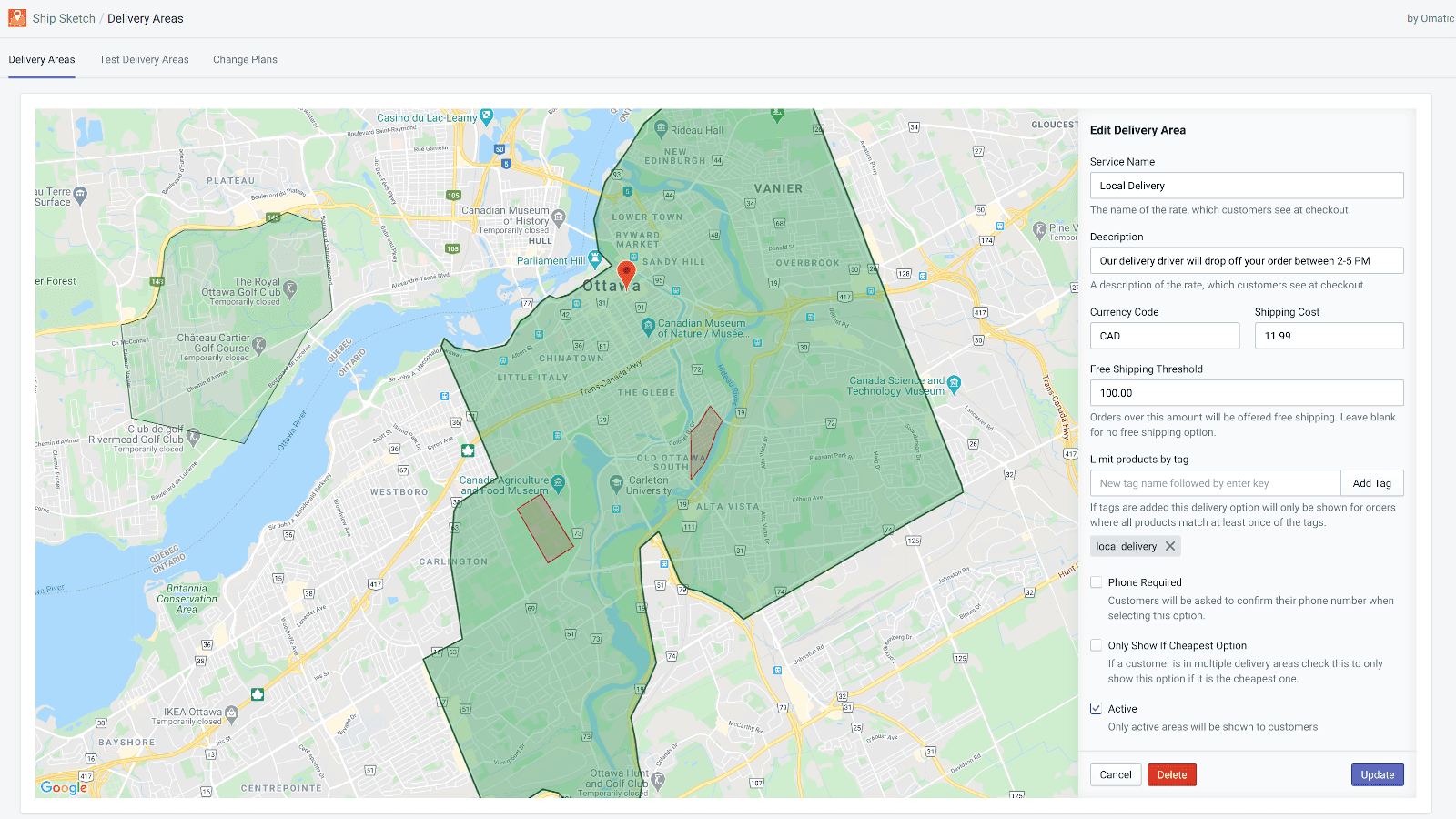
Define your shipping areas by simply drawing them on a map.
Ship Sketch makes setting up geofenced delivery incredibly simple. To create a new delivery zone just draw the area you'd like on a map and then configure it's settings (price, title, description etc.). After that any customer who lives in the area will be presented with this new option at checkout. Ship Sketch also has an optional feature that allows your customers to click their exact delivery location on a map at checkout.
Key Features
- Draw delivery areas on a map of any shape or size.
- Set pricing and plan details per delivery area.
- Use tags to only allow orders with certain products to be shipped.
- Draw smaller exclusion areas within a larger delivery area.
- Optionally allow customers to click their location on a map at checkout.
Best alternatives to Ship Sketch

Shipmondo
Provide Pick-up Points and Easy Shipping of Your Orders


Estimated Delivery Date ‑ ETA
LEVEL 2 EDD - estimated delivery date plus shipping time
