

App Overview
Skroutz Connect simplifies managing your Shopify store’s product feed for Skroutz. With one-click setup, you can easily connect your store by copying an XML URL into Skroutz. The app automatically exports detailed product information, including names, URLs, prices, availability, stock status, images, collections, types, manufacturers, SKUs, and weights. It also supports filtering products to control what’s included in the feed and integrates with Skroutz Analytics for enhanced tracking. Whether you have 10,000 or 100,000 items, Skroutz Connect streamlines your workflow, ensuring your store stays optimized on Skroutz.
Screenshots
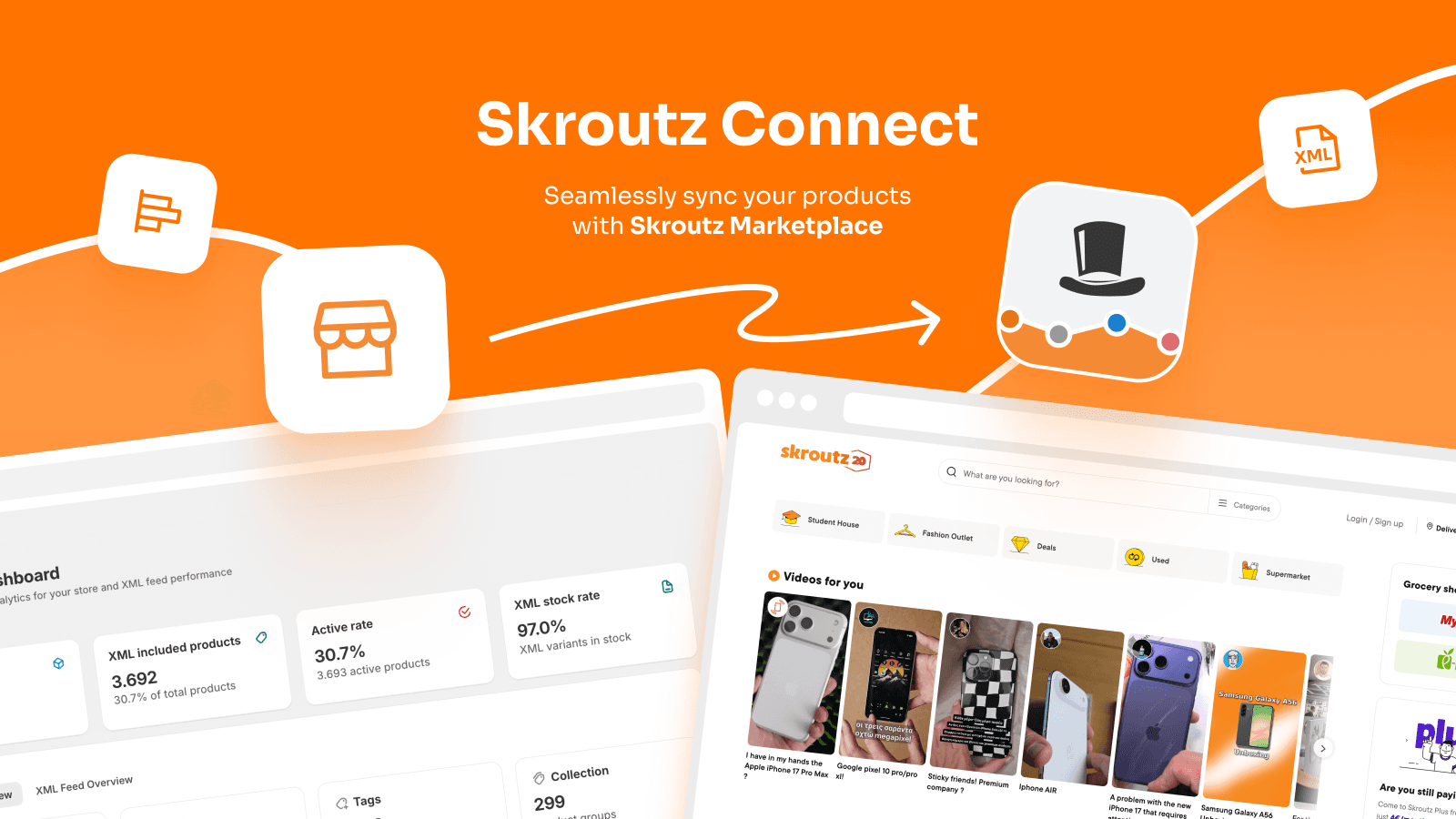
Boost sales with a Skroutz XML feed and seamless Marketplace order sync directly in your store.
List your products on Skroutz with an automated XML feed and sync Marketplace orders directly to Shopify. Our feed includes: name, URL, price, availability, stock, image, collection, type, manufacturer, SKU, and weight. Use our Skroutz Order API integration to manage all Marketplace orders within your Shopify admin. Supporting large stores with 100,000+ items. If you have 10,000+ items, contact us for a custom setup. Dedicated chat support available in English and Greek.
Key Features
- One-click install & setup - you only copy the XML URL to the Skroutz panel.
- Automated XML feed of store products, variants, and types.
- Complete XML exporter feed which is pre-configured for Skroutz needs.
- Filter products by different options in order to control the XML feed items.
- Automatic Order Sync: Process Skroutz Marketplace orders from Shopify.
Best alternatives to Skroutz Connect XML & Orders


Connect to marketplaces by creating optimized product feeds


M2E Multichannel Connect
Easily sell across Amazon, TikTok Shop, eBay, Temu, Walmart US

Omega Google & Facebook Feed
Multifeed for Google feed, Facebook catalog feed & XML feed

Order Fulfillment Guru
Automate multi-store/vendor order fulfillment & inventory sync
Skroutz Connect XML & Orders FAQs
Yes! Try Skroutz Connect XML & Orders free plan. For more details about Skroutz Connect XML & Orders pricing, check here.