

Screenshots
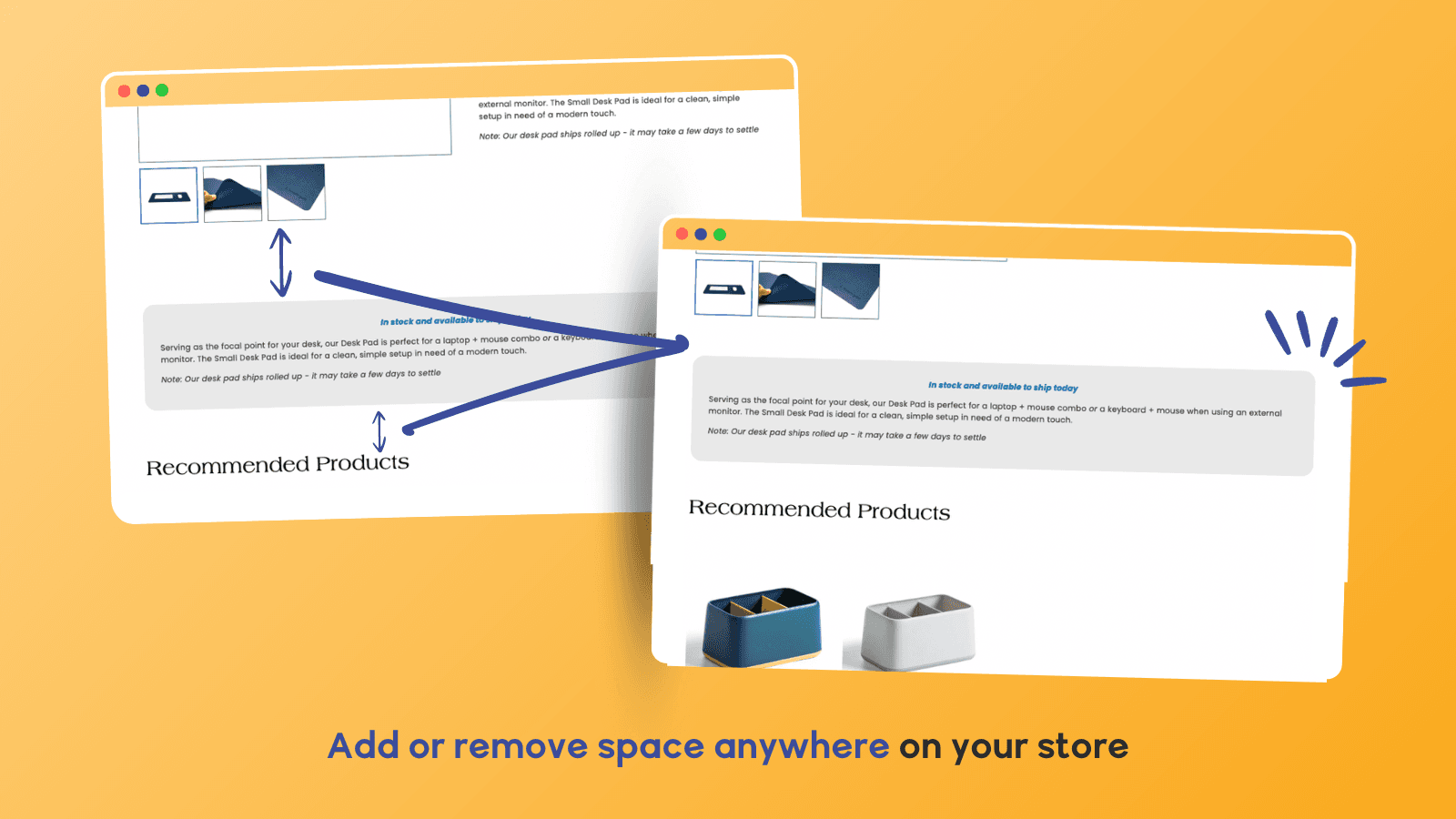
Control spacing between sections or blocks to improve your store’s layout and design.
Add or remove vertical space between sections and blocks without editing code. Spacer gives you full control over spacing on product pages and across your Shopify theme. Customize spacing for desktop and mobile, change background colors, and fine-tune layout across your entire store—perfect for improving product display and page design without a developer.
Key Features
- Adjust padding between sections and blocks for better layout
- Set different spacing for desktop vs. mobile views
- Match background color of spacing with your store’s theme
- Customize spacing without editing code or switching themes
- Works with all Shopify 2.0 Online Store themes
Best alternatives to Spacer: Add or Remove Space

Easy Tabs ‑ Product Tabs
Simple product page tabs & powerful product description tabs.

FOLDER ‑ Smart Product Tabs
Tabs & accordions to improve your product page and description

Organize products with customizable tabs & accordions with AI

Hura Snowfall Effects & Decor
Enhance the website's festive vibe for better sales!

Section Star ‑ Theme Sections
One-stop page builder: sections, blocks, tabs, product bundles

Visually A/B Testing & CRO
A/B testing & CRO: simply AB test & personalize with no code
Spacer: Add or Remove Space FAQs
No. Spacer: Add or Remove Space pricing starts at $2.99. For more details about Spacer: Add or Remove Space pricing, check here.