

StockTaker
Use your mobile device to scan barcodes and count inventory.
Developed by Saskatoon Labs
Screenshots
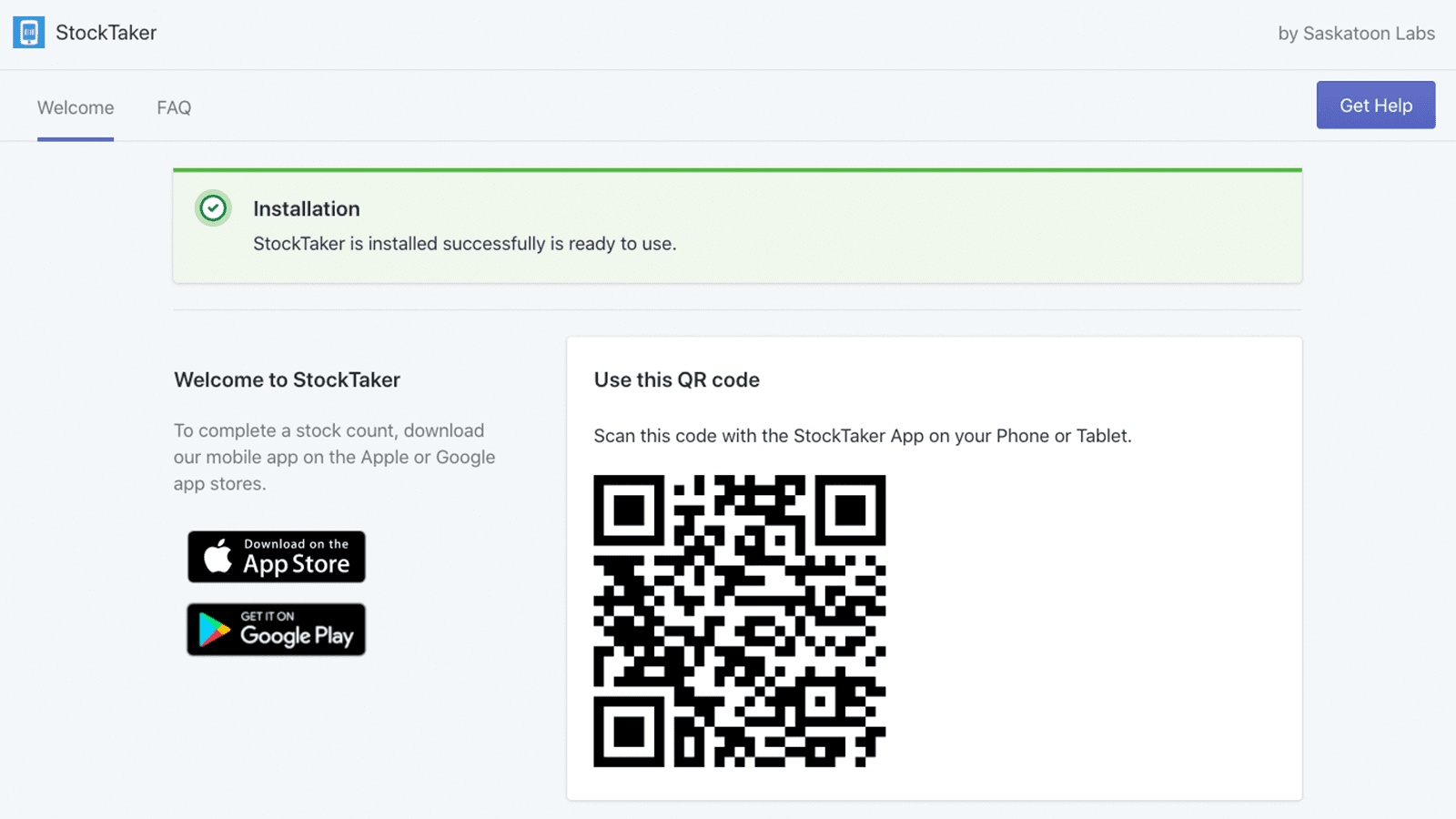
This app turns your phone or tablet into a barcode scanner to make inventory counts fast and easy. Great for cycle counts or full inventory counts. How to: * Download StockTaker mobile app from the iOS and Google app stores. Install StockTaker on your Shopify store, this will generate a QR code. Scan this QR code sign into your StockTaker account. Select your inventory location for the stock count. Scan barcodes using the camera on your mobile device. Once your'e done scanning, decide if you want to Add, Subtract or Overwrite. Also decide if you want to include all related variants in the count. Press OK to update you inventory on Shopify. After completing, you'll be emailed a CSV report of all the changes made.
Key Features
- Barcode Scanning
- Mobile Device
- Inventory Counts
StockTaker FAQs

Get in Touch
with us
Whether you need more information on how LetsMetrix can help enhance your Shopify experience, or require technical support, don't hesitate to contact us. We're available 24/7 via email, phone, or live chat to ensure you have all the assistance you need.