

Screenshots
1 / 4
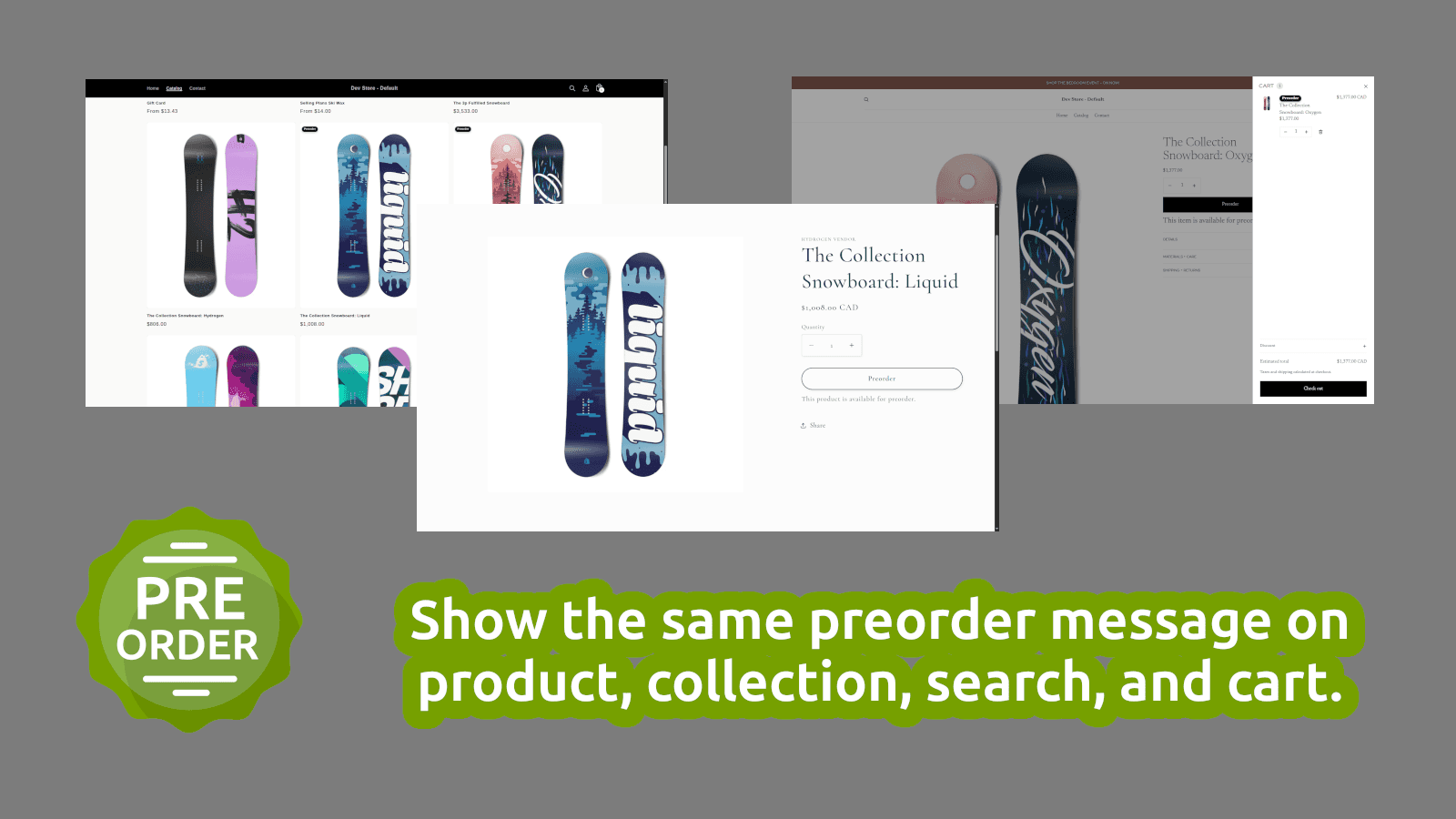
Sell before stock arrives. Set up clear preorder messaging quickly.
Metaobject definitions, metaobjects
Key Features
- Turn preorder on only for the products you choose
- Show the same preorder message on product, collection, search, and cart
- Change button text and messaging for each launch or restock
- Launch preorders without custom theme code
Best alternatives to Super Simple Preorder

Section Store: Theme Sections
4.9(2641)
Free to install. Additional charges may apply.
700+ plug-n-play customisable sections. Bundles, Upsell & AI


Atlas: AI Store Builder
4.7(379)
Free to install. Free trial available.
Sell more with AI-built pages, smart bundles, & cart upsells.

Free plan available. Free trial available.
Grow sales with preorders, 'notify me' & back in stock alerts

Notify! Back in Stock|PreOrder
4.9(3360)
Free plan available. Free trial available.
The Notify Me! for pre order, waitlist, low stock & wish list

Preorder Now Presale Timesact
4.9(1899)
Free plan available
Grow preorders with back in stock, restock alerts and waitlist
Super Simple Preorder FAQs
No. Super Simple Preorder pricing starts at N/A. For more details about Super Simple Preorder pricing, check here.