

Screenshots
1 / 5
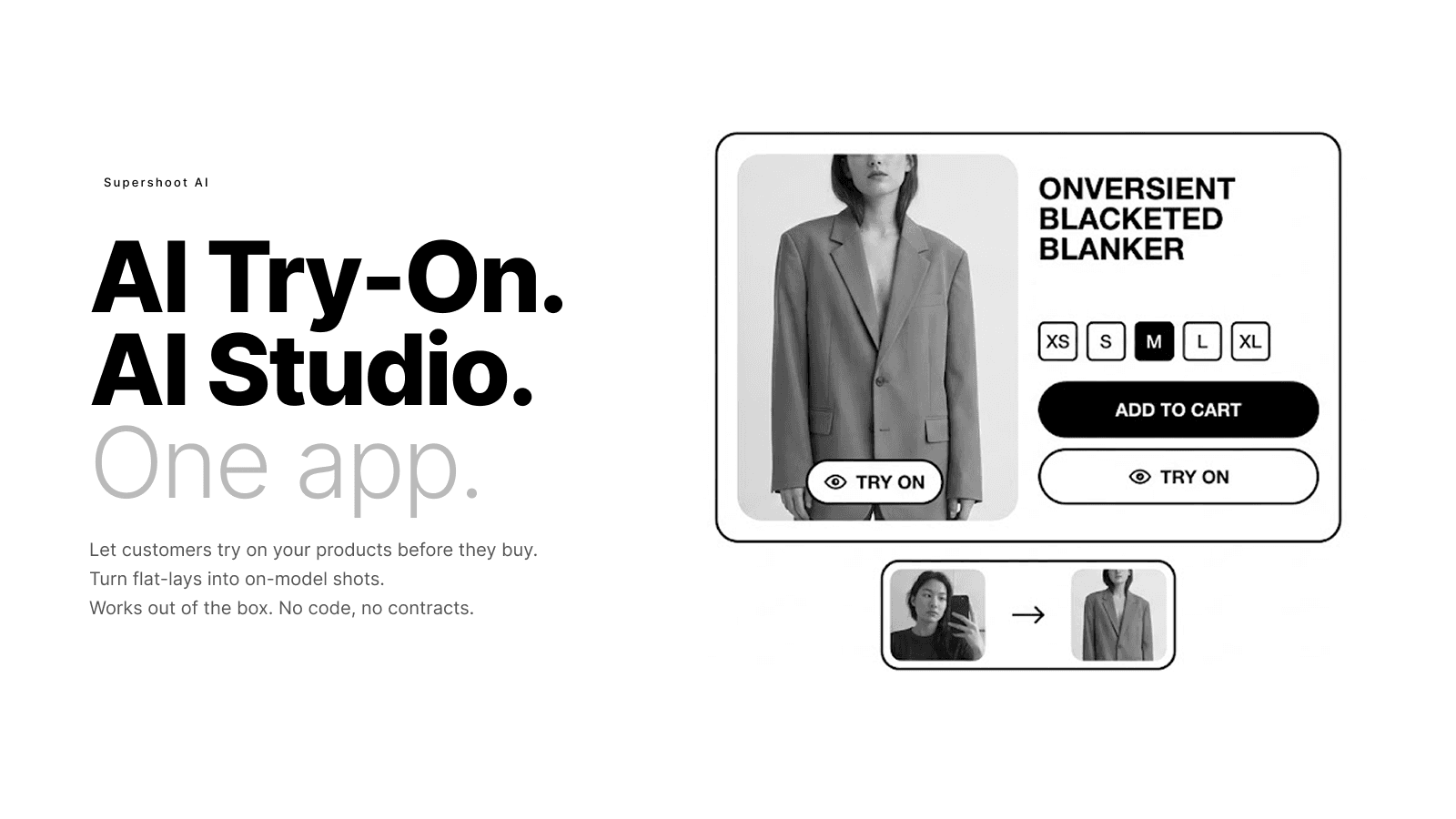
AI try-on for your shoppers. AI photo studio for your content.
Supershoot AI gives fashion and apparel merchants two tools in one app. For your storefront: customers upload a photo and see themselves wearing your products before they buy. The try-on button adds to any product page with no code or theme edits required. It works on all Shopify themes, desktop and mobile. For your content: the AI Studio turns flat-lay photos into on-model shots, edits images, swaps models, and creates short fashion videos.
Key Features
- Customers try on your products by uploading a photo, before they buy.
- Turn flat-lay product photos into on-model shots with the AI Studio.
- Swap models, edit images, and reframe photos for any social platform.
- Generate short fashion videos from any product image.
- Try-on button works on any Shopify theme with no code changes needed.
Best alternatives to Supershoot AI ‑ AI Studio

GG Product Page Image Slider
4.9(167)
Free plan available. Free trial available.
Better product image gallery with carousel, zoom & thumbnails.


Supershoot AI ‑ AI Studio FAQs
Yes! Try Supershoot AI ‑ AI Studio free plan. For more details about Supershoot AI ‑ AI Studio pricing, check here.