

Screenshots
1 / 4
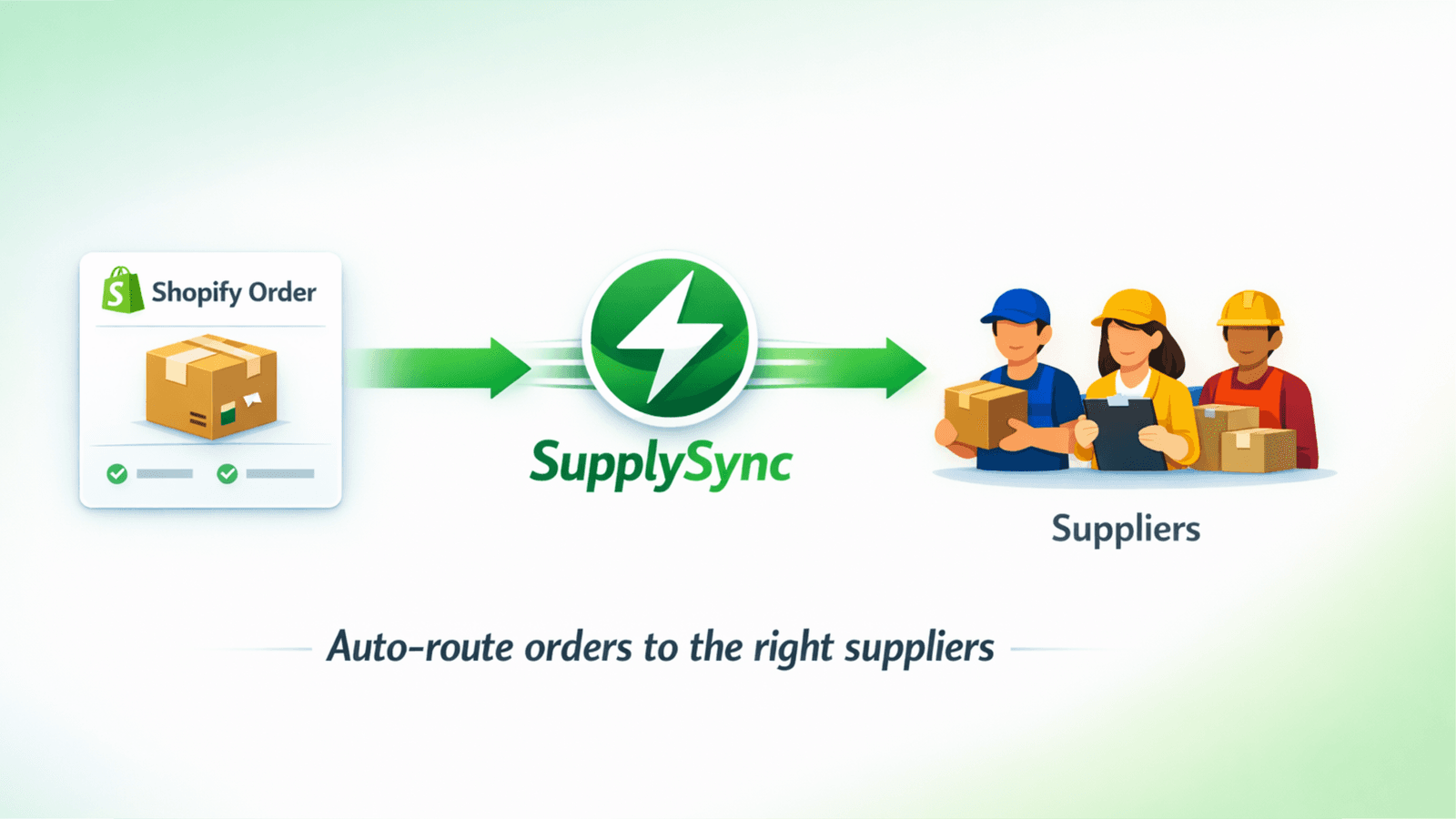
Automatically push orders to suppliers and let them submit tracking info through a dedicated portal.
Assigned fulfillment, draft orders, order fulfillments, merchant managed fulfillment, all order history for the last 60 days, third-party fulfillment
Key Features
- Auto-assign orders to suppliers by vendor, tags, or collections
- Dedicated supplier portal with unique access links
- One-click tracking submission synced directly to Shopify
- Email notifications to supplier when new orders are assigned
- Supplier rules configuration for automatic order assignment
Best alternatives to SupplySync Split Orders

WSA DPD Integration
4.9(101)
Free plan available
Creates and tracks DPD Shipments (20 countries supported)


Free to install. Additional charges may apply.
Generates license keys and subscriptions on LicenseSpring

Upatra: Bulk Fulfill CSV
4.7(107)
Free plan available. Free trial available.
Bulk fulfill orders from CSV. Auto PayPal Tracking Sync.

Free to install. Additional charges may apply.
Global carrier-validated address verification: 240+ countries

SupplySync Split Orders FAQs
Yes! Try SupplySync Split Orders free plan. For more details about SupplySync Split Orders pricing, check here.