

TR: Auto Tag Orders, Customers
Automatically add tags to orders & customers with simple rules
Developed by LiteSky LLC
App Overview
Tag Robot simplifies order and customer management by automating tagging through customizable rules. Start quickly with 70+ pre-built rules, then tailor them using AND/OR/NOT conditions for complex scenarios. Add, remove, or dynamically tag based on order attributes, apply tags retroactively, schedule removals, or bulk-tag via CSV. Stay informed with email alerts for matching orders and access tags in the Order Printer app to streamline operations.
Screenshots
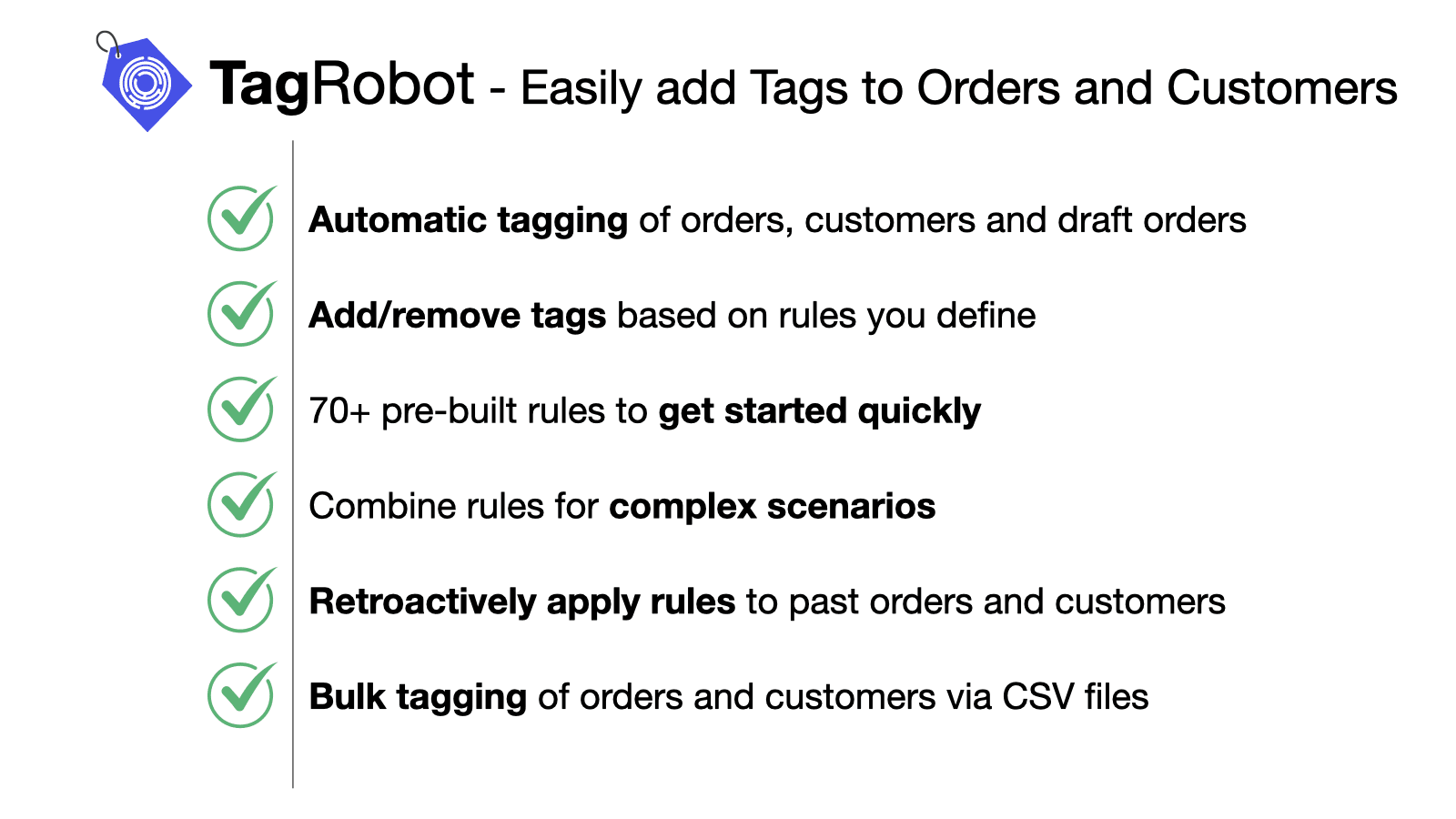
Automatically add tags to orders & customers using simple rules. Helps keep your business organized.
TagRobot helps keep your business organized by automatically tagging orders and customers using simple rules you define. Tags streamline order management and your fulfillment workflow. On customers, tags facilitate segmentation and targeted marketing. TagRobot works by analyzing new orders against the rules you define, then tagging the order or customer with the tag you specified! TagRobot can also retroactively apply tags to existing orders & customers, or even bulk-apply tags using CSV files.
Key Features
- 70+ pre-build simple rules to get started with automatic tagging within seconds!
- Combine rules for complex scenarios, including using AND / OR / NOT conditions.
- Add/remove tags or use dynamic tagging based on order and line item attributes.
- Retroactive tagging; bulk-tagging via CSV file import.
- Email alerts on orders matching a rule; Access order tags in order printer app!
Best alternatives to TR: Auto Tag Orders, Customers

O: Auto Tag Order & Customer
Smart Tags for Orders & Customers. Auto Segmentation & Flow


AI Auto Tags, Flows & QR Codes
Auto tags, order taggers & QR codes for AI order flows


Order Automator
Automate workflows, Amazon MCF, and post purchase upsells

AG Order Printer PDF Invoice
Invoice generator, Order printer with customizable template
TR: Auto Tag Orders, Customers FAQs
Yes! Try TR: Auto Tag Orders, Customers free plan. For more details about TR: Auto Tag Orders, Customers pricing, check here.