

App Overview
Nex Reorder Payment method simplifies checkout management for merchants by enabling the customization of payment options. This app helps streamline the checkout process, potentially boosting customer satisfaction and conversions while minimizing chargebacks and shipping fees. It allows businesses to reorder or hide payment methods based on specific conditions like product tags, customer details, or location. Additionally, its multichannel support ensures consistent payment management across various platforms such as email, in-app chat, and websites.
Screenshots
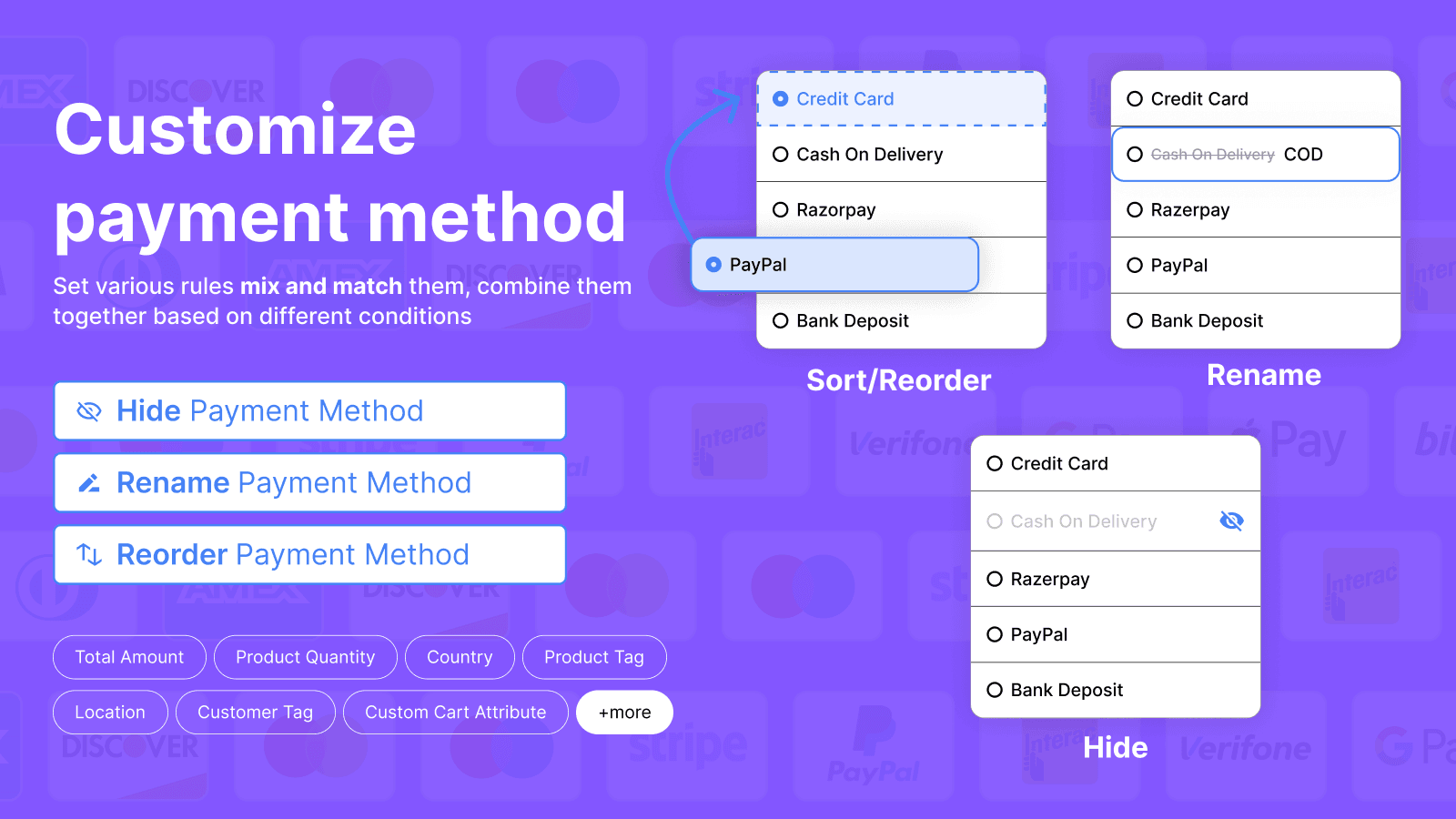
Simplify payment options and reduce costs with Nex. Reordering, sorting, or renaming are made easy.
Metaobject definitions, metaobjects
Key Features
- Move or sort or reorder payment methods by single or multiple conditions
- Sort payment options by many rules: product, customer, country, cart & more
- Move payment options by country/language, Sort/reorder payment methods
- Hide payment method by various conditions like product tag, customer tag etc
- Multichannel support: e-mail, in-app chat, website resources
Best alternatives to Nex Reorder Payment method

Puco Checkout Rules
All-in-one app to create checkout customization and validation

Rename & hide payment methods, shipping methods at checkout


PayRules: Hide Payment Methods
Hide payment options conditionally to avoid unwanted fees

Kip: Sort Hide Payment Methods
Take full control of payment methods with Kip customizations.

Payfy: Hide Payment Rules
Checkout customize to reorder, rename & hide payment methods.
Nex Reorder Payment method FAQs
No. Nex Reorder Payment method pricing starts at N/A. For more details about Nex Reorder Payment method pricing, check here.