

Orderify ‑ Order Edit Cancel
Let customers edit, cancel and reorder orders instantly
Developed by Customer First focus
App Overview
Orderify empowers customers to independently manage their orders by canceling, editing, or reordering with just one click. Accessible via order status emails, confirmations, and account pages, the app ensures seamless self-service. It exclusively handles unfulfilled orders, compatible with third-party fulfillment services. Setup is quick with customizable rules, such as time limits for edits or cancellations. Features include auto-refunds across all Shopify payment gateways and automatic inventory restocking. By enhancing customer experience, reducing support costs, boosting sales through easy reordering, and being tailored for Shopify, Orderify streamlines order management effectively.
Pros
- Customers can easily edit and cancel orders on their own, saving time for customer support.
- Increases sales with one-click reordering, making it convenient for customers to repurchase items.
- Improves the customer experience by empowering them with more control over their orders, building trust and loyalty.
- Reduces customer support costs by automating the order editing and cancellation process, freeing up support staff to focus on other tasks.
Cons
- Lack of support: no response to customer inquiries, despite multiple attempts over a prolonged period.
- Limited functionality: App does not support certain features, such as preventing customers from canceling orders.
- Potential damage to website: App may alter checkout code, causing disruption and difficulty in resolving issues.
- Lack of transparency: Company may have discontinued operations due to unresponsiveness and inaccessible website.
Screenshots
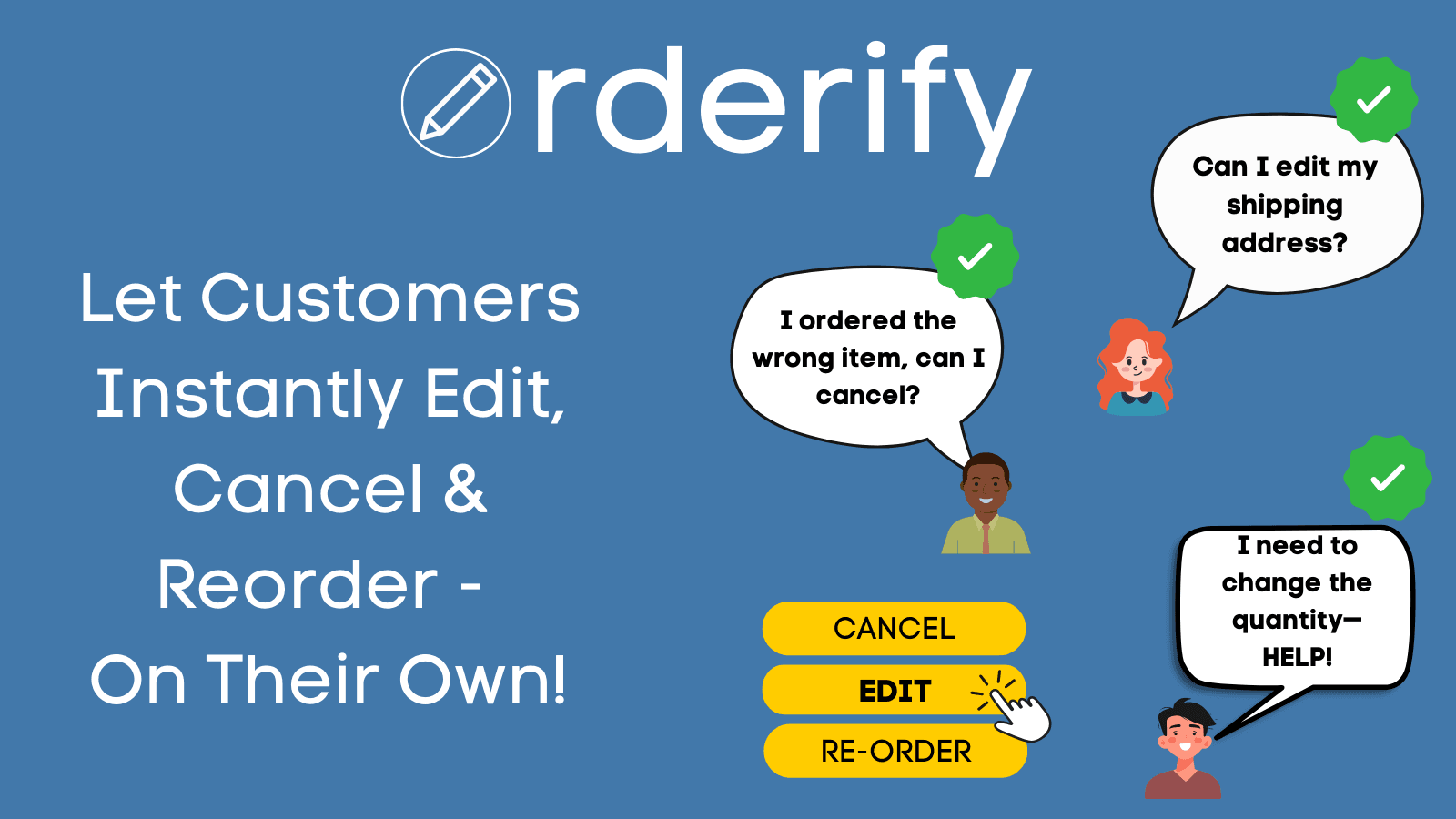
Let customers edit, cancel and reorder on their own for a better customer experience.
Shoppers often make order mistakes and are stuck waiting for a fix. Customer support spends a lot of time fixing these mistakes. Orderify lets customers edit and cancel orders on their own. It also increases sales with one-click reordering. Orderify improves the customer experience, decreases customer support costs and increases orders. *Note, for Order Editing, to give your customer full editing flexibility, Orderify first cancels the original order and reloads the items in a shopping cart.
Key Features
- Your customers can cancel, edit or reorder on their own (one-click self-service)
- Customer Portal on the order status, confirmation e-mail and account page
- Only unfulfilled orders are editable. Works well with third-party fulfillment.
- 5 minute setup with easy custom rules (Ex. duration limit) and display settings
- Auto-refund (compatible with all Payment Gateways on Shopify) and Auto-Restock
Best alternatives to Orderify ‑ Order Edit Cancel


Let shoppers edit orders, cancel order, EU withdrawal button

Channel Sales Chat Bot CRM
All-in-one customer service with live chat, pop-ups, and AI

Cleverific Order Editing
Let customers edit orders without reaching out to your team

Orderify ‑ Order Edit Cancel FAQs
No. Orderify ‑ Order Edit Cancel pricing starts at $4.99. For more details about Orderify ‑ Order Edit Cancel pricing, check here.